
AMD FSR Redstone Is Not Just FSR 4: Upscaling, Frame Generation, Ray Regeneration and Radiance Caching Explained
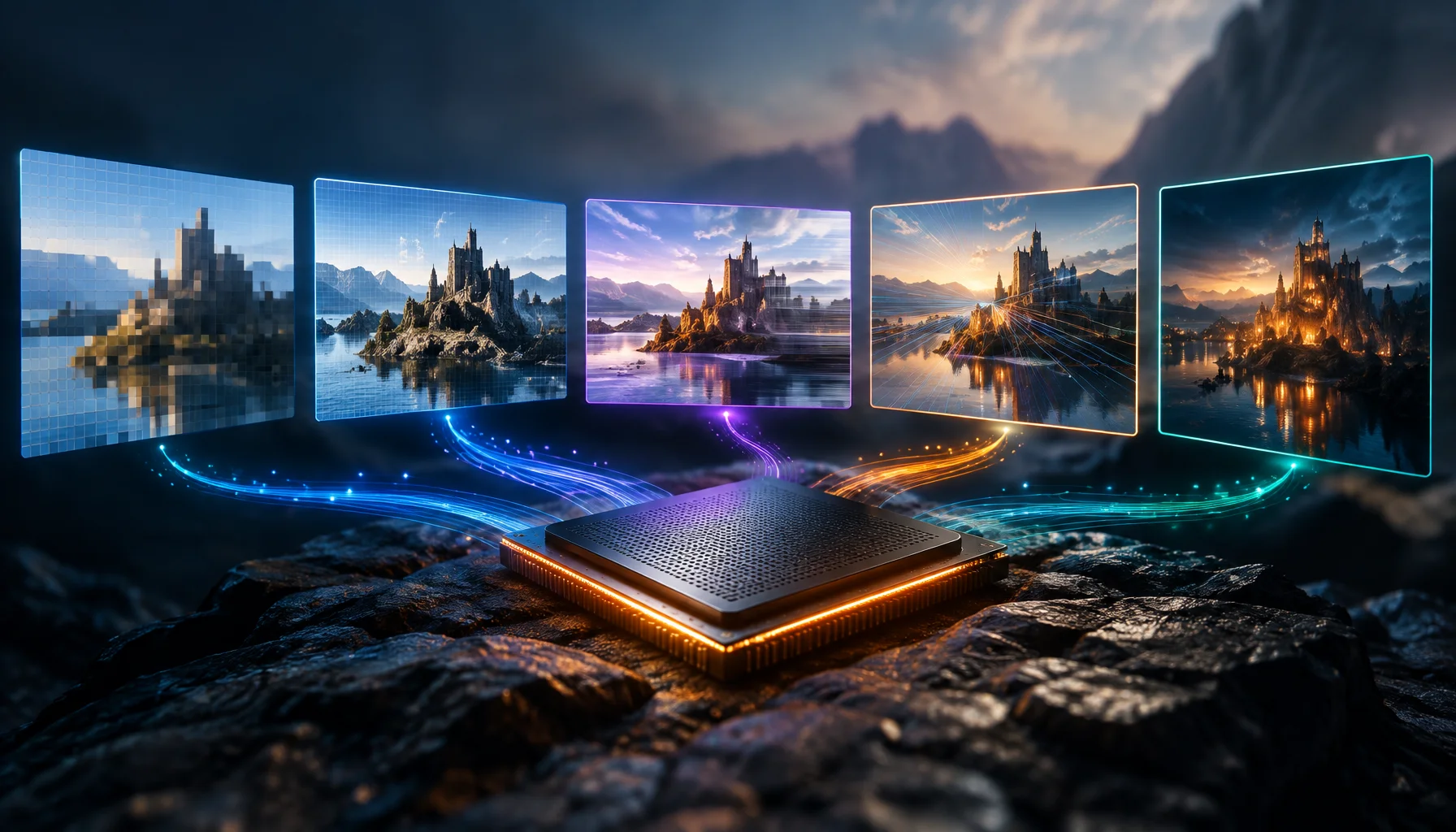
If you still think “FSR 4” is one graphics feature, AMD’s 2026 naming will be confusing. FSR “Redstone” is now a suite: upscaling, frame generation, ray regeneration and radiance caching are separate technologies that solve different rendering problems.
The old mental model no longer works
Earlier FSR discussions often treated the version number as if it described one main technology. That became awkward once AMD added machine-learning upscaling, machine-learning frame generation, neural ray reconstruction and learned global-illumination technology.
AMD now uses FSR as the umbrella name and gives each major rendering effect its own product name.
That is useful because enabling one FSR feature does not automatically mean all the others are enabled.
The Redstone Neural Rendering Quartet
Four different jobs inside FSR Redstone
These features can work together, but they are not interchangeable. One changes resolution reconstruction, one changes frame output, one changes ray-traced signal reconstruction and one changes how indirect lighting is estimated.
FSR 4 did not disappear — the name changed
AMD’s naming guidelines explicitly map the former AMD FidelityFX Super Resolution 4 to the new name FSR Upscaling.
Frame generation is now branded separately instead of being bundled conceptually under the same numbered FSR label.
FSR Upscaling: reconstruct more pixels than you render
FSR Upscaling renders the game at a lower internal resolution and reconstructs a higher-resolution output.
The current ML-powered implementation in the FSR SDK is FSR Upscaling 4.1.1. AMD says it is trained on high-quality game captures and uses dedicated machine-learning acceleration on supported Radeon GPUs.
The important performance trade-off remains familiar: the GPU performs less conventional pixel rendering work, then spends a smaller amount of compute reconstructing the final image.
FSR Frame Generation: increase displayed FPS without rendering every frame traditionally
FSR Frame Generation is a separate stage. It predicts intermediate frames between traditionally rendered ones.
The current Redstone SDK includes ML-powered FSR Frame Generation 4.0.1 alongside the older analytical FSR 3.x frame-generation path.
That distinction matters when reading a performance counter. Once generated frames are included, displayed FPS and conventionally rendered FPS are no longer the same number.
FSR Ray Regeneration: denoising becomes neural reconstruction
Ray tracing is expensive because every additional ray sample costs GPU time. Traditional real-time ray tracing therefore uses relatively sparse samples and then denoises the result.
FSR Ray Regeneration replaces part of that reconstruction process with machine learning. AMD describes it as inferring and restoring full-quality ray-traced detail from sparse samples.
The current SDK lists FSR Ray Regeneration 1.2.0.
FSR Radiance Caching: learn the lighting field
Radiance Caching attacks a different problem: indirect lighting.
Global illumination asks how light bounces through a scene. Calculating enough indirect rays in real time is expensive.
AMD describes FSR Radiance Caching as a system that dynamically learns and predicts how light propagates through the scene. In the current SDK it remains a 0.9 technical preview.
The Feature Independence Map
Do not judge all FSR features with the same metric
| Main input/problem | What it changes | What to measure | |
|---|---|---|---|
| Upscaling | Lower-resolution rendered image | Higher-resolution reconstructed image | Image quality, temporal stability, GPU cost |
| Frame Generation | Rendered frames + motion/history data | Additional displayed frames | Displayed FPS, pacing, latency, artifacts |
| Ray Regeneration | Sparse/noisy ray-traced signal | Reconstructed ray-traced detail | Lighting/reflection quality, temporal stability, performance |
| Radiance Caching | Scene-light transport information | Predicted indirect illumination | GI quality, temporal stability, compute savings |
Why AMD split the names
The new naming makes technical comparisons more precise.
A game might support FSR Upscaling but not ML Frame Generation. Another might add Ray Regeneration but leave Radiance Caching disabled. Saying only “this game has FSR” no longer tells you enough.
For users, the correct question becomes: which FSR feature, which implementation, and on which hardware?
Hardware support is not identical across the suite
This is another reason the umbrella label can be misleading.
AMD’s current public compatibility table lists the full Redstone feature set around Radeon RX 9000 Series hardware, while ML-based FSR Upscaling has expanded to Radeon RX 7000 Series GPUs.
GPUOpen’s FSR SDK 2.3 update specifically added FSR Upscaling 4.1.1 support for RDNA 3 discrete GPUs. The same SDK also updates ML Frame Generation and Ray Regeneration for the current Redstone stack.
Driver-side upgrades make version numbers even more confusing
FSR SDK 2.3 adds an unusual capability: supported games can receive newer ML technology versions through AMD Software driver updates without waiting for a complete game patch in every case.
AMD says eligible FSR 3.1-and-later games can be upgraded to ML-powered FSR Upscaling on supported RX 9000 and RX 7000 GPUs. Eligible FSR 3.1.4 frame-generation integrations can also receive ML-powered Frame Generation on supported RX 9000 GPUs.
That means the graphics option label inside a game may no longer tell you the full implementation version actually running underneath.
The FSR Identification Test
Before comparing FSR performance, identify what is actually enabled
Redstone is really an architecture, not a preset
Thinking of Redstone as “a faster Ultra setting” misses the point.
It is a collection of places where machine learning can replace or augment expensive stages in the rendering pipeline.
A simplified Redstone rendering path
The exact order and integration details depend on the game engine, but the important point is that each neural feature addresses a different cost center.
Why this matters for GPU reviews
A benchmark that simply says “FSR On” is becoming less informative.
A useful test should identify the upscaling mode, whether Frame Generation is active, whether Ray Regeneration is active, the GPU architecture and the software version.
Otherwise two charts can both say FSR while measuring materially different rendering pipelines.
What is already shipping in games?
AMD states that Crimson Desert was the first game to ship with both FSR Upscaling 4.1 and FSR Ray Regeneration 1.1 in March 2026.
The broader SDK has continued moving since then. By the current 2.3 release, AMD lists Upscaling 4.1.1, Frame Generation 4.0.1 and Ray Regeneration 1.2.0, with Radiance Caching still in technical preview.
What would change this answer?
The boundaries will move as AMD expands hardware support and graduates preview technologies into production releases.
Radiance Caching is the least settled part of the current suite because it remains a technical preview. Future SDK releases may change its capabilities, integration requirements or hardware support.
The underlying model remains useful even if version numbers change: identify the rendering stage first, then identify the implementation and hardware support.
Limitations
This article describes AMD’s current public FSR SDK and compatibility guidance as of September 2026. Driver updates and SDK releases can change supported versions quickly.
Performance and image-quality claims from AMD are vendor measurements. Independent game-by-game testing is still required to determine how each feature behaves in a specific title.
Conclusion
The easiest way to understand FSR Redstone is to stop thinking of FSR as one switch.
FSR Upscaling reconstructs resolution. FSR Frame Generation adds displayed frames. FSR Ray Regeneration reconstructs ray-traced detail. FSR Radiance Caching learns indirect lighting.
They share the Redstone umbrella, but they solve different problems, have different support boundaries and should be measured differently.
FAQ
AMD FSR Redstone in plain English
Is FSR Redstone the same thing as FSR 4?
What happened to the FSR 4 name?
Does Redstone require an RX 9000 GPU?
What is FSR Ray Regeneration?
What is FSR Radiance Caching?
Can the driver upgrade FSR without a game patch?
Glossary
Key FSR Redstone terms
- FSR Redstone
- AMD’s umbrella suite of neural-rendering technologies including Upscaling, Frame Generation, Ray Regeneration and Radiance Caching.
- FSR Upscaling
- The current name for AMD’s ML-based high-resolution reconstruction technology previously known as FSR 4.
- FSR Frame Generation
- AMD technology that predicts and inserts additional frames between conventionally rendered frames.
- FSR Ray Regeneration
- AMD ML technology for reconstructing ray-traced detail from sparse or noisy ray samples.
- FSR Radiance Caching
- AMD technology that learns and predicts scene-light propagation for efficient real-time global illumination.
- Feature Independence Map
- A Figure Rocks framework for separating each FSR feature by its input, output and correct performance metric.
- FSR Identification Test
- A Figure Rocks checklist for identifying which FSR feature, version, hardware path and driver implementation is actually being benchmarked.
Primary sources
AMD — FSR TechnologiesOfficial AMD overview of the Redstone suite, its four features and current hardware compatibility.
AMD GPUOpen — FSR SDKOfficial current SDK page listing FSR SDK 2.3, Upscaling 4.1.1, Frame Generation 4.0.1, Ray Regeneration 1.2.0 and Radiance Caching preview.
AMD GPUOpen — FSR Naming GuidelinesOfficial AMD naming guidance explaining the transition from FSR 4 branding to FSR Upscaling and separate Frame Generation naming.
AMD GPUOpen — FSR Redstone for DevelopersOfficial architectural overview of Redstone neural rendering, its four technologies and design goals.
AMD GPUOpen — FSR UpscalingOfficial current FSR Upscaling page documenting version 4.1.1 and Radeon RX 7000 Series support.
AMD GPUOpen — FSR Frame GenerationOfficial current FSR Frame Generation page documenting ML-powered 4.0.1 and supported APIs.
Related Articles
Bayonetta – Player 2 - number 62
The Bayonetta – Player 2 amiibo from the Super Smash Bros. Series represents the alternate costume of the character as seen in Super Smash Bros. for Nintendo 3DS and Wii U and later in Super Smash Bros. Ultimate. It is a standard NFC figure with integrated storage that can be written to and read by compatible systems. In practical terms, this means the figure can store fighter data and training progress when used in supported titles.
Pichu - number 72
The Pichu amiibo from the Super Smash Bros. Series is a character figure with NFC functionality. It represents Pichu as seen in Super Smash Bros. Ultimate and connects to compatible Nintendo systems. The figure is not only decorative. It stores data and can carry progress inside supported games.
Kapp’n
The Kapp’n amiibo belongs to the Animal Crossing amiibo figure line released during the first wave of figures connected to the series. Like other figures in that line, it carries a small NFC chip that links the physical object to several Nintendo games. Scanning the figure activates character-related content. The practical value of the figure sits mostly in the ability to call Kapp’n into supported titles and unlock small pieces of themed content connected to his role in the series.
Lottie
The Lottie amiibo belongs to the Animal Crossing amiibo figure line released during the early phase of Nintendo's amiibo program. It represents the small otter character known from the design office in Animal Crossing Happy Home Designer. Like other figures in this series, the object contains a small NFC chip. When scanned by compatible Nintendo systems, the figure links the character to in-game systems and unlocks small pieces of related content.
Wolf - number 63
The Wolf amiibo from the Super Smash Bros. Series represents the character Wolf O’Donnell as he appears in Super Smash Bros. Ultimate. An amiibo is a physical NFC figure that can store and transfer character data to compatible Nintendo games. It is not a decorative object alone; it functions as a writable figure player in supported titles.
Steve - number 89
The Steve amiibo from the Super Smash Bros. Series expands the playable figure concept by combining a globally recognized character with Nintendo’s training-based amiibo system. It is a functional NFC figure that stores data and interacts with compatible software. In practical terms, it serves as a customizable fighter in Super Smash Bros. Ultimate and as a read-based bonus figure in several other Nintendo titles.
Byleth - number 87
The Byleth amiibo from the Super Smash Bros. Series extends the character beyond the screen. It functions as a physical interface between figure and software. The integrated NFC chip allows compatible Nintendo systems to read and, in specific cases, write data. It is both a collectible object and a storage medium.
Dark Samus - number 81
The Dark Samus amiibo from the Super Smash Bros. Series extends the playable fighter into a physical training unit. It is not a decorative object alone. It stores data, develops behavior patterns in compatible titles, and reflects match history back into the game. Its added value lies in this persistence. The figure becomes an adaptive opponent rather than a static unlock.
King K. Rool - number 67
The King K. Rool amiibo from the Super Smash Bros. Series represents the playable version of the character as seen in Super Smash Bros. Ultimate. It functions as a trainable Figure Player (FP). The figure can store data, learn from matches, and be customized. It is not read-only. This creates measurable gameplay value beyond simple cosmetic presence.
Cloud - number 57
The Cloud amiibo from the Super Smash Bros. Series extends a playable character into a physical training and data object. It represents Cloud as he appears in Super Smash Bros. for Nintendo 3DS and Wii U. The figure functions as a write-capable amiibo. It stores character growth, battle behavior and customized settings when used in compatible titles. In practical terms, it is a reusable NFC figure that links one specific fighter identity to multiple Nintendo systems.
Roy - number 55
The Roy amiibo from the Super Smash Bros. Series represents the Fire Emblem character Roy in his Smash Bros. interpretation. It is a NFC-enabled figure that stores character data and interacts with compatible Nintendo games. The added value lies in its dual role: a physical collectible with defined sculptural detail and a functional in-game fighter that can be trained, saved, and reused.
Joker - number 83
The Joker amiibo from the Super Smash Bros. Series expands the roster of NFC figures with a character that originally did not belong to Nintendo’s own catalog. It represents Joker as he appears in Super Smash Bros. Ultimate. The figure functions as an interactive data carrier. It can be read and written, meaning it stores fighter data and learns through repeated use in compatible titles.