
Controller Wired vs Wireless: Latency, Stability, and the Real Tradeoff
The real difference is usually stability. Wireless can be excellent, but interference and power saving can introduce inconsistency. Wired often reduces variables — which improves feel.
What Changes in Practice
- Wireless adds a radio link that can be affected by interference.
- Wired reduces device switching and power saving quirks.
- Polling/timing stability matters more than theoretical minimum latency.
Choose the Stable Option
- If you feel random heaviness or drift, test wired for a week.
- Keep the same port/device route each session.
- Fix display processing and frame pacing before blaming controller latency.
Rule: remove variables first. Stability beats theory for real control.
Related Guides
Controller FeelDeadzones and curves.
Controls BaselineStability checklist.
Fix Input Lag FastBaseline first.
Input Lag ChainWhere delay builds up.
Related Articles
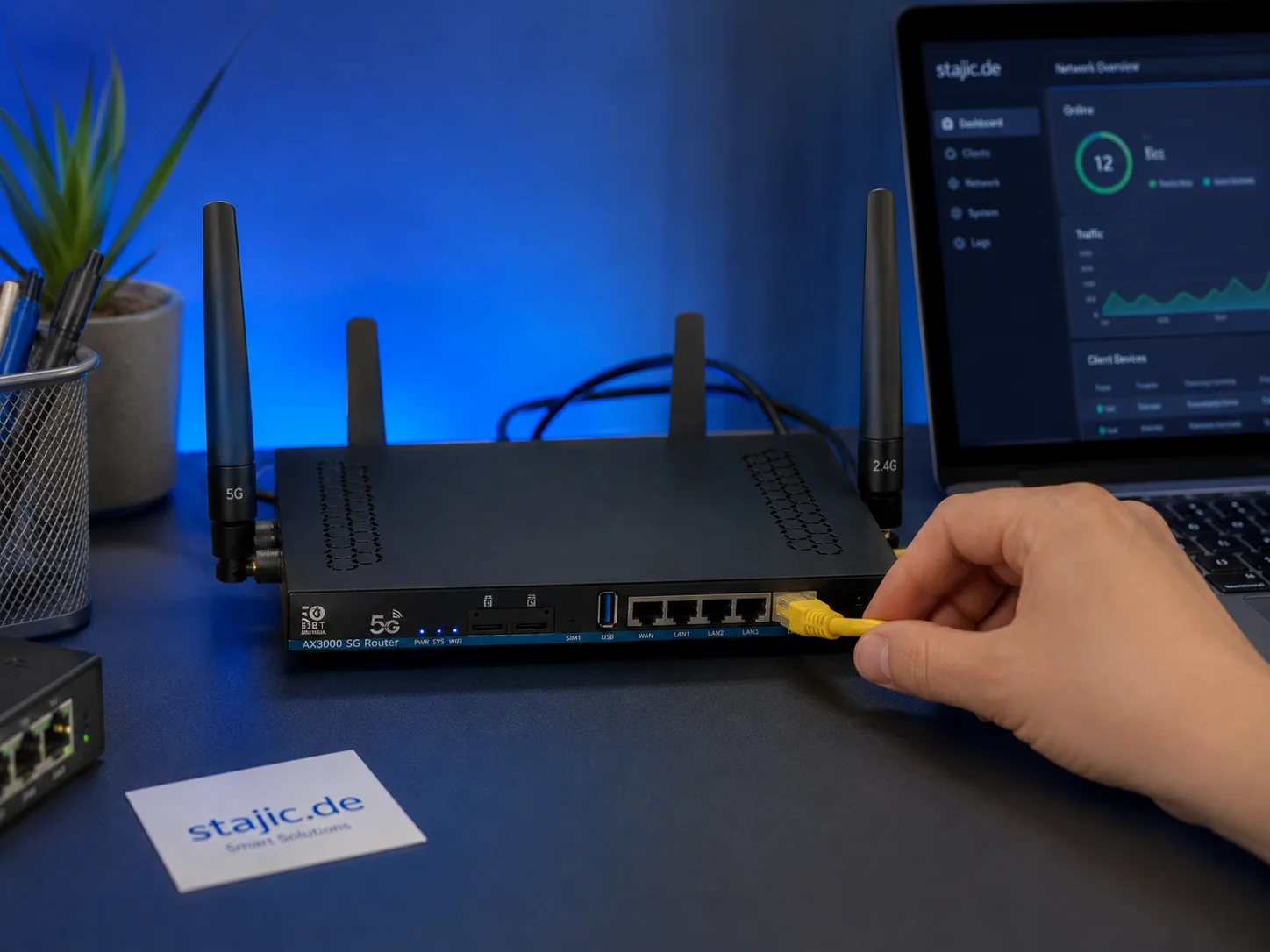
Why a 5G OpenWrt Router Can Be a Smart Upgrade for Gaming, Streaming and Mobile Work
A 5G OpenWrt router like the ZBT Z8102AX is more than a simple internet box. For gaming, streaming, mobile work and backup internet, it can become a flexible network platform with 5G connectivity, external antennas, dual-SIM potential and more control than many closed consumer routers.

Pre-Order Alert: Good Smile Company Figma Doom: The Dark Ages – Doom Slayer DX Edition
The new Good Smile Company Figma Doom: The Dark Ages Doom Slayer DX Edition is more than a routine figure drop. It connects collector demand, franchise identity, and the wider appeal of Doom as one of gaming’s most durable icons.
Router Checklist for Gaming: The 10 Settings That Actually Matter
Most router tweaks are noise. Use this checklist to target stability under load: Wi-Fi environment, queue management, and sane defaults that reduce spikes.
Mouse Acceleration vs Raw Input: How to Choose Without Breaking Aim
Acceleration isn’t evil — inconsistency is. Learn what raw input changes, when acceleration makes sense, and how to choose a stable setup without resetting your muscle memory daily.
Wireless Controller Latency: Myths, Reality, and the One Baseline That Matters
Wireless isn’t automatically bad. Feel breaks when timing is unstable. Learn the real sources of controller delay and the baseline that makes it consistent.
Audio Chain for Gaming: One Clean Layer at a Time (No Stacking)
If direction feels wrong, you’re probably stacking processing. This guide shows a clean audio chain and the one-layer rule that restores readable footsteps.
Fix Input Lag Fast: The No-Placebo Checklist (Display, Timing, Background Load)
Stop guessing. This checklist isolates the real causes of input lag: display processing, unstable timing, and background load — in the right order.
End-to-End Feel Diagnosis: A Simple Flow That Finds the Real Cause
Stop guessing. Use this end-to-end flow to diagnose bad feel: display mode, timing, input queue, audio chain, and network load — in the right order.
HDMI Black Level and RGB Range: The Quick Fix for Washed Out or Crushed Images
Washed out blacks or crushed shadow detail is often a range mismatch, not a bad screen. Use this quick check to fix readability in minutes.
Capture and Overlays: When Recording Tools Add Delay and Spikes
Recording and overlays can change timing and feel. Use this checklist to isolate capture overhead and keep frametimes stable while streaming or clipping.
HDR vs SDR Decision Matrix: When HDR Helps and When SDR Wins
HDR is not always better. Use this simple decision matrix to pick HDR or SDR per game based on readability, stability, and your display’s real behavior.
Background Load Killers: The PC Checklist That Stops Random Heavy Feel
If the same game feels great one day and heavy the next, suspect background load. This checklist removes the common culprits: overlays, sync, scans, and scheduling spikes.