
Gaming Audio: Clarity and Positioning Without Hype (Headsets That Work)
Gaming Audio: Clarity and Positioning Without Hype (Headsets That Work)
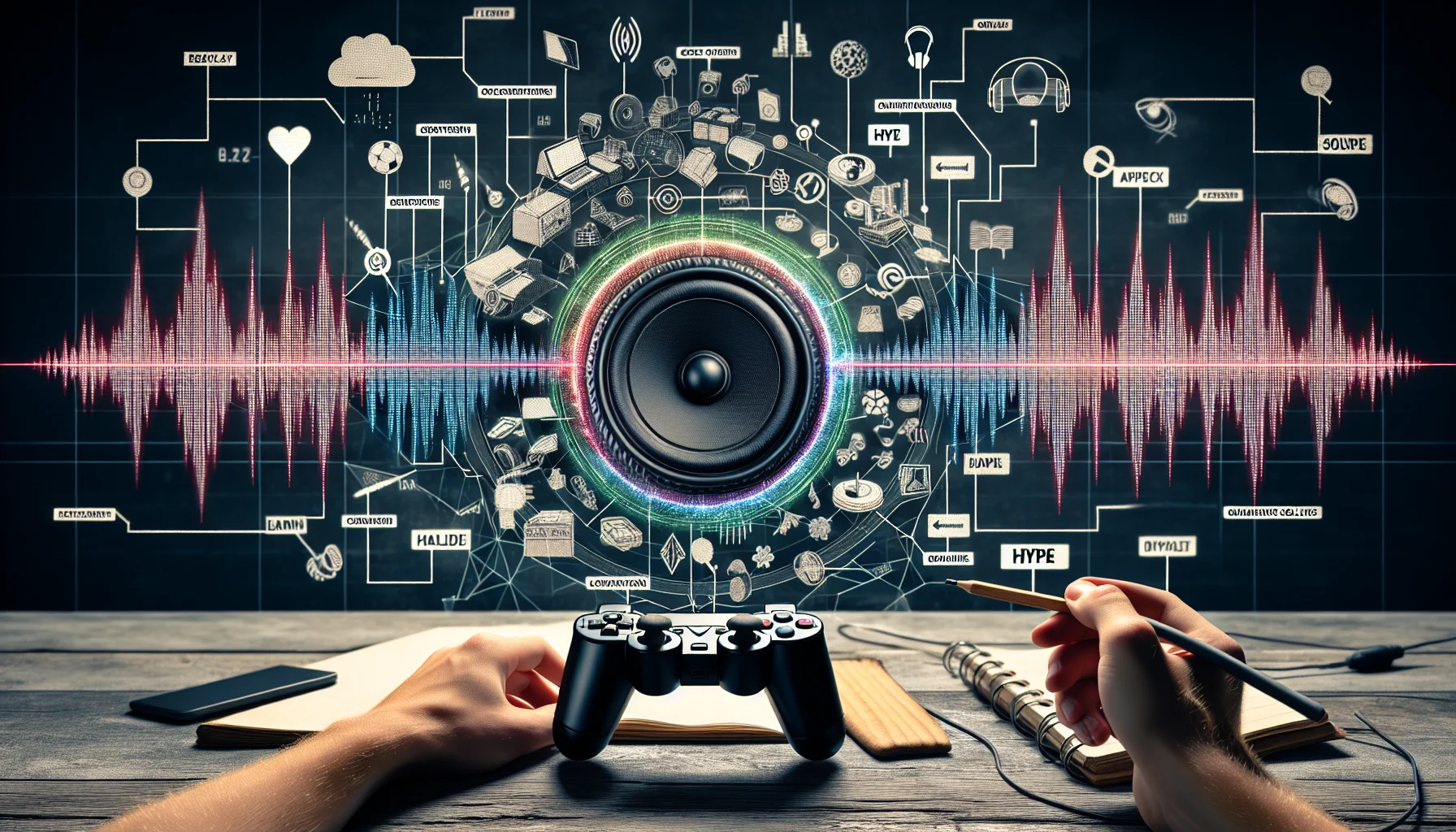
Good gaming audio is not about loudness. It is about clarity and reliable positioning. When audio is clean, you react earlier, you get less fatigue, and your brain works less to decode the scene.
What Actually Matters
- Clarity: footsteps and cues are separated from noise.
- Comfort: long sessions without pressure and heat.
- Consistency: stable connection and predictable volume.
- Mic quality: understandable voice without harshness.
Common Audio Traps
- Overpowered bass that hides cues.
- Too much virtual surround that smears direction.
- Aggressive EQ presets that sound impressive but reduce information.
- Wireless instability that adds dropouts and delay.
Practical Baseline
- Start with a neutral profile and moderate volume.
- Reduce bass if cues are hidden.
- Use virtual surround only if it improves direction in your games.
- Prioritize comfort and stability over flashy features.
The Rule
If it increases information and reduces fatigue, it is good audio. If it sounds exciting but hides cues, it is noise.
Related Articles
Audio Chain for Gaming: One Clean Path from Game to Ears
Audio positioning improves when the chain is clean and stable. Build one path: one device, one mode, minimal processing, consistent levels.
HDR vs SDR Decision Matrix: When HDR Helps and When SDR Wins
HDR is not always better. Use this simple decision matrix to pick HDR or SDR per game based on readability, stability, and your display’s real behavior.
Audio EQ Minimalism: Small Changes That Improve Footstep Readability
EQ can help, but big curves often destroy distance and direction cues. Use minimal moves to improve footsteps without turning audio into mush.
Stutter Fixes That Actually Work: Stop Chasing Random Graphics Tweaks
Most stutter ‘fixes’ fail because they don’t match the stutter type. Use this practical order: triage, reduce spikes, stabilize pacing, then tune settings.
Latency Features Explained: Reflex, Anti-Lag, and When They Actually Help
Latency features help only when the baseline is stable. Learn what Reflex/Anti-Lag type features do, when they reduce queue delay, and when they cause instability.
Background Load Killers: The PC Checklist That Stops Random Heavy Feel
If the same game feels great one day and heavy the next, suspect background load. This checklist removes the common culprits: overlays, sync, scans, and scheduling spikes.
Wireless Controller Latency: Myths, Reality, and the One Baseline That Matters
Wireless isn’t automatically bad. Feel breaks when timing is unstable. Learn the real sources of controller delay and the baseline that makes it consistent.
Do Gamers Need an NPU in 2027? What AI PC Hardware Actually Changes in Games
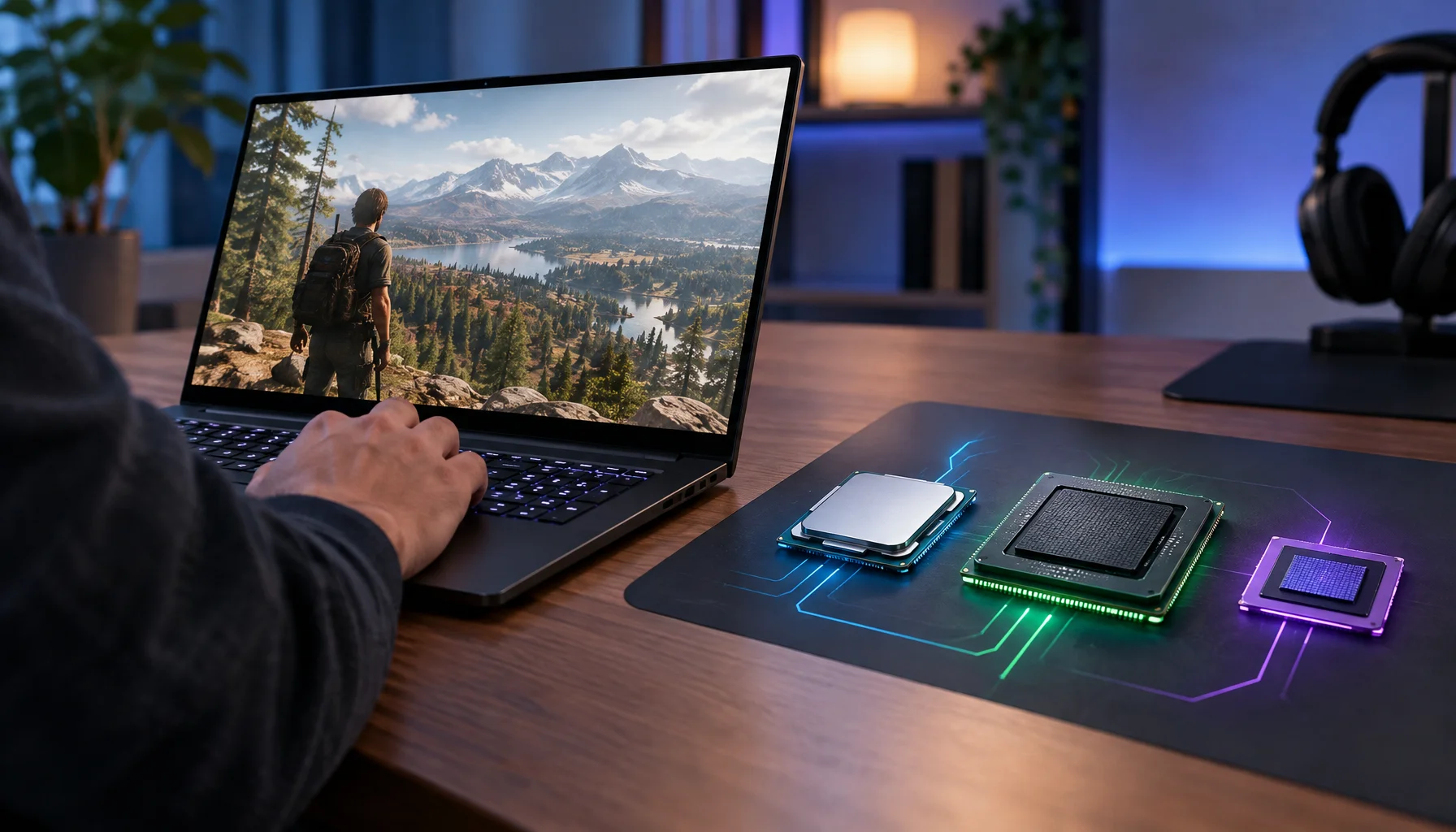
AI PCs increasingly combine a CPU, GPU and NPU, but those processors do very different jobs in games. This guide explains which gaming AI workloads actually use an NPU, when the GPU still matters more, and how to avoid paying for the wrong kind of future-proofing.
Motion Clarity for Gaming: Blur Sources and the Fix Order That Works
Motion clarity isn’t one setting. Blur comes from multiple sources. Use this fix order to improve readability without adding latency or artifacts.
Latency Chain Explained: Where Delay Actually Comes From (End to End)
Input lag is a chain, not one setting. Learn where delay comes from (device, render queue, display) and the fix order that actually improves feel.
Shader Cache Reality: What It Fixes, What It Doesn’t, and Why Stutter Returns
Shader cache can reduce repeated compilation stutter, but it won’t fix CPU spikes or streaming hitches. Learn what it really does and how to test properly.
Audio Chain for Gaming: One Clean Layer at a Time (No Stacking)
If direction feels wrong, you’re probably stacking processing. This guide shows a clean audio chain and the one-layer rule that restores readable footsteps.