
Latency Features Explained: Reflex, Anti-Lag, and When They Actually Help
Latency features are not magic. They mainly reduce render queue buildup when you are GPU-limited. If your timing is unstable or you are CPU-limited, you may see no benefit — or worse behavior. Use them after the baseline is correct.
When They Help
- You are GPU-bound and the render queue builds up.
- Your frame pacing is stable and you can retest consistently.
- The game supports the feature properly.
When They Don’t
- CPU-bound stutter and scheduling spikes dominate.
- You stack multiple features without a stable cap.
- Your display mode/refresh is wrong (baseline broken).
Rule: features come last. Fix timing and queue behavior first.
Related Guides
Render Queue BasicsQueue age is real delay.
Frame Cap RecipesStabilize timing first.
CPU-Bound Stutter DeepWhen features won’t help.
Fix Input Lag FastBaseline before tuning.
Related Articles
Spatial Audio Stacking: The Fast Way to Stop Confused Direction
Direction breaks when you stack spatial processing layers (game + system + headset app). Use one layer at a time and your cues become readable again.
Motion Clarity for Gaming: Blur Sources and the Fix Order That Works
Motion clarity isn’t one setting. Blur comes from multiple sources. Use this fix order to improve readability without adding latency or artifacts.
VRR Range Basics: Why the Same Setup Feels Great in One Game and Bad in Another
VRR isn’t magic. If your FPS lives outside the VRR range, feel becomes inconsistent. Learn range basics, edge bouncing, and how to stay stable.
Mouse Acceleration vs Raw Input: How to Choose Without Breaking Aim
Acceleration isn’t evil — inconsistency is. Learn what raw input changes, when acceleration makes sense, and how to choose a stable setup without resetting your muscle memory daily.
Console 120Hz Traps: Why 120 Can Feel Worse Than 60
120Hz only feels better if the chain is correct. Wrong mode, wrong refresh handshake, unstable pacing, or broken VRR can make 120Hz feel worse than stable 60Hz.
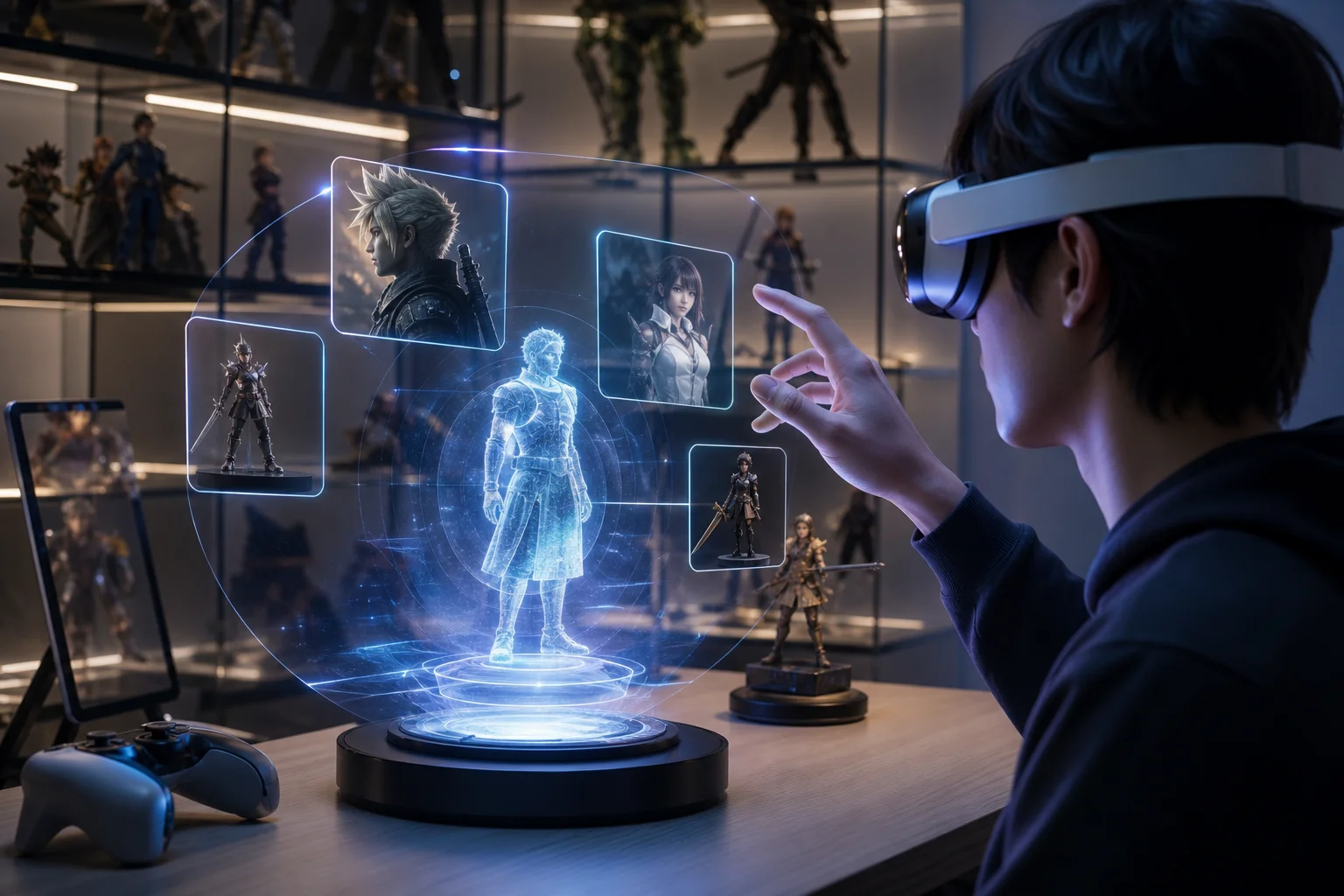
Google I/O 2026 and Gaming: AI, XR, and the Next Wave of Collectibles
Google I/O 2026 was not a classic gaming event, but its AI, XR, Gemini, Google Play, and creative tooling announcements point toward a clear shift in gaming culture. This article explains how AI discovery, XR companion layers, Gemini-powered media, and faster character visibility may shape games, figures, collectibles, and future fan ecosystems.
End-to-End Feel Diagnosis: A Simple Flow That Finds the Real Cause
Stop guessing. Use this end-to-end flow to diagnose bad feel: display mode, timing, input queue, audio chain, and network load — in the right order.
Mic Monitoring (Side-Tone): The Comfort Setting That Prevents Shouting
Side-tone keeps your voice natural and prevents fatigue. Set it right so you don’t shout, over-tighten your jaw, or lose focus during long sessions.
Background Load Killers: The PC Checklist That Stops Random Heavy Feel
If the same game feels great one day and heavy the next, suspect background load. This checklist removes the common culprits: overlays, sync, scans, and scheduling spikes.
Windows Audio Mixer Traps: Why PC Audio Feels Inconsistent in Games
PC audio feels random when routing changes silently. Learn the mixer traps (default device switching, enhancements, app routing) and how to lock one stable path.
Ethernet vs Wi-Fi for Gaming: When Wi-Fi Is Enough and When It Isn’t
Wi-Fi can be fine for casual play, but competitive stability still favors Ethernet. Use a simple decision checklist based on spikes, distance, and load.
Input Lag Chain Deep: Where Delay Builds Up (Click to Photon)
Input lag is a chain, not one number. Learn where delay accumulates from device to display, and the practical fix order that improves feel without placebo.