
Frame Cap Recipes: Stable Targets for VRR and Non-VRR Setups
Frame caps are a stability tool. The point is not the highest number — it’s the most consistent delivery you can hold in real gameplay. These recipes give you safe starting points.
Recipe Rules (Simple)
- Pick a target you can hold in the hardest scenes.
- A stable cap beats higher peaks for feel.
- For VRR: stay inside the VRR range most of the time.
Practical Starting Targets
- 60Hz display: cap at 60 with stable pacing.
- 120Hz display (non-VRR): cap at 60 or 120 depending on what you can hold cleanly.
- VRR display: cap slightly below your top stable level to avoid range edge bouncing.
Rule: your cap should protect pacing, not chase a benchmark number.
Related Guides
Frame PacingWhy stability wins.
VRR Setup GuideVRR needs stable targets.
VRR Flicker DiagnosisCaps prevent edge bouncing.
Render Queue BasicsStable caps reduce buffering delay.
Related Articles
Storage Streaming Stutter Fixes: When Assets Can’t Keep Up
Streaming stutter happens when new areas load: storage, decompression, or asset streaming limits. Use this fix order before you drop every graphics setting.
HDR vs SDR Decision Matrix: When HDR Helps and When SDR Wins
HDR is not always better. Use this simple decision matrix to pick HDR or SDR per game based on readability, stability, and your display’s real behavior.
Router Checklist for Gaming: The Settings That Actually Matter
Most router tweaks don’t help. These settings do: queue management under load, stable Wi-Fi behavior, and avoiding features that add latency or instability.
Console Audio Modes: Stereo, Surround, and Why Auto Often Fails
Auto audio modes can change your cues mid-session. Learn how console audio modes interact with games and headsets, and how to lock a stable mode for readable direction.
Stutter Fixes That Actually Work: Stop Chasing Random Graphics Tweaks
Most stutter ‘fixes’ fail because they don’t match the stutter type. Use this practical order: triage, reduce spikes, stabilize pacing, then tune settings.
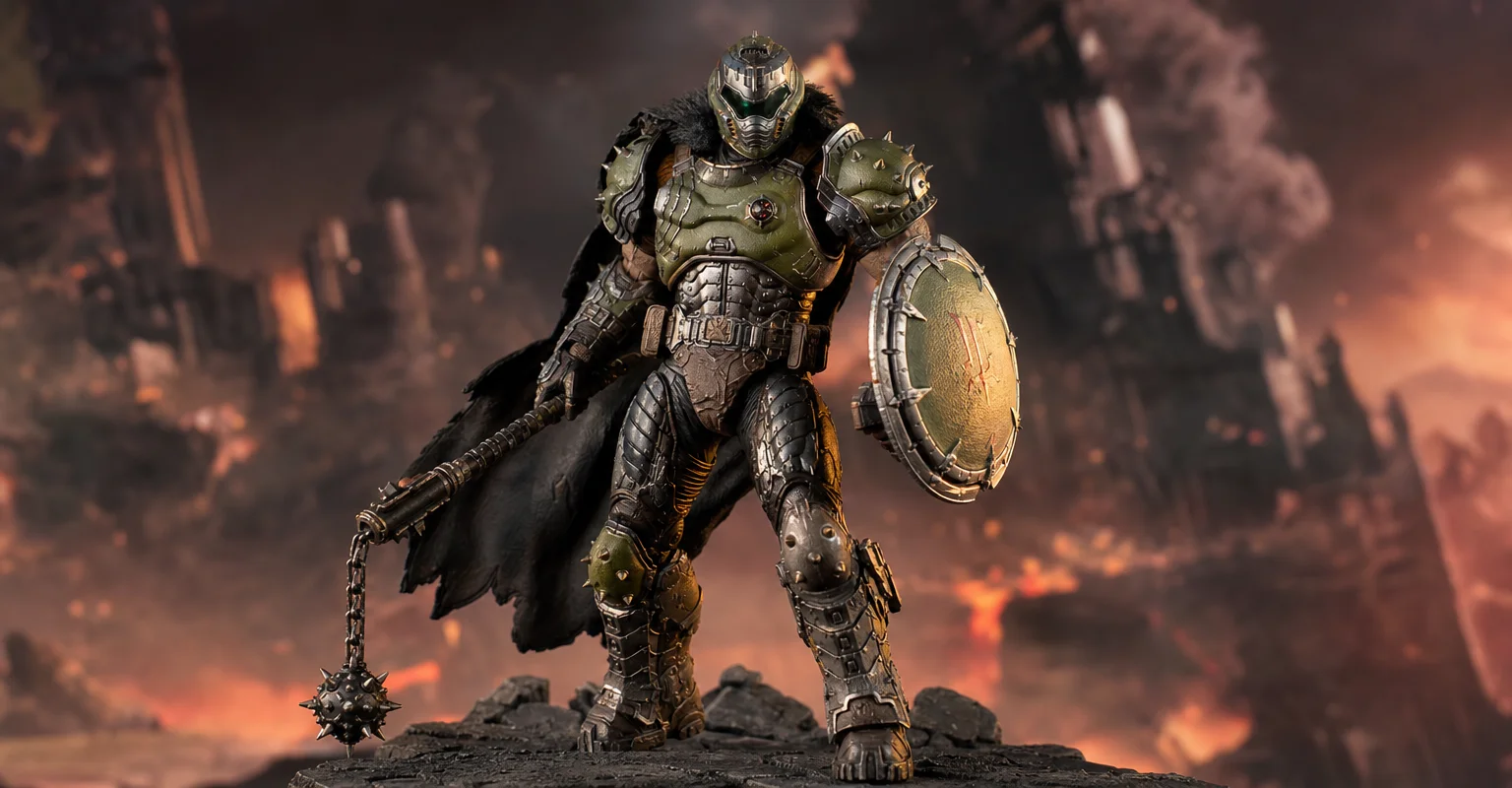
Pre-Order Alert: Good Smile Company Figma Doom: The Dark Ages – Doom Slayer DX Edition
The new Good Smile Company Figma Doom: The Dark Ages Doom Slayer DX Edition is more than a routine figure drop. It connects collector demand, franchise identity, and the wider appeal of Doom as one of gaming’s most durable icons.
VRR Flicker Diagnosis: Why It Happens and the Stable Fix Order
VRR flicker is usually a stability problem, not a broken display. Learn why it happens (range edges, luminance changes) and the fix order that actually works.
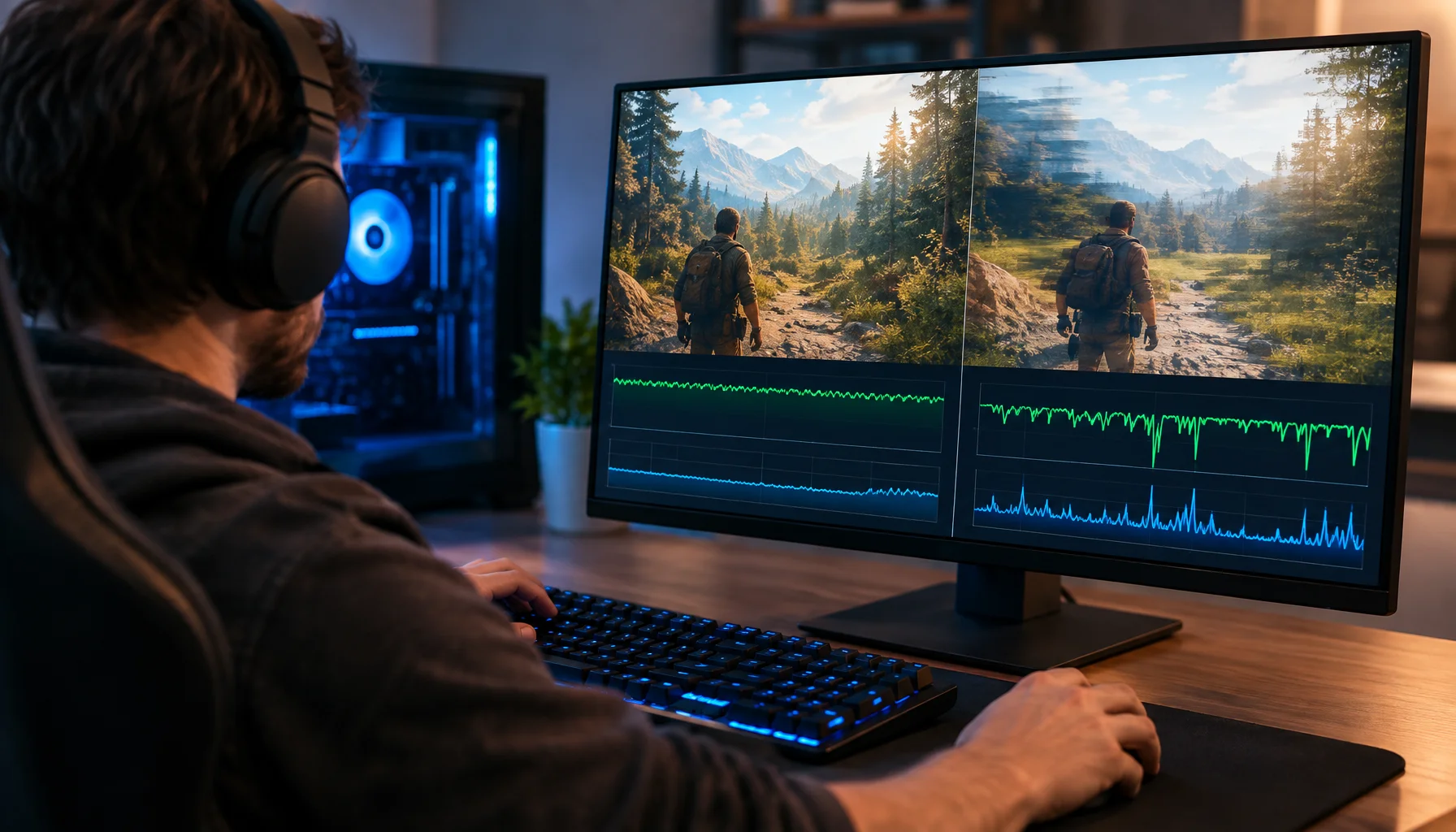
Why 120 FPS Can Still Feel Bad: Frame Time, 1% Lows and Stutter Explained
A game can report 120, 144 or even 200 FPS and still feel rough. This guide explains why average FPS can hide bad frame delivery, how frame time and 1% lows expose stutter, and how to diagnose whether the CPU, GPU or another part of the pipeline is causing the problem.
Mic Monitoring (Side-Tone): The Comfort Setting That Prevents Shouting
Side-tone keeps your voice natural and prevents fatigue. Set it right so you don’t shout, over-tighten your jaw, or lose focus during long sessions.
Borderless vs Exclusive Fullscreen: When It Matters for Feel and Stability
Most of the time, it doesn’t matter. But in some setups, window mode affects timing, overlays, and stability. Here’s when to care and how to decide.
BFI and Strobing: Clarity vs Flicker vs Latency (The Honest Tradeoff)
BFI/strobing can boost clarity, but it can also add flicker, reduce brightness, and break VRR. Use this guide to decide if the tradeoff is worth it.
Ethernet Facts for Gaming: Cables, Ports, and the Myths That Waste Money
Ethernet improves stability, but you don’t need expensive ‘gaming’ cables. Learn the practical cable/port facts that matter for low-latency consistency.