
Storage Streaming Stutter Fixes: When Assets Can’t Keep Up
If stutter aligns with entering new areas, turning quickly, or loading new textures, suspect streaming. This is not the same as shader stutter or CPU spikes. Fixing the correct cause saves hours and keeps your settings higher.
Streaming Stutter Signs
- Hitches when new areas/objects appear.
- Spikes tied to fast movement or camera turns.
- More frequent on slower storage or when the disk is busy.
Fix Order (Practical)
- Stop background downloads/updates during play.
- Lower the biggest streaming pressure settings (texture quality/streaming).
- Keep a stable frame cap to reduce burst load.
- If available, use game options that precompile/precach e assets.
Rule: identify stutter type first. Streaming stutter needs streaming fixes, not random ‘FPS tweaks’.
Related Guides
Stutter TypesTriage in 5 minutes.
Background Load KillersDisk and CPU interference.
Frame Cap RecipesCaps reduce burst spikes.
Shader Cache RealityDon’t confuse shader with streaming.
Related Articles
Audio Chain for Gaming: One Clean Layer at a Time (No Stacking)
If direction feels wrong, you’re probably stacking processing. This guide shows a clean audio chain and the one-layer rule that restores readable footsteps.
Streaming Stutter: Storage, Decompression, and the Hitch Pattern
Streaming stutter is asset loading: new areas, new textures, periodic hitches. Learn the pattern, what to change first, and what upgrades actually help.
Capture and Overlays: When Recording Tools Add Delay and Spikes
Recording and overlays can change timing and feel. Use this checklist to isolate capture overhead and keep frametimes stable while streaming or clipping.
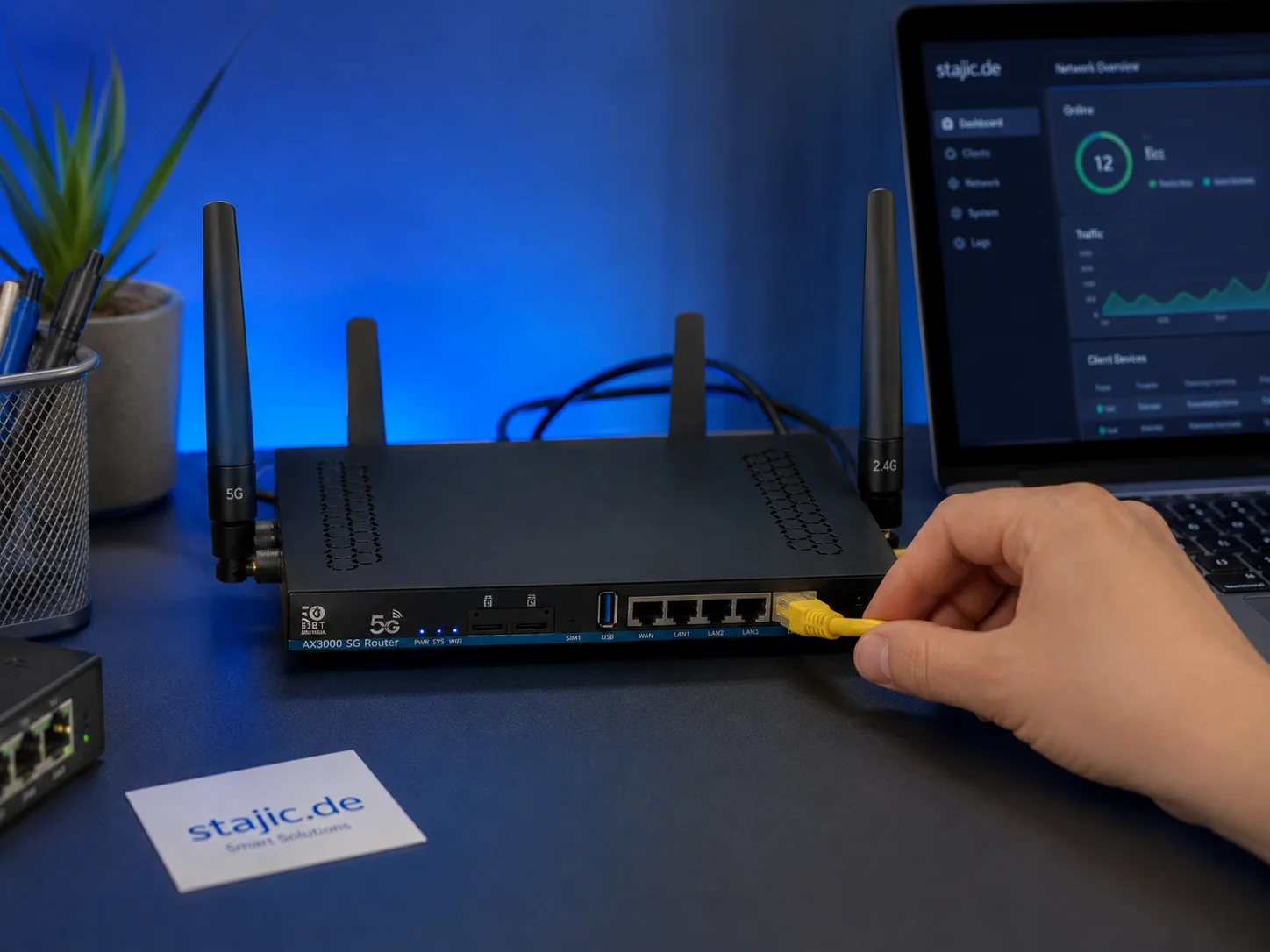
Why a 5G OpenWrt Router Can Be a Smart Upgrade for Gaming, Streaming and Mobile Work
A 5G OpenWrt router like the ZBT Z8102AX is more than a simple internet box. For gaming, streaming, mobile work and backup internet, it can become a flexible network platform with 5G connectivity, external antennas, dual-SIM potential and more control than many closed consumer routers.
Input Lag Chain Deep: Where Delay Actually Builds Up (Click-to-Photon)
Input lag is a chain: device, OS, game loop, render queue, display. Learn where delay accumulates and how to reduce it by stabilizing timing and removing hidden processing.
End-to-End Feel Diagnosis: A Simple Flow That Finds the Real Cause
Stop guessing. Use this end-to-end flow to diagnose bad feel: display mode, timing, input queue, audio chain, and network load — in the right order.
Network Test Under Load: The Only Result That Predicts Gaming Feel
A speed test is not enough. Gaming feel depends on latency under load. Use this simple test method to reveal spikes, jitter, and bufferbloat.
Stutter Fixes That Actually Work: Stop Chasing Random Graphics Tweaks
Most stutter ‘fixes’ fail because they don’t match the stutter type. Use this practical order: triage, reduce spikes, stabilize pacing, then tune settings.
Windows Audio Mixer Traps: Why PC Audio Feels Inconsistent in Games
PC audio feels random when routing changes silently. Learn the mixer traps (default device switching, enhancements, app routing) and how to lock one stable path.
Ethernet vs Wi-Fi for Gaming: When Wi-Fi Is Enough and When It Isn’t
Wi-Fi can be fine for casual play, but competitive stability still favors Ethernet. Use a simple decision checklist based on spikes, distance, and load.
Motion Clarity for Gaming: Blur Sources and the Fix Order That Works
Motion clarity isn’t one setting. Blur comes from multiple sources. Use this fix order to improve readability without adding latency or artifacts.
CPU-Bound Stutter Deep: Why FPS Can Look Fine but Feel Terrible
CPU spikes create uneven frametimes that you feel as micro-stutter, heavy aim, and inconsistent motion. Learn the signs and the fix order that restores stable feel.