
Storage and Streaming: Reduce Load Times Without Creating Stutter
Storage speed is not the same as streaming stability. Many stutter problems come from how assets are loaded and decompressed, not only from raw drive benchmarks.
What Storage Improves
- Load times and fast travel waits.
- Streaming headroom in some games.
- System responsiveness under heavy asset load.
What Storage Does Not Automatically Fix
- Shader compilation hitches.
- CPU spikes and background task interference.
- Bad frame caps and sync behavior.
If your stutter correlates with movement and loading, use the Fix Stutter playbook to classify the cause before buying hardware.
Related Articles
HDMI Black Level and RGB Range: The Quick Fix for Washed Out or Crushed Images
Washed out blacks or crushed shadow detail is often a range mismatch, not a bad screen. Use this quick check to fix readability in minutes.
Spatial Audio Stacking: The Fast Way to Stop Confused Direction
Direction breaks when you stack spatial processing layers (game + system + headset app). Use one layer at a time and your cues become readable again.
HDR Calibration Pitfalls: Why HDR Looks Dim or Washed Out
HDR looks bad when the baseline is wrong: mode mismatch, skipped calibration, dynamic processing, or wrong black/white levels. Fix the pitfalls in order.
Router Placement for Gaming: Distance and Obstacles That Create Spikes
Before you buy a new router, fix the environment. Placement, obstacles, and interference create spikes that feel like lag and stutter.
Router QoS vs SQM: Which Actually Fixes Lag Spikes Under Load?
Many QoS features are marketing. SQM (queue management) targets latency under load — the real cause of bufferbloat spikes. Here’s the practical difference.
Audio Chain for Gaming: One Clean Layer at a Time (No Stacking)
If direction feels wrong, you’re probably stacking processing. This guide shows a clean audio chain and the one-layer rule that restores readable footsteps.
Shader Stutter: Why First Runs Hitch and How to Reduce It
Shader stutter happens when new effects compile in real time. Learn how to identify it fast and the practical ways to reduce hitches without placebo tweaks.
Fix Input Lag Fast (PC & Console): The No-Placebo Checklist
Stop chasing myths. This checklist targets the real causes of heavy feel: display processing, unstable pacing, render queue buffering, and background spikes.
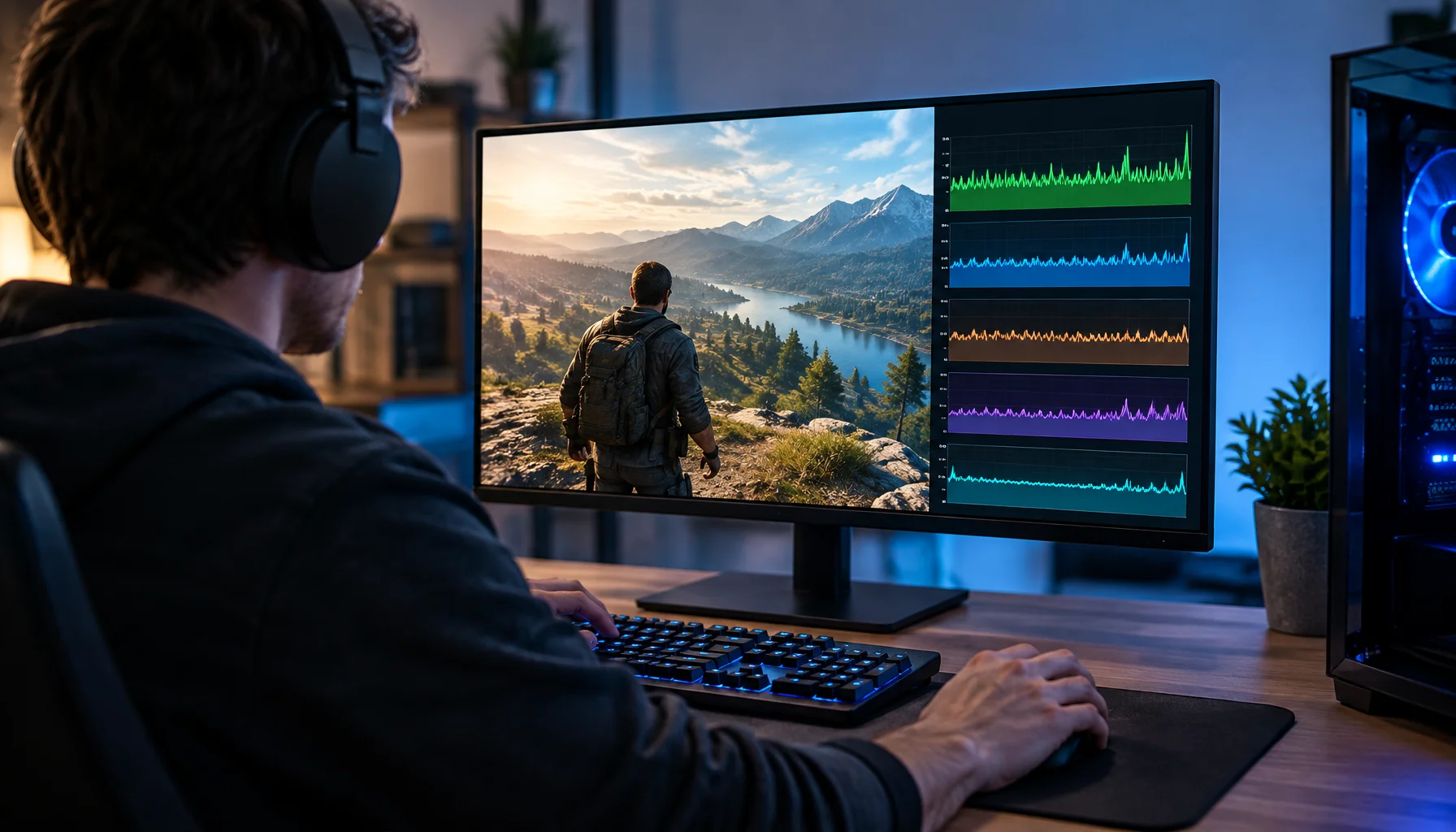
Lowered Graphics Settings but FPS Didn't Improve? You're Probably Tuning the Wrong Bottleneck
You lower shadows, effects and resolution, but the FPS barely changes. This guide explains why graphics settings only help when they reduce the workload that is actually limiting the frame—and how to identify CPU, GPU, memory, streaming and frame-cap bottlenecks.
Stutter Fixes That Actually Work: Stop Chasing Random Graphics Tweaks
Most stutter ‘fixes’ fail because they don’t match the stutter type. Use this practical order: triage, reduce spikes, stabilize pacing, then tune settings.
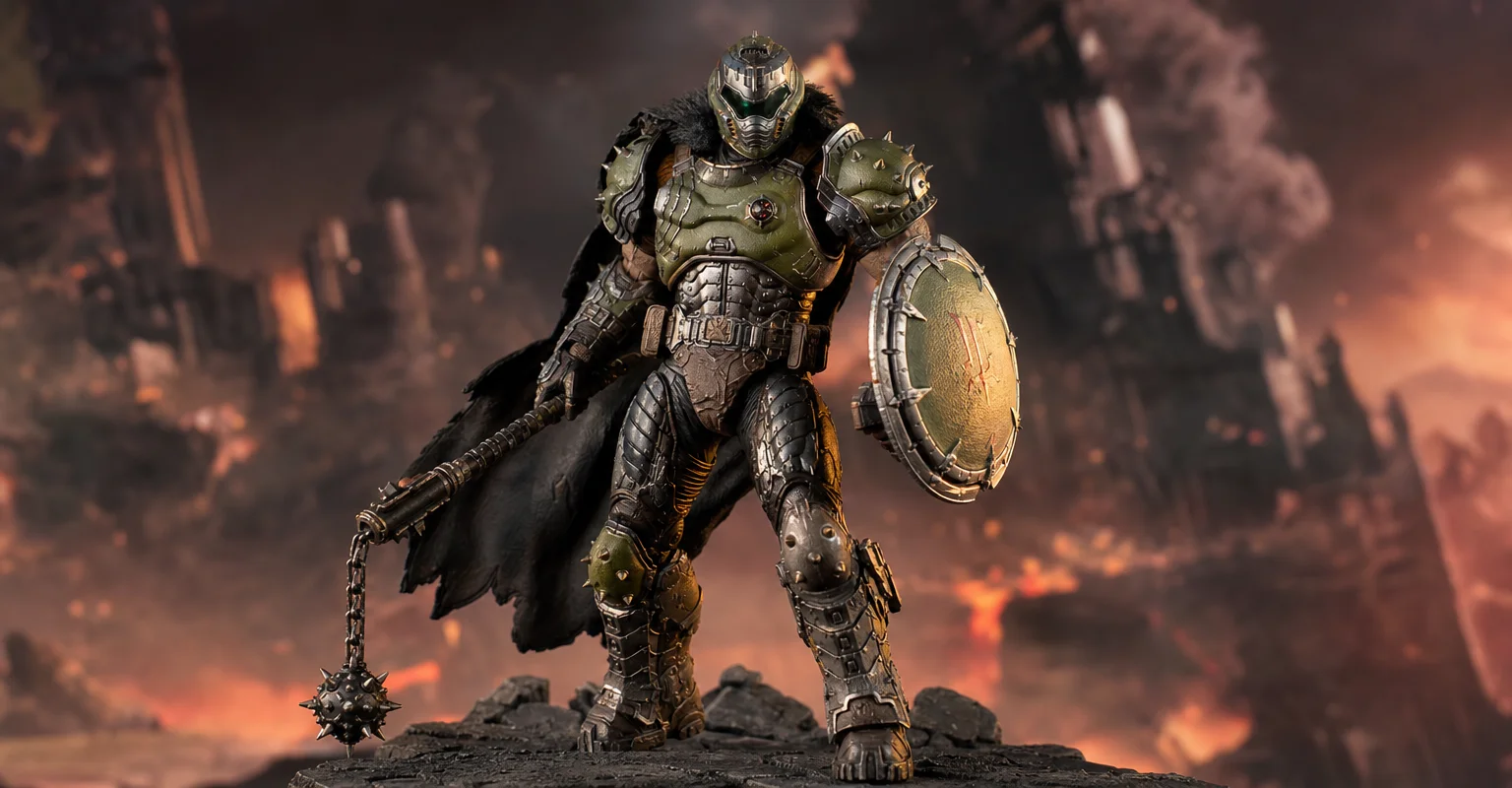
Pre-Order Alert: Good Smile Company Figma Doom: The Dark Ages – Doom Slayer DX Edition
The new Good Smile Company Figma Doom: The Dark Ages Doom Slayer DX Edition is more than a routine figure drop. It connects collector demand, franchise identity, and the wider appeal of Doom as one of gaming’s most durable icons.
QoS Myths for Gaming: What Helps, What Hurts, and the Real Priority
QoS is not a magic ‘gaming’ toggle. Good queue management reduces latency under load. Bad QoS adds jitter or breaks fairness. Here’s the stable way to think about it.