
Gaming Displays: What Actually Improves Feel
A display is not just a panel. It is the final stage of the feel chain. The right display improves readability in motion, reduces delay, and stays consistent across games.
Four Display Outcomes That Matter
- Motion clarity: readability while moving.
- Latency: processing and response feel.
- Stability: VRR behavior, caps, and consistency.
- Comfort: brightness sanity, eye strain, and setup.
Practical Buying Logic
- Start with your problem: blur, lag, eye strain, flicker.
- Fix frame pacing first, then tune sync/VRR.
- Choose a display by real motion behavior, not marketing.
If you use VRR, read the VRR Done Right playbook before changing random settings.
Related Articles
Fix Input Lag Fast: The No-Placebo Checklist (Display, Timing, Background Load)
Stop guessing. This checklist isolates the real causes of input lag: display processing, unstable timing, and background load — in the right order.
Shader Stutter: Why First Runs Hitch and How to Reduce It
Shader stutter happens when new effects compile in real time. Learn how to identify it fast and the practical ways to reduce hitches without placebo tweaks.
Frame Cap Recipes: Stable Targets for VRR and Non-VRR Setups
A good cap feels better than unstable peaks. Use these simple cap recipes to stabilize frame pacing for VRR and non-VRR displays.
Input Lag Chain Deep: Where Delay Builds Up (Click to Photon)
Input lag is a chain, not one number. Learn where delay accumulates from device to display, and the practical fix order that improves feel without placebo.
Audio Chain Baseline: One Clean Path That Fixes Most Footstep Confusion
Footsteps become readable when your audio path is clean and consistent. This baseline removes stacked processing, wrong modes, and unstable levels that destroy direction cues.
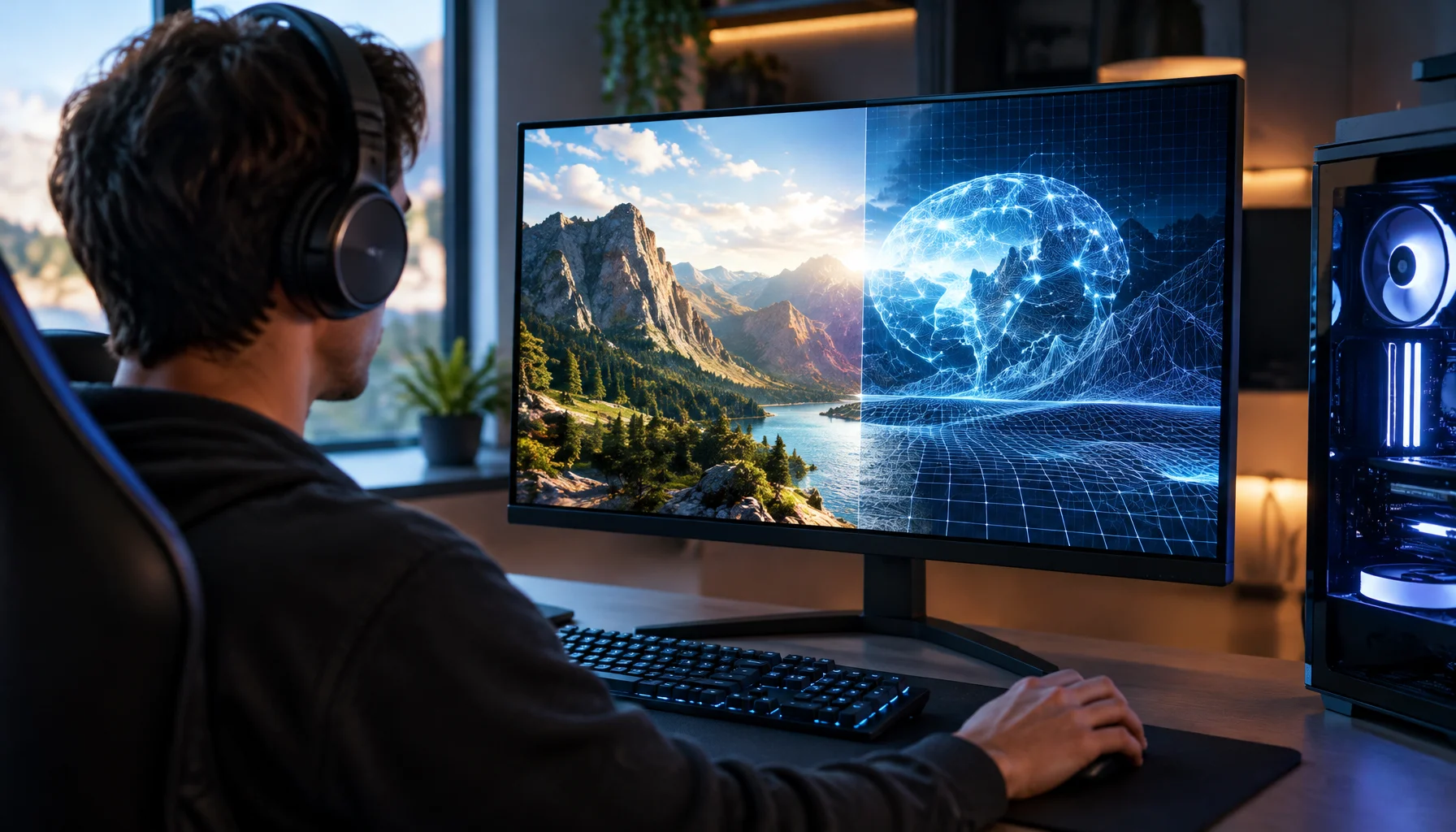
What Does “Future-Proof” Gaming Hardware Mean in the Neural Rendering Era?
Future-proofing used to mean buying more CPU, GPU and VRAM than you needed today. Neural rendering makes that rule less reliable. Here is a better decision framework.
VRR Flicker Diagnosis: Why It Happens and the Stable Fix Order
VRR flicker is usually a stability problem, not a broken display. Learn why it happens (range edges, luminance changes) and the fix order that actually works.
Ethernet vs Wi-Fi for Gaming: When Wi-Fi Is Enough and When It Isn’t
Wi-Fi can be fine for casual play, but competitive stability still favors Ethernet. Use a simple decision checklist based on spikes, distance, and load.
Ethernet Facts for Gaming: Cables, Ports, and the Myths That Waste Money
Ethernet improves stability, but you don’t need expensive ‘gaming’ cables. Learn the practical cable/port facts that matter for low-latency consistency.
Router Placement for Gaming: Distance and Obstacles That Create Spikes
Before you buy a new router, fix the environment. Placement, obstacles, and interference create spikes that feel like lag and stutter.
Wireless Controller Latency: Myths, Reality, and the One Baseline That Matters
Wireless isn’t automatically bad. Feel breaks when timing is unstable. Learn the real sources of controller delay and the baseline that makes it consistent.
Render Queue Basics: Why the Game Feels Delayed Even at High FPS
High FPS doesn’t guarantee low delay. If frames queue up, you feel input lag. Learn the basics and the practical steps that reduce queueing delay.