
NVIDIA Reflex Basics: When It Helps (And When It Does Nothing)
Reflex is most useful when latency comes from queueing in GPU-bound scenarios. If your frametimes are chaotic or you are CPU-limited, Reflex won’t magically fix feel. Use it as a queue control tool after stability is good.
When Reflex Helps
- GPU-bound scenes with stable frametimes.
- Games that build a noticeable render queue.
- Competitive modes where consistency matters.
When It Often Does Nothing
- CPU-bound bottlenecks and background load spikes.
- Severe stutter types (shader/streaming) not fixed yet.
- Display processing (Game Mode off) still adding latency.
Rule: Reflex is last-mile queue control. Baseline stability first.
Related Guides
Input Lag Chain DeepWhere delay actually comes from.
Render Queue BasicsQueue age adds latency.
Frame Cap RecipesCaps that stabilize timing.
Stutter TypesFix stutter before latency features.
Related Articles
Network Test Under Load: The Only Result That Predicts Gaming Feel
A speed test is not enough. Gaming feel depends on latency under load. Use this simple test method to reveal spikes, jitter, and bufferbloat.

DLSS 5 Is Not Just Upscaling: What 3D-Guided Neural Rendering Actually Changes
DLSS 5 moves AI into a new part of the graphics pipeline. Instead of only reconstructing resolution or generating extra frames, 3D-Guided Neural Rendering uses the game engine’s own frame as the foundation and enhances lighting and material detail under developer control.
Ethernet vs Wi-Fi for Gaming: The Honest Stability Tradeoff
Speed is not the main issue. Stability is. Ethernet usually wins because it reduces spikes. Use this guide to decide when Wi-Fi is enough and when it isn’t.
Router Checklist for Gaming: The Settings That Actually Matter
Most router tweaks don’t help. These settings do: queue management under load, stable Wi-Fi behavior, and avoiding features that add latency or instability.
Exclusive Mode Myths: When It Helps Audio (Rare) and When It Breaks Games
Exclusive mode can reduce OS mixing, but it often creates conflicts and instability. Use it only when it improves consistency, not because it sounds ‘pro’.
Router Checklist for Gaming: The 10 Settings That Prevent Spikes
Most routers can game well if you remove the spike generators. Use this simple checklist: queue management, sane Wi-Fi, and stable load behavior.
Mic Monitoring (Side-Tone): The Comfort Setting That Prevents Shouting
Side-tone keeps your voice natural and prevents fatigue. Set it right so you don’t shout, over-tighten your jaw, or lose focus during long sessions.
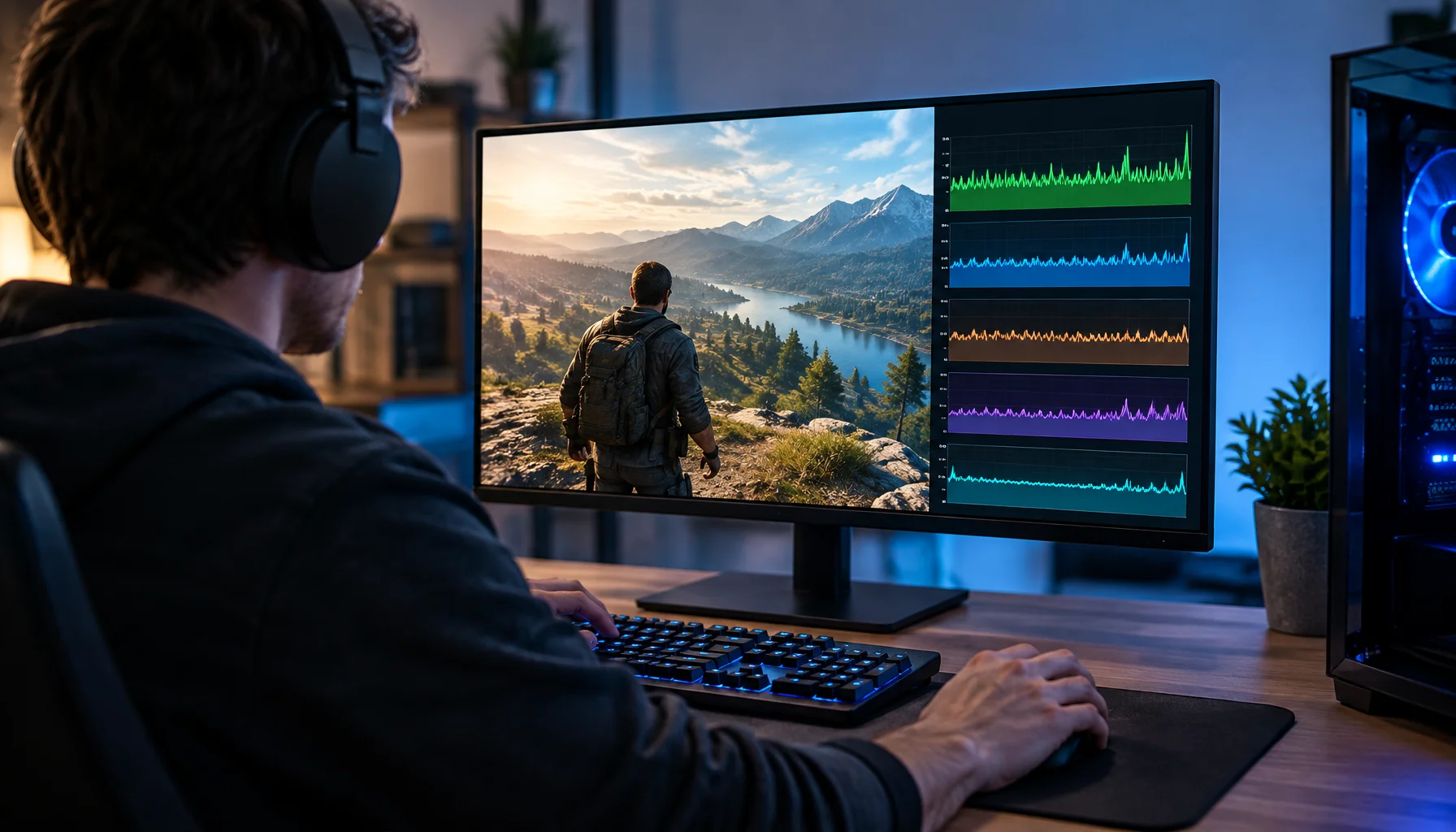
Lowered Graphics Settings but FPS Didn't Improve? You're Probably Tuning the Wrong Bottleneck
You lower shadows, effects and resolution, but the FPS barely changes. This guide explains why graphics settings only help when they reduce the workload that is actually limiting the frame—and how to identify CPU, GPU, memory, streaming and frame-cap bottlenecks.
Router QoS vs SQM: Which Actually Fixes Lag Spikes Under Load?
Many QoS features are marketing. SQM (queue management) targets latency under load — the real cause of bufferbloat spikes. Here’s the practical difference.
Ethernet vs Wi-Fi for Gaming: When Wi-Fi Is Enough and When It Isn’t
Wi-Fi can be fine for casual play, but competitive stability still favors Ethernet. Use a simple decision checklist based on spikes, distance, and load.
Comfort to Control: Why Ergonomics Improves Aim More Than You Think
Ergonomics is not optional. Fatigue changes grip, timing, and precision. Use a simple comfort baseline so your control stays consistent for hours.
Audio EQ Minimalism: Small Changes That Improve Footstep Readability
EQ can help, but big curves often destroy distance and direction cues. Use minimal moves to improve footsteps without turning audio into mush.