
Overlays and Recording Stutter: The Simple Isolation Test
If a game stutters on one day and not another, overlays and capture tools are a prime suspect. The fix is not guesswork — it’s isolation: remove variables and re-add one by one.
Isolation Test (Fast)
- Pick one repeatable scene and record frametime behavior.
- Disable overlays and recording (one clean run).
- Enable only one tool (overlay or capture) and re-test.
- Keep only what stays stable and reproducible.
Common Culprits
- Multiple overlays at once (stacked hooks).
- Background recording with high bitrate settings.
- Monitoring tools polling too aggressively.
Rule: if it costs you stability, it’s not worth the convenience.
Related Guides
Stutter TypesIdentify the stutter class first.
Background LoadOverlays and load spikes.
Frame PacingUneven timing is what you feel.
PlaybooksStep by step fixes for better feel.
Related Articles
Latency Features Explained: Reflex, Anti-Lag, and When They Actually Help
Latency features help only when the baseline is stable. Learn what Reflex/Anti-Lag type features do, when they reduce queue delay, and when they cause instability.
Mic Monitoring (Side-Tone): The Comfort Setting That Prevents Shouting
Side-tone keeps your voice natural and prevents fatigue. Set it right so you don’t shout, over-tighten your jaw, or lose focus during long sessions.
Wireless Controller Latency: Myths, Reality, and the One Baseline That Matters
Wireless isn’t automatically bad. Feel breaks when timing is unstable. Learn the real sources of controller delay and the baseline that makes it consistent.
Spatial Audio Stacking: The Fast Way to Stop Confused Direction
Direction breaks when you stack spatial processing layers (game + system + headset app). Use one layer at a time and your cues become readable again.
Wi-Fi Channel Picks for Gaming: Simple Rules for 2.4GHz, 5GHz, and 6GHz
Bad channel choice causes spikes and packet loss. Use these simple rules to pick a cleaner band and reduce interference before buying hardware.
Fix Input Lag Fast: The No-Placebo Checklist (Display, Timing, Background Load)
Stop guessing. This checklist isolates the real causes of input lag: display processing, unstable timing, and background load — in the right order.
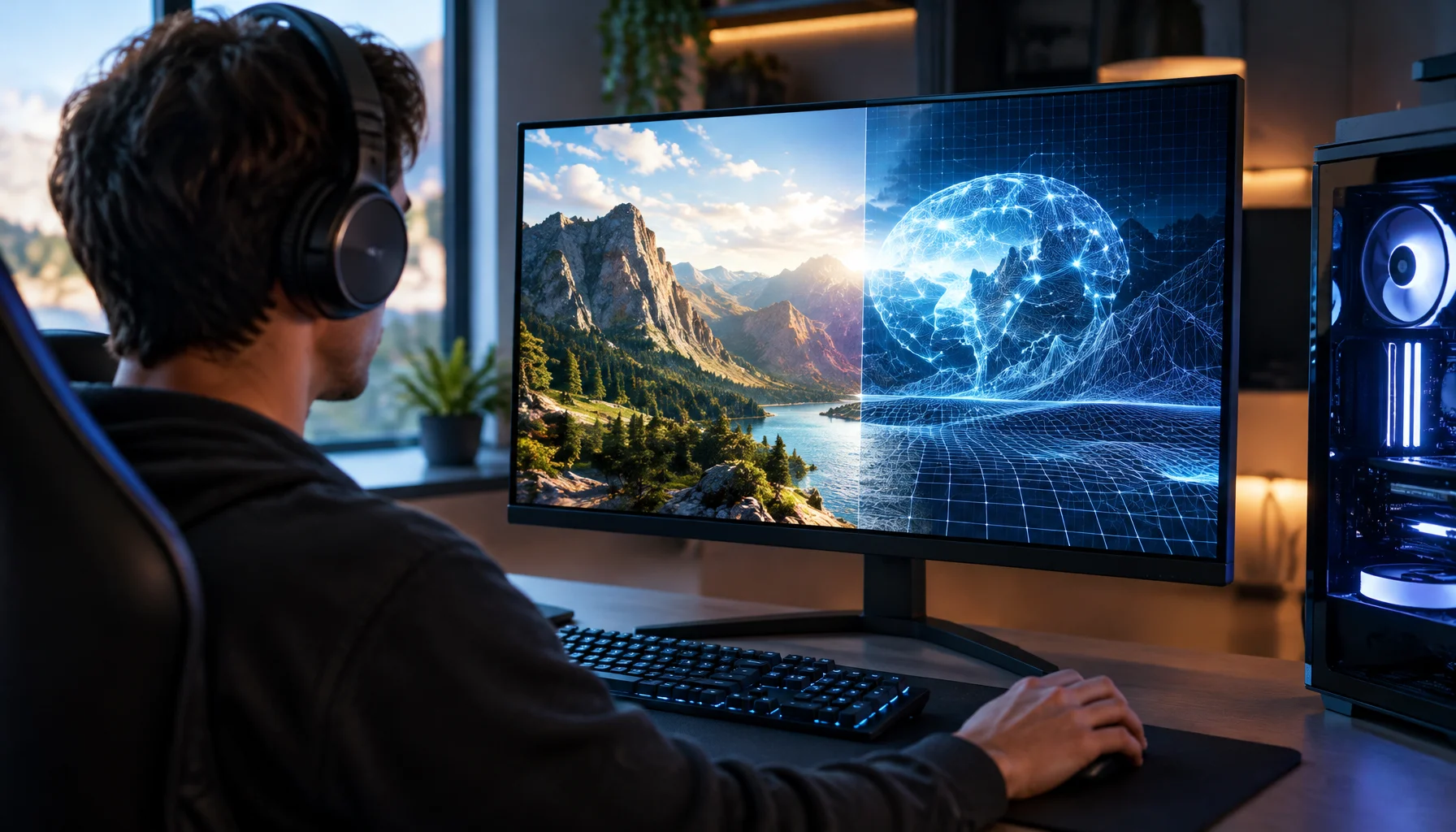
What Does “Future-Proof” Gaming Hardware Mean in the Neural Rendering Era?
Future-proofing used to mean buying more CPU, GPU and VRAM than you needed today. Neural rendering makes that rule less reliable. Here is a better decision framework.
Audio Chain for Gaming: One Clean Layer at a Time (No Stacking)
If direction feels wrong, you’re probably stacking processing. This guide shows a clean audio chain and the one-layer rule that restores readable footsteps.
Windows Audio Mixer Traps: Why PC Audio Feels Inconsistent in Games
PC audio feels random when routing changes silently. Learn the mixer traps (default device switching, enhancements, app routing) and how to lock one stable path.
Exclusive Mode Myths: When It Helps Audio (Rare) and When It Breaks Games
Exclusive mode can reduce OS mixing, but it often creates conflicts and instability. Use it only when it improves consistency, not because it sounds ‘pro’.
Router Checklist for Gaming: Settings That Actually Change Stability
Most router ‘gaming’ features are noise. This checklist focuses on what actually changes feel: queue management, stable Wi-Fi, and avoiding load spikes.
Input Lag Chain Deep: Where Delay Builds Up (Click to Photon)
Input lag is a chain, not one number. Learn where delay accumulates from device to display, and the practical fix order that improves feel without placebo.