
Wi-Fi Bands Decision: 2.4 vs 5 vs 6E (Gaming Stability First)
For gaming, the best band is the one that stays stable. Higher bands can be faster but weaker through walls. Your goal is not peak speed — it’s fewer spikes and consistent latency.
Simple Decision
- 2.4 GHz: best range, worst congestion. Use only if distance/obstacles force it.
- 5 GHz: best default for many homes (balance of speed and stability).
- 6E: can be great if close and the environment is clean, but range is shorter.
How to Choose (Test Method)
- Test at the same spot, same time, same load.
- Pick the band with fewer spikes, not the higher speed.
- If competitive, prefer Ethernet when possible.
Rule: stability beats speed for online feel. If Wi-Fi is inconsistent, wired is the upgrade.
Related Guides
Wi-Fi for GamingStability rules before upgrades.
Wi-Fi CongestionTime-of-day patterns and testing.
Jitter Spikes ChecklistFind the trigger fast.
Ethernet vs Wi-FiWhy wired wins for stability.
Related Articles
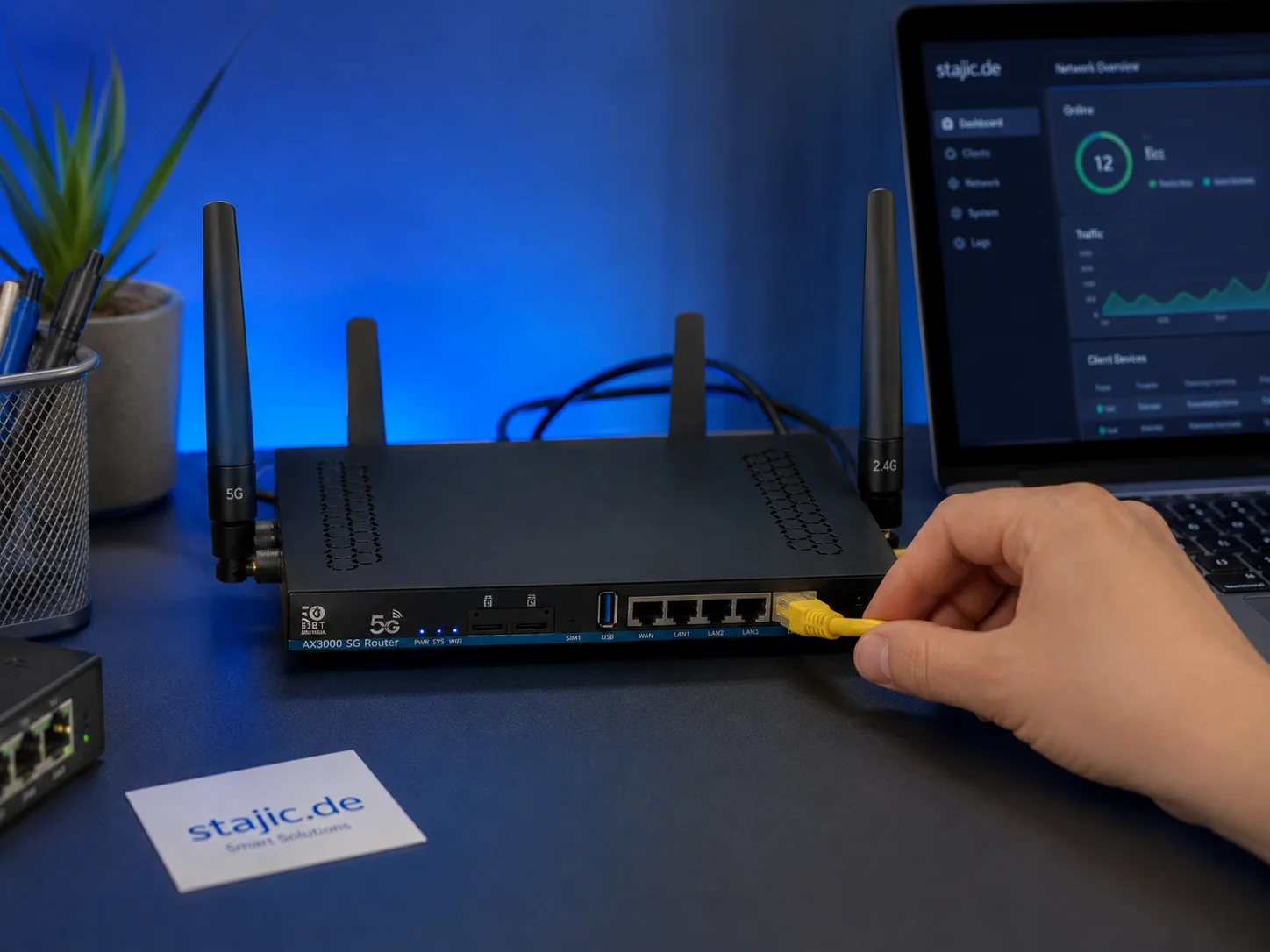
Why a 5G OpenWrt Router Can Be a Smart Upgrade for Gaming, Streaming and Mobile Work
A 5G OpenWrt router like the ZBT Z8102AX is more than a simple internet box. For gaming, streaming, mobile work and backup internet, it can become a flexible network platform with 5G connectivity, external antennas, dual-SIM potential and more control than many closed consumer routers.
End-to-End Feel Diagnosis: A Simple Flow That Finds the Real Cause
Stop guessing. Use this end-to-end flow to diagnose bad feel: display mode, timing, input queue, audio chain, and network load — in the right order.
Stutter Fixes That Actually Work: Stop Chasing Random Graphics Tweaks
Most stutter ‘fixes’ fail because they don’t match the stutter type. Use this practical order: triage, reduce spikes, stabilize pacing, then tune settings.
CPU-Bound Stutter Deep: Why FPS Can Look Fine but Feel Terrible
CPU spikes create uneven frametimes that you feel as micro-stutter, heavy aim, and inconsistent motion. Learn the signs and the fix order that restores stable feel.
Overdrive Tuning: The Clean Way to Reduce Blur Without Ghosting
Overdrive can improve clarity or add ugly halos. Use this simple method to pick the clean middle setting that reduces blur without ghosting artifacts.
Display Processing Traps: The Settings That Secretly Ruin Clarity and Feel
Many displays ship with processing that looks ‘nice’ in movies but breaks gaming: added latency, artifacts, and instability. Here’s the short list to disable and why.
Ethernet vs Wi-Fi for Gaming: When Wi-Fi Is Enough and When It Isn’t
Wi-Fi can be fine for casual play, but competitive stability still favors Ethernet. Use a simple decision checklist based on spikes, distance, and load.
What Does “Future-Proof” Gaming Hardware Mean in the Neural Rendering Era?
Future-proofing used to mean buying more CPU, GPU and VRAM than you needed today. Neural rendering makes that rule less reliable. Here is a better decision framework.

Pre-Order Alert: Good Smile Company Figma Doom: The Dark Ages – Doom Slayer DX Edition
The new Good Smile Company Figma Doom: The Dark Ages Doom Slayer DX Edition is more than a routine figure drop. It connects collector demand, franchise identity, and the wider appeal of Doom as one of gaming’s most durable icons.
Router QoS vs SQM: Which Actually Fixes Lag Spikes Under Load?
Many QoS features are marketing. SQM (queue management) targets latency under load — the real cause of bufferbloat spikes. Here’s the practical difference.
Spatial Audio Stacking: The Fast Way to Stop Confused Direction
Direction breaks when you stack spatial processing layers (game + system + headset app). Use one layer at a time and your cues become readable again.
Render Queue Basics: Why the Game Feels Delayed Even at High FPS
High FPS doesn’t guarantee low delay. If frames queue up, you feel input lag. Learn the basics and the practical steps that reduce queueing delay.