
Shader Stutter: Why First Runs Hitch and How to Reduce It
Shader stutter is the classic ‘first run is bad, second run is better’ problem. New effects compile and hitch when you enter new areas or trigger new visuals. The goal is to reduce compilation during gameplay.
Fast Identification
- Repeat the same camera path.
- If hitches reduce after the first run, suspect shader stutter.
- If spikes remain random, suspect CPU scheduling or streaming.
Practical Mitigation
- Let the game build shaders (first run warm-up) when possible.
- Keep drivers updated if shader caching improves for your GPU.
- Use a stable cap to reduce perceived hitch severity.
- Avoid background load during the first sessions.
Rule: shader stutter is a pipeline problem. Don’t waste hours tweaking graphics blindly.
Related Guides
Stutter TypesIdentify the type fast.
Frame Cap RecipesStabilize feel.
CPU-Bound Stutter DeepIf it’s not shaders.
Background Load KillersReduce noise while testing.
Related Articles
Motion Clarity for Gaming: Blur Sources and the Fix Order That Works
Motion clarity isn’t one setting. Blur comes from multiple sources. Use this fix order to improve readability without adding latency or artifacts.
Comfort to Control: Why Ergonomics Improves Aim More Than You Think
Ergonomics is not optional. Fatigue changes grip, timing, and precision. Use a simple comfort baseline so your control stays consistent for hours.
Windows HDR Quick Baseline: A Simple Setup That Prevents Dim and Washed Out HDR
PC HDR often looks wrong because the baseline is wrong. Use this minimal Windows HDR setup to keep highlights readable and avoid dim, washed images.
Spatial Audio Stacking: The Fast Way to Stop Confused Direction
Direction breaks when you stack spatial processing layers (game + system + headset app). Use one layer at a time and your cues become readable again.
Exclusive Mode Myths: When It Helps Audio (Rare) and When It Breaks Games
Exclusive mode can reduce OS mixing, but it often creates conflicts and instability. Use it only when it improves consistency, not because it sounds ‘pro’.
End-to-End Feel Diagnosis: A Simple Flow That Finds the Real Cause
Stop guessing. Use this end-to-end flow to diagnose bad feel: display mode, timing, input queue, audio chain, and network load — in the right order.
VRAM Usage Is Not VRAM Requirement: Why a Full Memory Meter Does Not Tell the Whole Story
Seeing 7.8 GB used on an 8 GB graphics card can look like proof that a game has run out of VRAM. It is not that simple. This guide explains VRAM capacity, residency budgets, working sets, shared memory and how to tell whether memory pressure is actually causing stutter.
Mouse Acceleration vs Raw Input: How to Choose Without Breaking Aim
Acceleration isn’t evil — inconsistency is. Learn what raw input changes, when acceleration makes sense, and how to choose a stable setup without resetting your muscle memory daily.
Audio Chain for Gaming: One Clean Layer at a Time (No Stacking)
If direction feels wrong, you’re probably stacking processing. This guide shows a clean audio chain and the one-layer rule that restores readable footsteps.
VRR Range Basics: Why the Same Setup Feels Great in One Game and Bad in Another
VRR isn’t magic. If your FPS lives outside the VRR range, feel becomes inconsistent. Learn range basics, edge bouncing, and how to stay stable.
Router Checklist for Gaming: The Settings That Actually Matter
Most router tweaks don’t help. These settings do: queue management under load, stable Wi-Fi behavior, and avoiding features that add latency or instability.
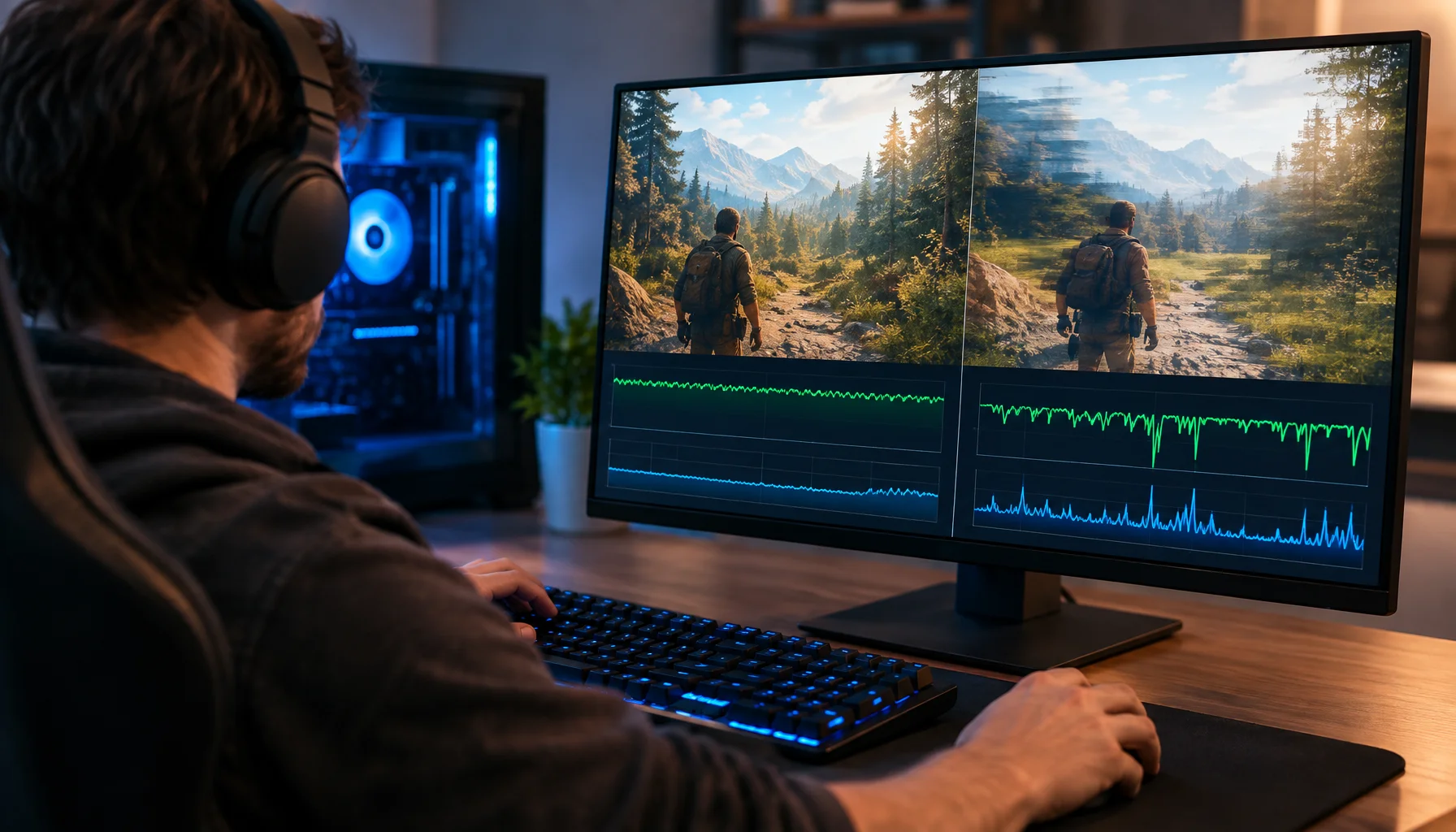
Why 120 FPS Can Still Feel Bad: Frame Time, 1% Lows and Stutter Explained
A game can report 120, 144 or even 200 FPS and still feel rough. This guide explains why average FPS can hide bad frame delivery, how frame time and 1% lows expose stutter, and how to diagnose whether the CPU, GPU or another part of the pipeline is causing the problem.