
Bluetooth Latency Myths: Why Wireless Can Feel ‘Heavy’ (Even If Audio Is Fine)
Bluetooth audio can sound fine and still feel delayed for gaming. That’s because BT often prioritizes compression and stability over low latency, and voice chat modes can force worse codecs and timing.
Where Bluetooth Adds Delay
- Codec buffering (audio is assembled in chunks).
- Voice mode switching can increase latency and reduce quality.
- Extra processing layers in apps can stack on top.
Practical Alternatives
- Use wired for lowest and most consistent latency.
- Use a dedicated low-latency wireless dongle headset (not BT) for gaming.
- Keep mic monitoring direct, not routed through BT.
Rule: if your priority is competitive feel, Bluetooth is usually the wrong tool.
Related Guides
Mic Monitoring LatencyDirect monitoring vs delayed routing.
Audio ChainShorter chain, less delay.
Console Output ModesCorrect mode prevents confusion.
Audio PositioningClarity and consistency baseline.
Related Articles
Fix Input Lag Fast (PC & Console): The No-Placebo Checklist
Stop chasing myths. This checklist targets the real causes of heavy feel: display processing, unstable pacing, render queue buffering, and background spikes.
QoS Myths for Gaming: What Helps, What Hurts, and the Real Priority
QoS is not a magic ‘gaming’ toggle. Good queue management reduces latency under load. Bad QoS adds jitter or breaks fairness. Here’s the stable way to think about it.
Background Load Killers: The PC Checklist That Stops Random Heavy Feel
If the same game feels great one day and heavy the next, suspect background load. This checklist removes the common culprits: overlays, sync, scans, and scheduling spikes.
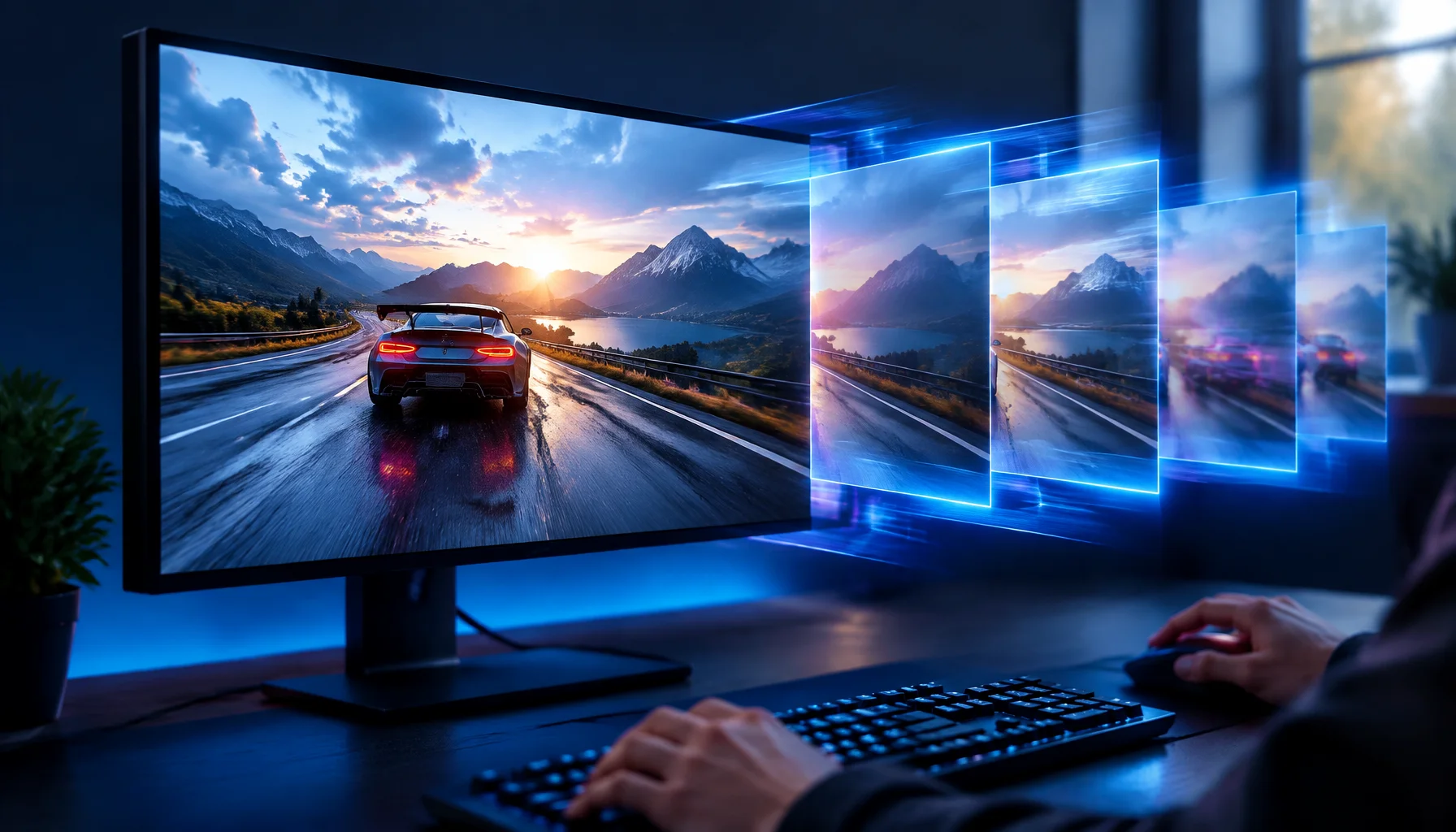
Intel XeSS 3 Is More Than Upscaling: Multi Frame Generation and Xe Low Latency Explained
XeSS 3 is no longer just Intel’s upscaler. It now combines Super Resolution, Frame Generation, Multi Frame Generation and Xe Low Latency, with up to three AI-generated frames per rendered frame on supported Intel hardware.
TV Local Dimming Tuning for Games: Keep Detail Without Flicker
Local dimming can improve contrast or ruin stability with pumping and crush. Use this practical tuning order to keep detail and readable highlights without flicker.
V-Sync and Tearing: When It Helps, When It Hurts, and the Stable Alternative
Tearing is visible, but the wrong fix can add heavy feel. Learn when V-Sync is worth it, when it hurts, and how VRR + caps reduce tearing with less tradeoff.
End-to-End Feel Diagnosis: A Simple Flow That Finds the Real Cause
Stop guessing. Use this end-to-end flow to diagnose bad feel: display mode, timing, input queue, audio chain, and network load — in the right order.
Router Placement for Gaming: Distance and Obstacles That Create Spikes
Before you buy a new router, fix the environment. Placement, obstacles, and interference create spikes that feel like lag and stutter.
BFI and Strobing: Clarity vs Flicker vs Latency (The Honest Tradeoff)
BFI/strobing can boost clarity, but it can also add flicker, reduce brightness, and break VRR. Use this guide to decide if the tradeoff is worth it.
Stutter Fixes That Stick: The Stability-First Playbook
Most stutter fixes fail because they skip triage. Use this playbook: identify stutter type, stabilize pacing, reduce spikes, then tune visuals last.
Streaming Stutter: Storage, Decompression, and the Hitch Pattern
Streaming stutter is asset loading: new areas, new textures, periodic hitches. Learn the pattern, what to change first, and what upgrades actually help.
CPU-Bound Stutter Deep: Why FPS Can Look Fine but Feel Terrible
CPU spikes create uneven frametimes that you feel as micro-stutter, heavy aim, and inconsistent motion. Learn the signs and the fix order that restores stable feel.