
Culture Over Hype: Why “Better” Beats “More”
Most markets became a race: more content, more specs, more noise. But real value comes from standards — objects and choices that stay good after the hype cycle ends.
What We Mean by Culture
- Taste: the ability to choose what lasts.
- Standards: consistency over marketing.
- Craft: respect for real-world use, not demos.
- Value: outcomes you feel, not claims you read.
That’s the point of figure.rocks: fewer recommendations, higher confidence, and a shelf you’re proud of.
Related Articles
Router Checklist for Gaming: The Settings That Actually Matter
Most router tweaks don’t help. These settings do: queue management under load, stable Wi-Fi behavior, and avoiding features that add latency or instability.
Capture and Overlays: When Recording Tools Add Delay and Spikes
Recording and overlays can change timing and feel. Use this checklist to isolate capture overhead and keep frametimes stable while streaming or clipping.
Audio EQ Minimalism: Small Changes That Improve Footstep Readability
EQ can help, but big curves often destroy distance and direction cues. Use minimal moves to improve footsteps without turning audio into mush.
BFI and Strobing: Clarity vs Flicker vs Latency (The Honest Tradeoff)
BFI/strobing can boost clarity, but it can also add flicker, reduce brightness, and break VRR. Use this guide to decide if the tradeoff is worth it.
Router QoS vs SQM: Which Actually Fixes Lag Spikes Under Load?
Many QoS features are marketing. SQM (queue management) targets latency under load — the real cause of bufferbloat spikes. Here’s the practical difference.
Latency Chain Explained: Where Delay Actually Comes From (End to End)
Input lag is a chain, not one setting. Learn where delay comes from (device, render queue, display) and the fix order that actually improves feel.
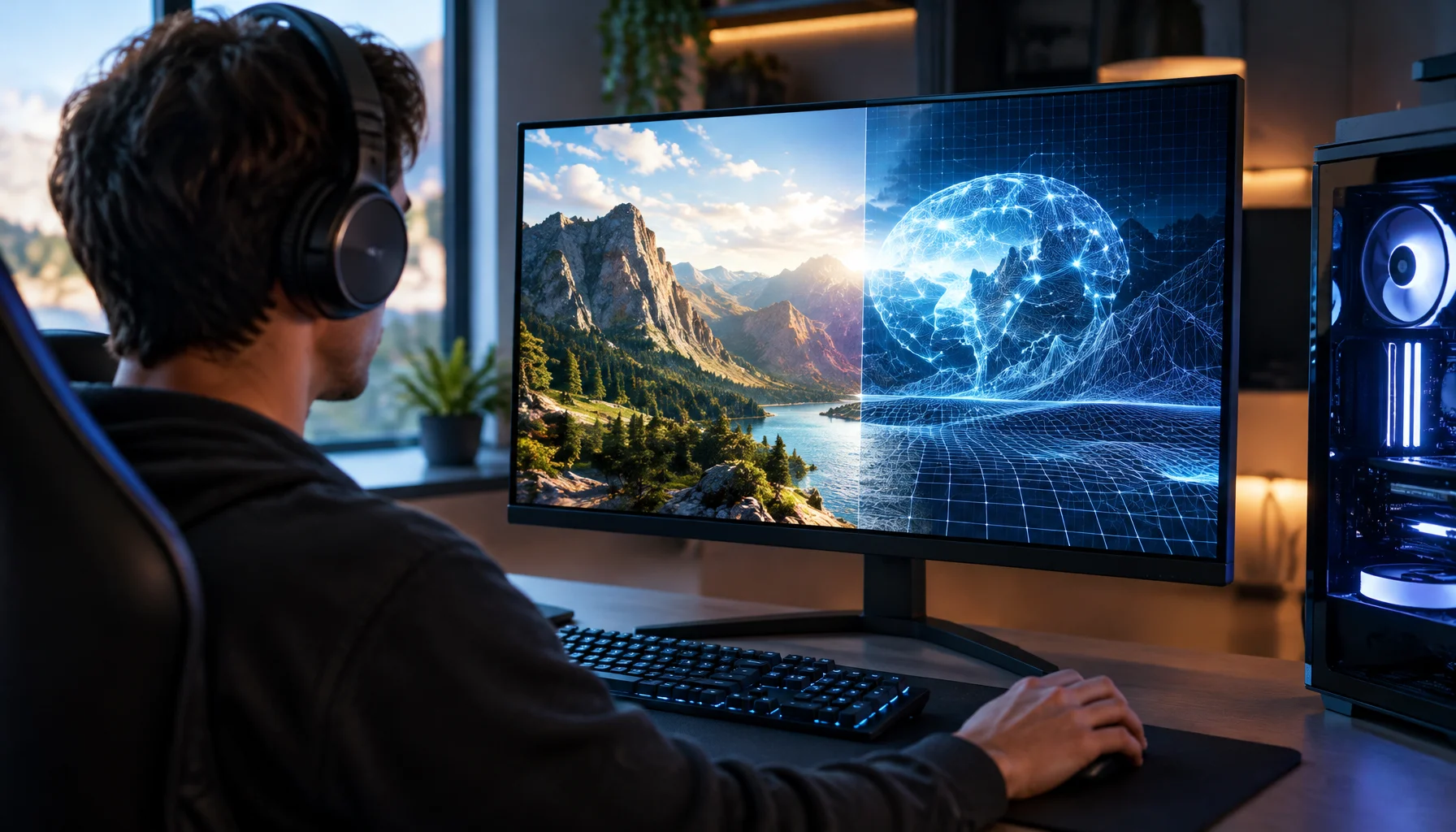
What Does “Future-Proof” Gaming Hardware Mean in the Neural Rendering Era?
Future-proofing used to mean buying more CPU, GPU and VRAM than you needed today. Neural rendering makes that rule less reliable. Here is a better decision framework.
Fix Input Lag Fast: The No-Placebo Checklist (Display, Timing, Background Load)
Stop guessing. This checklist isolates the real causes of input lag: display processing, unstable timing, and background load — in the right order.
VRR Range Basics: Why the Same Setup Feels Great in One Game and Bad in Another
VRR isn’t magic. If your FPS lives outside the VRR range, feel becomes inconsistent. Learn range basics, edge bouncing, and how to stay stable.
Spatial Audio Stacking: The Fast Way to Stop Confused Direction
Direction breaks when you stack spatial processing layers (game + system + headset app). Use one layer at a time and your cues become readable again.
Router Checklist for Gaming: The 10 Settings That Actually Matter
Most router tweaks are noise. Use this checklist to target stability under load: Wi-Fi environment, queue management, and sane defaults that reduce spikes.
Wi-Fi Channel Picks for Gaming: Simple Rules for 2.4GHz, 5GHz, and 6GHz
Bad channel choice causes spikes and packet loss. Use these simple rules to pick a cleaner band and reduce interference before buying hardware.