
Frame Pacing: Why 120 FPS Can Still Feel Bad
A high average FPS can hide uneven delivery. You do not feel averages. You feel timing. Frame pacing describes how evenly frames arrive. Uneven frametimes create roughness, microstutter, and a less controllable feel.
What Bad Pacing Feels Like
- Rough motion despite high FPS.
- Microstutter during camera pans.
- Inconsistent aim feel and late corrections.
- The game feels different from scene to scene.
Why It Happens
- FPS swings from unstable load.
- Background tasks and scheduling variance.
- Rendering queues and buffering behavior.
- Streaming and shader compilation spikes.
Practical Fix Order
- Close sources of random background load for testing.
- Cap FPS to a target you can hold consistently.
- Reduce settings that cause spikes, not just average drops.
- Enable VRR only after pacing is stable.
- Keep the setup stable and judge feel over multiple sessions.
The Rule
Stable frametimes beat higher FPS. Consistency is the upgrade you feel.
Related Guides
ExperienceOutcomes you can feel in play.
PlaybooksStep by step fixes for better feel.
GearHardware that shapes feel.
Stutter Types: Shader, CPU, Streaming (Know Which One You Have)Name the stutter type, then fix the right thing.
Related Articles
Storage Streaming Stutter Fixes: When Assets Can’t Keep Up
Streaming stutter happens when new areas load: storage, decompression, or asset streaming limits. Use this fix order before you drop every graphics setting.
Wireless Controller Latency: Myths, Reality, and the One Baseline That Matters
Wireless isn’t automatically bad. Feel breaks when timing is unstable. Learn the real sources of controller delay and the baseline that makes it consistent.
Windows Audio Mixer Traps: Why PC Audio Feels Inconsistent in Games
PC audio feels random when routing changes silently. Learn the mixer traps (default device switching, enhancements, app routing) and how to lock one stable path.
Console 120Hz Traps: Wrong Port, Wrong Mode, and Hidden Limits
120Hz often fails because of simple mismatches: wrong HDMI port, wrong input mode, or disabled features. Use this quick checklist to get true 120Hz.
Background Load Kill Switch: Stop Overlays, Sync, and Scans From Ruining Feel
If feel changes day-to-day, background load is a prime suspect. Use this kill-switch checklist to remove the usual culprits and stabilize frametimes.
Network Test Under Load: The Only Result That Predicts Gaming Feel
A speed test is not enough. Gaming feel depends on latency under load. Use this simple test method to reveal spikes, jitter, and bufferbloat.
HDR vs SDR Decision Matrix: When HDR Helps and When SDR Wins
HDR is not always better. Use this simple decision matrix to pick HDR or SDR per game based on readability, stability, and your display’s real behavior.
Overdrive Tuning: The Clean Way to Reduce Blur Without Ghosting
Overdrive can improve clarity or add ugly halos. Use this simple method to pick the clean middle setting that reduces blur without ghosting artifacts.
Audio EQ Minimalism: Small Changes That Improve Footstep Readability
EQ can help, but big curves often destroy distance and direction cues. Use minimal moves to improve footsteps without turning audio into mush.
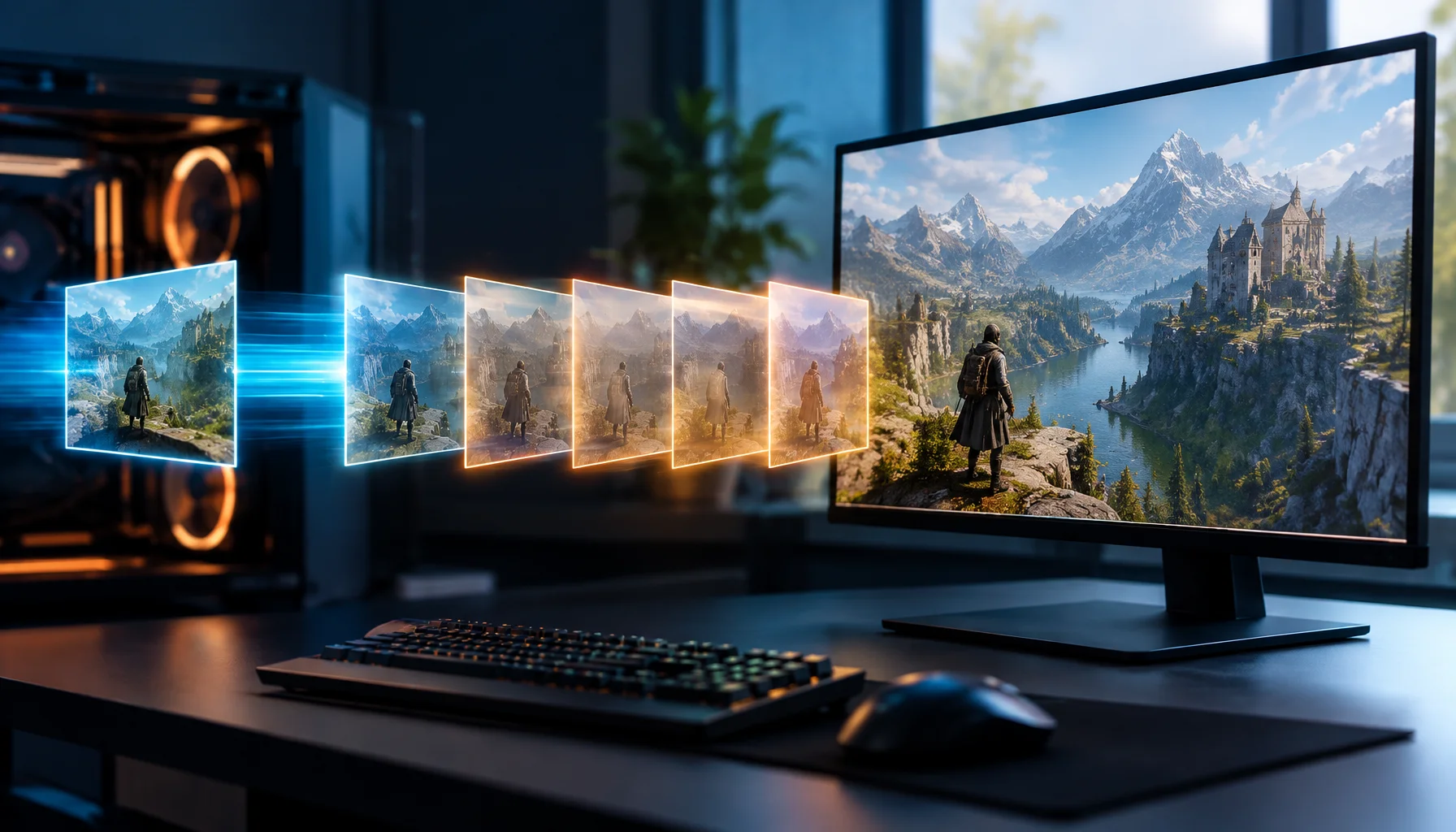
DLSS 4.5 6X: Why 300 FPS Does Not Mean the Game Is Rendering 300 Frames
DLSS 4.5 can generate up to five additional frames for every traditionally rendered frame on supported RTX 50 Series GPUs. This guide explains the difference between rendered FPS and displayed FPS, why CPU bottlenecks can be bypassed at the presentation layer, and why latency still needs to be measured separately.
Input Lag Chain Deep: Where Delay Actually Builds Up (Click-to-Photon)
Input lag is a chain: device, OS, game loop, render queue, display. Learn where delay accumulates and how to reduce it by stabilizing timing and removing hidden processing.
Input Stability Week: The 7-Day Plan to Lock Consistent Feel
Your setup won’t feel consistent if you change five variables a day. Use this 7-day plan to lock a baseline, isolate issues, and keep control stable.