
DLSS 4.5 6X: Why 300 FPS Does Not Mean the Game Is Rendering 300 Frames
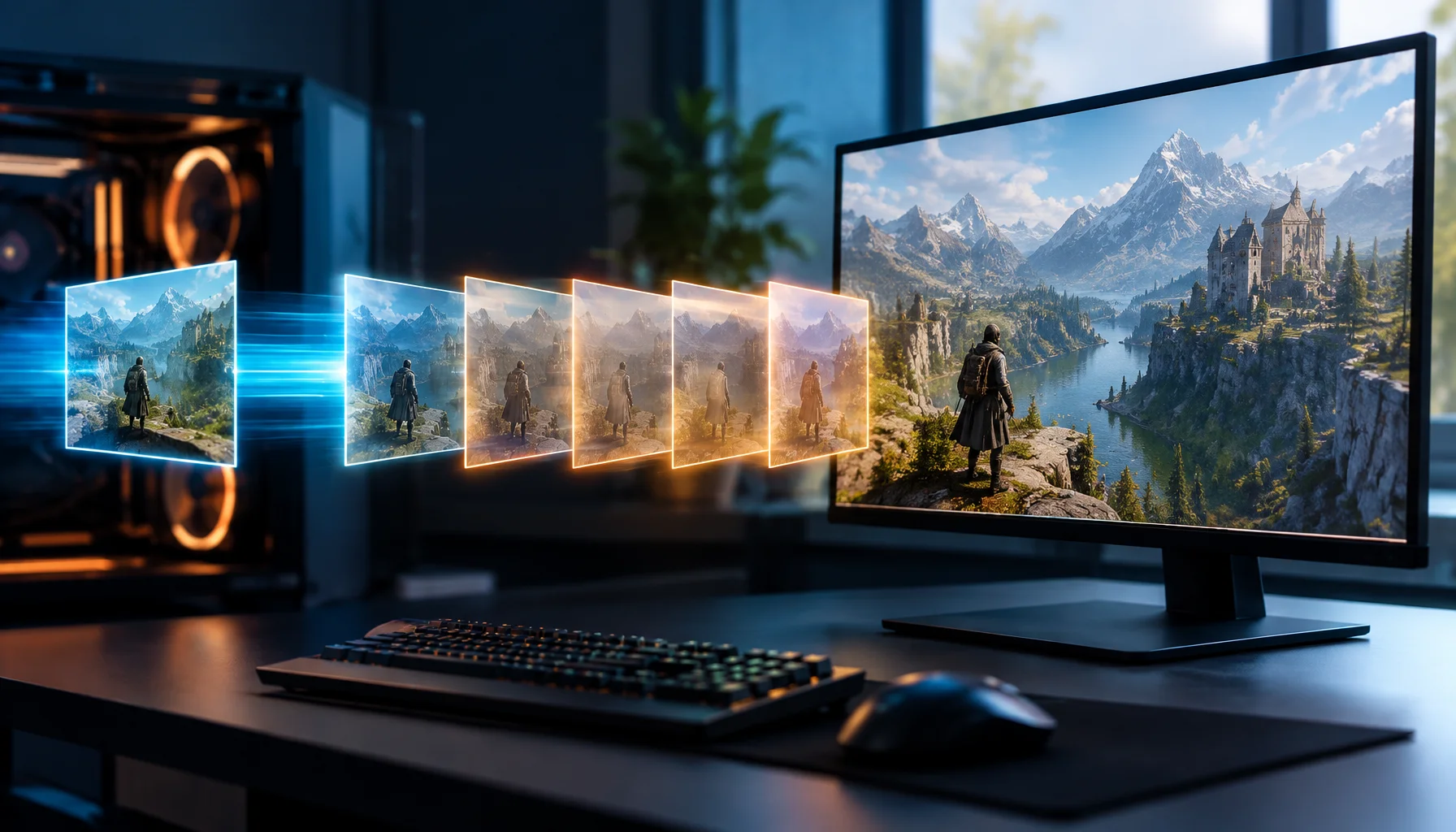
DLSS 4.5 can push a game toward 240, 300 or even higher displayed frame rates by generating additional frames between traditionally rendered ones. That is useful, but it also changes what the FPS counter means. A displayed frame is not necessarily a newly simulated and conventionally rendered game frame.
DLSS 4.5 changed the meaning of a high FPS number
Traditional FPS discussions assume that each displayed frame corresponds closely to a frame conventionally rendered by the game pipeline. Frame Generation breaks that one-to-one relationship.
NVIDIA's DLSS 4.5 Dynamic Multi Frame Generation can generate up to five additional frames for every traditionally rendered frame, reaching a 6X multiplier on supported GeForce RTX 50 Series GPUs.
That makes the displayed frame rate extremely useful for motion smoothness and high-refresh displays, but it means the headline FPS number no longer tells you how often the game simulation produced a newly rendered frame.
The Frame Origin Model
Where frames in a modern DLSS pipeline can come from
The important distinction is origin. Some frames begin with a new game-simulation/render cycle. Others are generated to increase the displayed frame stream between those frames.
What 2X, 4X and 6X actually mean
Simplified multiplier model
| Traditionally rendered frames | Additional generated frames | Potential displayed frames | |
|---|---|---|---|
| 2X Frame Generation | 1 | 1 | 2 |
| 4X Multi Frame Generation | 1 | Up to 3 | Up to 4 |
| 6X Multi Frame Generation | 1 | Up to 5 | Up to 6 |
Dynamic Multi Frame Generation adds another layer
DLSS 4.5 adds Dynamic Multi Frame Generation. NVIDIA describes it as automatically shifting between frame multipliers so the system generates only the additional frames needed to approach a target frame rate.
This is important because a static 6X label can create the wrong mental model. The actual number of generated frames can vary as the workload changes.
A performance overlay that reports the final displayed frame rate therefore describes the output stream, not a fixed one-to-one count of new simulation steps.
The Render-to-Display Ratio
For diagnosis, it is useful to separate two rates: the rate at which the engine conventionally produces new frames and the rate at which frames are ultimately presented to the display.
The Render-to-Display Ratio is a Figure Rocks concept for keeping those two ideas separate. It is not intended as a replacement for vendor telemetry; it is a reasoning tool.
| Metric | What it tells you | What it does not prove |
|---|---|---|
| Base / traditionally rendered rate | How often the conventional game/render pipeline is producing frames | How many frames the display finally receives |
| Generated-frame multiplier | How many extra frames may be inserted | That every moment uses the maximum multiplier |
| Displayed FPS | The final frame stream reaching presentation | That the game simulation itself is updating at the same rate |
| PC latency | How long input takes to propagate through the PC pipeline | Image quality or frame-generation artifact level |
Why CPU-limited games can show huge FPS gains
One of the most useful properties of Frame Generation is that it can increase displayed frame output without requiring the CPU to simulate and submit every additional generated frame.
NVIDIA demonstrated this with DLSS 4 in Hogwarts Legacy: the conventional pipeline encountered an approximately 110 FPS CPU bottleneck in the cited test, while Multi Frame Generation increased displayed output far beyond that limit.
That does not mean the CPU suddenly started simulating the game at the higher displayed rate. It means generated frames can increase presentation throughput beyond the conventional render bottleneck.
Why 300 displayed FPS does not automatically feel like 300 native FPS
Responsiveness depends on the latency pipeline, not only on how many frames are displayed.
NVIDIA Reflex measures latency across stages including input, simulation, render submission, graphics driver, render queue and GPU rendering. These stages show why a final FPS number cannot describe responsiveness by itself.
Multi Frame Generation adds visual frames between traditionally rendered ones, but those generated frames do not represent new CPU simulation steps. Reflex is therefore paired with Frame Generation to control latency and keep the pipeline responsive.
Displayed smoothness and input responsiveness are different axes
What changes when generated frames are added
| Can improve | Still depends on the base pipeline | |
|---|---|---|
| Motion presentation | More displayed frames can make camera motion and animation appear smoother | Underlying simulation cadence is not multiplied in the same way |
| High-refresh utilization | 240 Hz and higher displays can receive a denser frame stream | The conventional render rate can remain much lower |
| Responsiveness | Reflex and pipeline optimization can reduce latency | Displayed FPS alone cannot prove low click-to-photon latency |
| CPU bottleneck | Displayed FPS can rise beyond the CPU-limited conventional render rate | The CPU's simulation workload itself is not magically multiplied |
Why a higher generated FPS can still be valuable
Separating rendered and generated frames should not be confused with dismissing generated frames.
A 240 Hz or 360 Hz display benefits from receiving more visual updates. Camera movement can look smoother, judder can be reduced, and path-traced workloads that would otherwise be too heavy for very high presentation rates become more practical.
DLSS 4.5's purpose is precisely to trade AI reconstruction work for a denser displayed frame stream. The technical question is how that stream was produced, not whether the additional frames exist.
Image quality still matters
Generated frames are predictions produced from available game and image-motion data. Fast camera movement, disocclusion, transparency, particles and UI elements can make reconstruction more difficult.
NVIDIA's DLSS 4.5 update introduced an enhanced Frame Generation model that can use additional UI buffers in supported engines to improve the treatment of static interface elements such as mini-maps and other on-screen UI.
That is a useful reminder that frame-generation quality depends not only on the multiplier but also on the information available to the model and the quality of the game integration.
The Generated-FPS Interpretation Test
How to read an FPS number when Multi Frame Generation is enabled
Why benchmark charts need more context now
A benchmark saying “300 FPS” is incomplete if it does not tell you whether that number includes Frame Generation, which multiplier was used, what Super Resolution mode was active and what the underlying conventional performance looked like.
This is especially important when comparing GPU generations. NVIDIA's own RTX 50 Series performance charts explicitly distinguish Frame Generation on RTX 40 Series from Multi Frame Generation modes on RTX 50 Series.
The comparison can still be useful, but the methodology must say what produced the displayed frame rate.
A better way to report Frame Generation performance
| Report | Why it matters |
|---|---|
| Base FPS with Frame Generation off | Shows the conventional performance floor |
| Displayed FPS with Frame Generation on | Shows final presentation throughput |
| MFG mode / multiplier | Explains how aggressively frames are generated |
| Super Resolution mode | Shows how much conventional rendering workload is reduced |
| Latency | Separates responsiveness from presentation throughput |
| Frame-time / pacing data | Shows whether the output stream is delivered consistently |
| Game + patch + resolution + settings | Defines the workload so results can be reproduced |
What Dynamic 6X changes for 240 Hz and 360 Hz displays
NVIDIA positions Dynamic Multi Frame Generation specifically around very high-refresh 4K path-traced gaming. The system can vary the multiplier instead of blindly generating the maximum number of frames at all times.
This makes the target display part of the control problem. If the base performance is already high enough, fewer generated frames may be needed. If the workload becomes heavier, a higher multiplier can help maintain the target output rate.
The useful performance question therefore shifts from “What is my maximum FPS?” toward “Can the system maintain the presentation target with acceptable latency and image stability?”
Do not compare generated FPS directly with old native-FPS rules
Rules such as “you need at least X native FPS before Frame Generation is usable” came from earlier implementations, hardware and latency behavior. They should not be treated as timeless laws.
The correct threshold depends on the game, base frame time, latency, display refresh, MFG mode, Reflex behavior and the player's sensitivity to artifacts or response delay.
Measure the actual experience rather than importing a fixed number from a different generation of technology.
What would change this answer?
Future systems may integrate simulation prediction, late input updates or more sophisticated frame warping so that the relationship between game simulation, conventional rendering and final presentation becomes even less one-to-one.
Reflex 2 Frame Warp already points in that direction by updating the displayed camera view from newer input shortly before scan-out. As these techniques evolve, FPS will become an increasingly incomplete description of the full interactive pipeline.
Limitations
NVIDIA's published performance figures are vendor measurements under specified conditions. They demonstrate supported behavior and architecture but should not be treated as independent benchmarks for every game or GPU.
The simplified multiplier examples in this article explain frame origin conceptually. Dynamic MFG, pacing, dropped frames, workload changes and presentation behavior make real captures more complex.
Conclusion
DLSS 4.5 makes one old habit increasingly dangerous: treating a single FPS number as a complete description of game performance.
With 6X Multi Frame Generation, one traditionally rendered frame can be accompanied by up to five generated frames. That can produce exceptionally smooth high-refresh presentation, but the final FPS counter now mixes frame origins. For meaningful analysis, separate base rendering, generated output, latency, pacing and image stability.
FAQ
DLSS 4.5, Multi Frame Generation and FPS
Does DLSS 4.5 really generate five frames?
If I see 300 FPS with 6X MFG, is my game rendering natively at 50 FPS?
Do generated frames improve smoothness?
Do generated frames reduce input latency?
Can Multi Frame Generation bypass a CPU bottleneck?
Is generated FPS fake FPS?
Glossary
Key frame-generation terms
- Traditionally rendered frame
- A frame produced through the conventional game simulation and rendering pipeline before optional frame generation.
- Generated frame
- An additional displayed frame synthesized between traditionally rendered frames using temporal, motion and game-provided data.
- Multi Frame Generation
- DLSS technology that can synthesize multiple additional frames for each traditionally rendered frame.
- Dynamic Multi Frame Generation
- DLSS 4.5 feature that can vary the frame-generation multiplier in response to a target frame-rate goal.
- Displayed FPS
- The final rate of frames presented toward the display, potentially including both traditionally rendered and generated frames.
- Render-to-Display Ratio
- A Figure Rocks concept for separating the conventional frame-production rate from the final displayed frame stream.
- Frame Origin Model
- A Figure Rocks framework for identifying whether a displayed frame originates from conventional rendering, reconstruction or frame generation.
Primary sources
NVIDIA — DLSS 4.5 Dynamic Multi Frame Generation and 6X ModeOfficial March 2026 release describing Dynamic MFG, 5X/6X modes and up to five generated frames per traditionally rendered frame.
NVIDIA — GeForce RTX 50 Series with DLSS 4.5Official NVIDIA overview of Dynamic Multi Frame Generation, 6X output and second-generation transformer models.
NVIDIA — DLSS 4 Multi Frame Generation AI InnovationsOfficial technical explanation of Multi Frame Generation, model efficiency, generated-frame inputs and Blackwell-specific implementation changes.
NVIDIA — DLSS 4 Multi Frame GenerationOfficial release with CPU-bottleneck examples and the distinction between traditionally rendered and generated frames.
NVIDIA Developer — Reflex SDKOfficial documentation of Reflex latency stages, low-latency mode and Frame Warp.
NVIDIA Technical Blog — Understanding and Measuring PC LatencyOfficial technical article describing PCL Stats and per-frame latency measurement across the PC pipeline.
Related Articles

DLSS 5 Is Not Just Upscaling: What 3D-Guided Neural Rendering Actually Changes
DLSS 5 moves AI into a new part of the graphics pipeline. Instead of only reconstructing resolution or generating extra frames, 3D-Guided Neural Rendering uses the game engine’s own frame as the foundation and enhances lighting and material detail under developer control.
120Hz Feels Worse? Diagnosis Checklist (Wrong Mode, VRR Range, Caps)
Higher refresh can expose instability. Use this checklist to diagnose why 120Hz feels worse: wrong mode, wrong refresh path, VRR range issues, or missing caps.
Frame Pacing: Why 60 FPS Can Feel Worse Than 50 (Consistency Wins)
Smoothness is not just FPS. It is frame pacing. Learn why consistent frametimes feel better than higher but unstable FPS and how to stabilize timing.
Why 120 FPS Can Still Feel Bad: Frame Time, 1% Lows and Stutter Explained
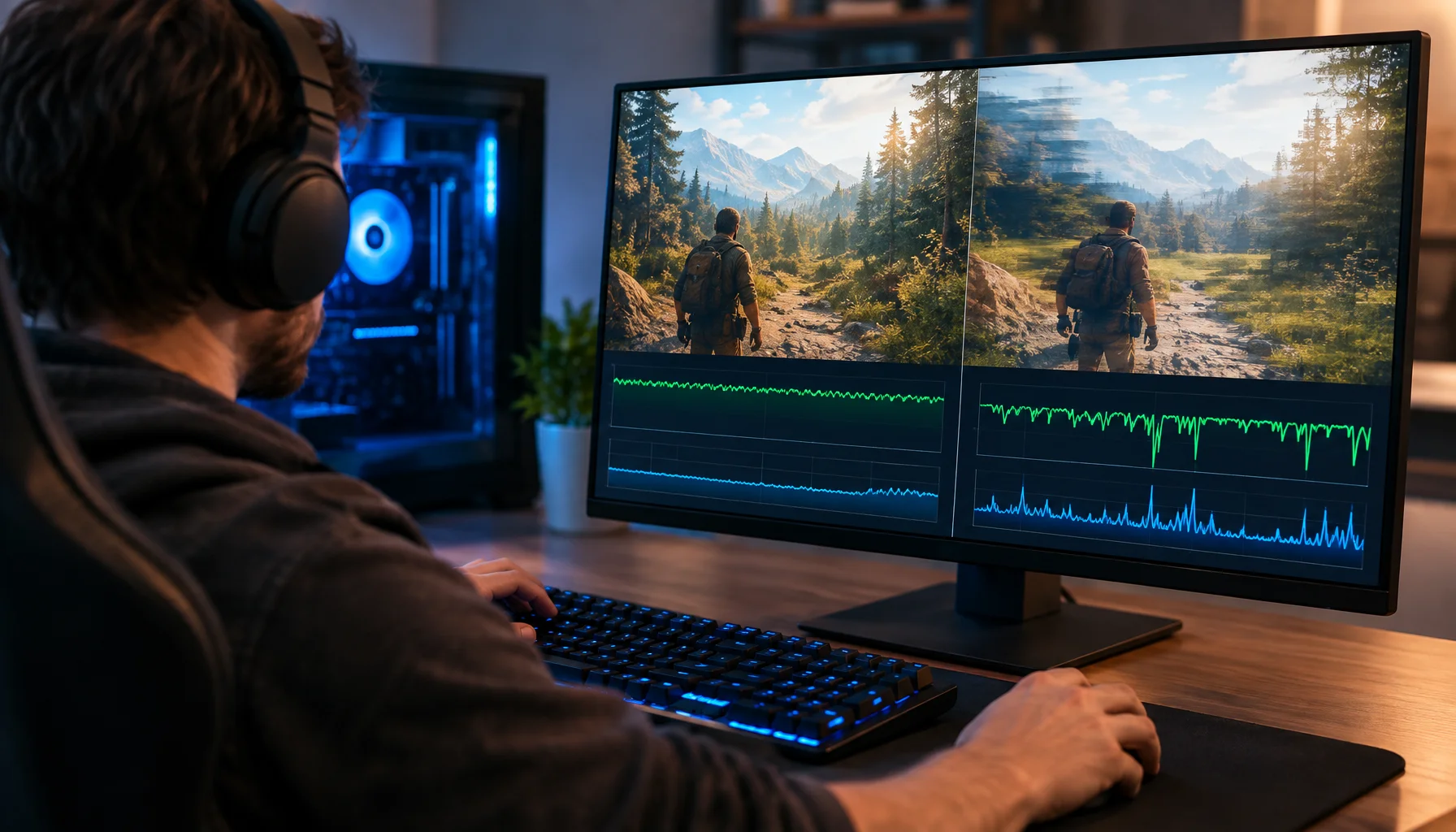
A game can report 120, 144 or even 200 FPS and still feel rough. This guide explains why average FPS can hide bad frame delivery, how frame time and 1% lows expose stutter, and how to diagnose whether the CPU, GPU or another part of the pipeline is causing the problem.
Frame Pacing: Why 120 FPS Can Feel Worse Than 60 (Smoothness Explained)
Smoothness is consistent timing, not peak FPS. Learn what frame pacing is, how frametimes create stutter, and the practical baseline that fixes feel.
Smoothness: Frame Pacing Matters More Than FPS
Smoothness is consistent timing, not just higher numbers. Here’s how to think in frametimes and eliminate the ‘micro-stutter’ feel.
USB Power Saving: The Hidden Cause of Mouse Stutter and Disconnects
If mouse feel changes randomly, USB power saving can be the culprit. Use this checklist to stabilize USB input and stop stutter/disconnects.
Latency and Input Lag: Where Delay Actually Comes From (The Full Chain)
Input lag is not one number. Learn the real latency chain from your hands to the pixels, what causes heavy controls, and the practical fix order.

PUBG Ally Shows Why AI Teammates Need Two Brains: Fast Reflexes and Slow Reasoning
A language model can understand tactics and player intent, but it should not control every movement and combat reaction directly. PUBG Ally shows a more practical architecture: fast behavior-tree control for reflex actions, combined with a small language model for planning, coordination and natural conversation.
Frame Pacing: Why 120 FPS Can Still Feel Bad
Smoothness is timing, not a number. Learn what frame pacing is, why bad frametimes feel rough even at high FPS, and the practical fix order.
Intel XeSS 3 Is More Than Upscaling: Multi Frame Generation and Xe Low Latency Explained
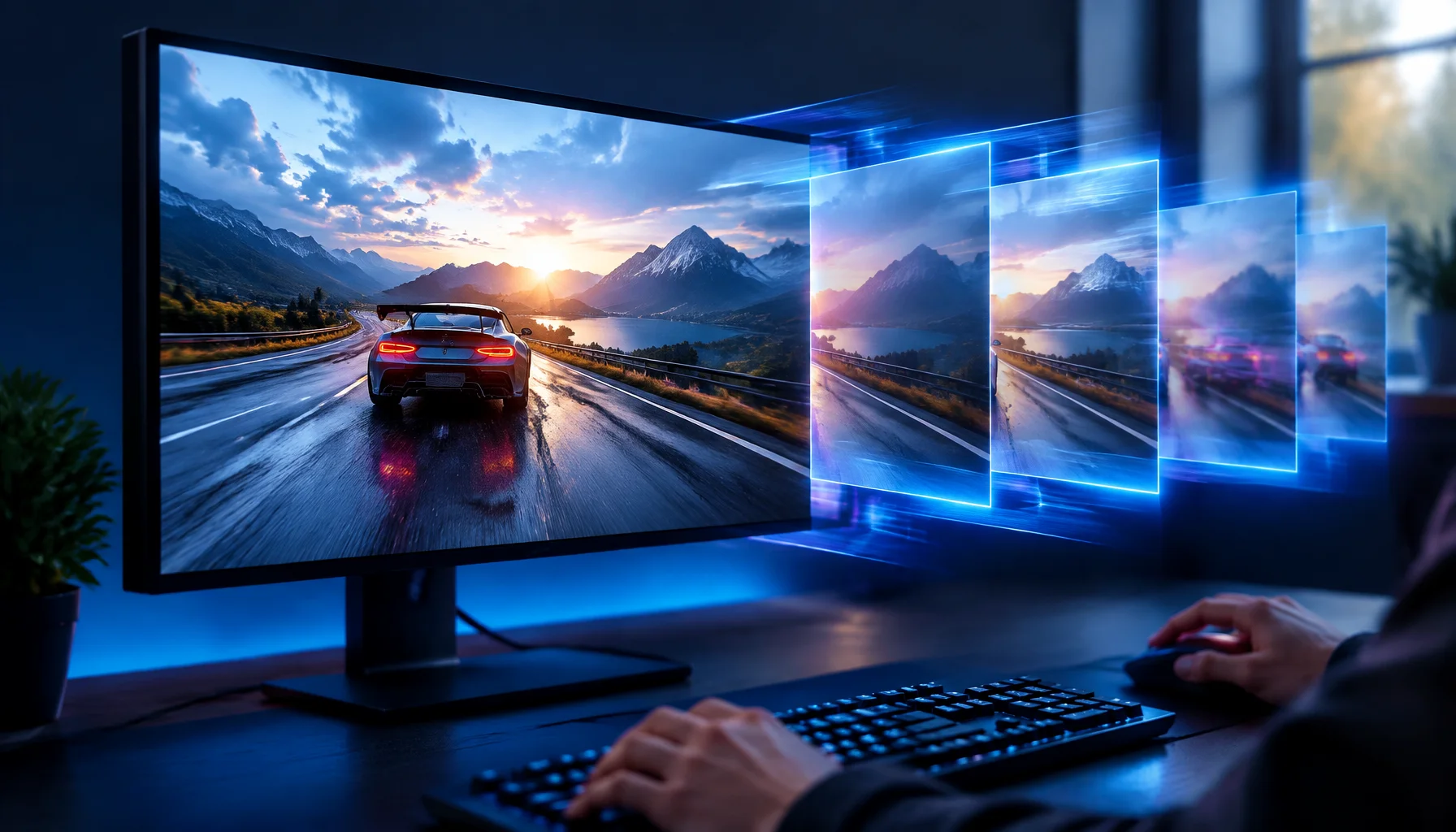
XeSS 3 is no longer just Intel’s upscaler. It now combines Super Resolution, Frame Generation, Multi Frame Generation and Xe Low Latency, with up to three AI-generated frames per rendered frame on supported Intel hardware.
Bluetooth Latency Myths: Why Wireless Can Feel ‘Heavy’ (Even If Audio Is Fine)
Bluetooth can be great for music and still bad for competitive feel. Learn where BT adds delay, why voice modes get worse, and the clean alternatives.