
Intel XeSS 3 Is More Than Upscaling: Multi Frame Generation and Xe Low Latency Explained

XeSS 3 is easy to misunderstand if you think of XeSS only as Intel's upscaler. In 2026, Intel's XeSS stack includes Super Resolution, Frame Generation, Multi Frame Generation and Xe Low Latency. Those features solve different parts of the rendering and responsiveness problem.
XeSS is no longer just upscaling
The original XeSS story was straightforward: render at a lower internal resolution and reconstruct a higher-resolution image with AI-based temporal techniques.
XeSS 2 added more than image reconstruction by combining Super Resolution, Frame Generation and Xe Low Latency.
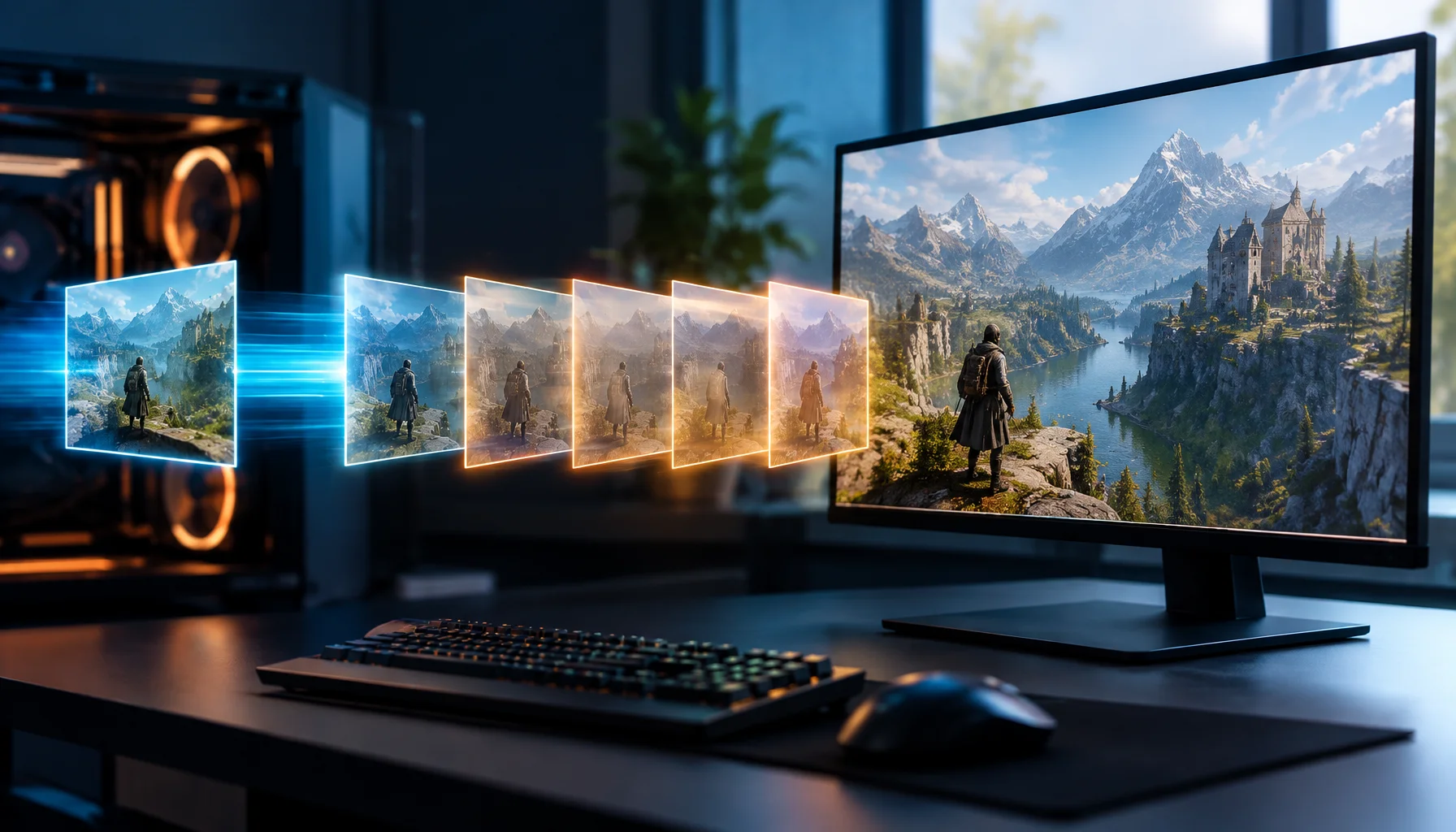
XeSS 3 extends that stack with Multi Frame Generation, which Intel says can generate up to three AI frames for each traditionally rendered frame on supported Intel hardware.
The XeSS 3 Four-Layer Stack
Four different jobs inside XeSS 3
What “up to 4× the frames” actually means
Intel describes XeSS 3 Multi Frame Generation as producing up to three AI-generated frames for every rendered frame.
Conceptually, one traditionally rendered frame plus three generated frames can produce four displayed frames.
Rendered vs generated frames
| Traditionally rendered frames | AI-generated frames | Potential displayed frames | |
|---|---|---|---|
| No frame generation | |||
| Standard frame generation | |||
| XeSS 3 Multi Frame Generation |
XeSS Super Resolution still does a different job
XeSS Super Resolution operates before the final display output. Intel describes it as AI-based temporal super sampling and anti-aliasing that takes a lower-resolution jittered color buffer together with motion vectors and depth, then reconstructs an anti-aliased image at the target resolution.
That means Super Resolution reduces the amount of conventional pixel rendering work. Frame Generation does not replace that function; it changes the number of frames presented after rendered frames already exist.
This is why an XeSS benchmark should say whether it is measuring Super Resolution, Frame Generation, Multi Frame Generation, or a combination.
The Output vs Response Split
The most important way to understand XeSS 3 is to separate output rate from response latency.
Two different performance questions
| Question | What matters | |
|---|---|---|
| How smooth does motion look? | ||
| How fast does the game react? |
Higher displayed FPS can improve visual smoothness. It does not automatically prove that player input is processed at the same rate.
What Xe Low Latency does
Intel's Xe Low Latency technology is designed to reduce input-to-screen latency by optimizing the time between CPU processing and final frame display.
That role is especially important once frame generation is active because frame interpolation adds more work to the presentation pipeline.
The correct way to judge the stack is therefore not “XeSS 3 shows more FPS, so latency must be better.” Smoothness and responsiveness need separate measurements.
Why Multi Frame Generation helps most when the base pipeline is already healthy
Generated frames are built from information provided by real rendered frames and motion history.
If the base game is already delivering unstable frame times, severe CPU stalls or irregular motion information, generating more frames does not remove the original root cause.
The display can become denser while the underlying simulation or rendering cadence remains weak.
The Rendered-Generated-Responsive Test
How to test XeSS 3 without mixing different metrics
Why UI and disocclusion are difficult for frame generation
Frame generation predicts visual information between two rendered states. That is easiest when motion is smooth and the visible scene remains predictable.
Fast camera turns, newly revealed objects, particles, transparency and static UI elements create harder cases because the generated frame has to infer information that may not exist cleanly in the previous image.
That is why generated-frame quality must be judged in motion rather than from screenshots.
Intel hardware acceleration matters
Intel's XeSS technologies are designed to use the dedicated AI capabilities available on Intel Arc hardware for their highest-performance paths.
XeSS Super Resolution also has broader cross-vendor support, which is one reason the XeSS name can refer to different execution paths depending on the GPU.
XeSS 3 Multi Frame Generation, however, is currently described by Intel as a feature introduced on Intel hardware.
The XeSS Feature Map
| Feature | Main job | Primary thing to measure |
|---|---|---|
| XeSS Super Resolution | Reconstruct higher-resolution image | Image quality + conventional FPS |
| XeSS Frame Generation | Add one or more generated frames | Displayed FPS + artifacts + pacing |
| XeSS Multi Frame Generation | Generate up to three AI frames per rendered frame on supported Intel hardware | Displayed throughput + artifacts + pacing |
| Xe Low Latency | Reduce input-to-display delay | Latency |
| Base renderer | Produce simulation-driven frames | Native/rendered FPS + frame time |
Why XeSS 3 should be compared layer by layer, not brand by brand
A simple “XeSS vs DLSS vs FSR” chart often hides more than it explains.
The useful comparison is feature against feature: upscaling against upscaling, generated-frame quality against generated-frame quality, low-latency behavior against low-latency behavior.
Otherwise one product may be judged by displayed FPS while another is judged by native rendering quality.
Why 4× frames does not mean 4× responsiveness
A generated frame improves what the display shows between traditionally rendered frames. It does not create a new CPU simulation step for every generated image.
Therefore, four displayed frames derived from one rendered frame do not mean the player receives four independent simulation updates.
This is not a flaw in the technology. It is simply a different type of performance improvement.
When Multi Frame Generation is most useful
| Scenario | Why MFG can help |
|---|---|
| High-refresh display | More presented frames can better use 144 Hz, 240 Hz and higher panels |
| Heavy graphics workload | Generated frames can increase presentation rate without conventionally rendering every displayed frame |
| Single-player visual smoothness | Camera motion can look substantially smoother when pacing remains stable |
| CPU-limited rendering | Displayed FPS can rise beyond the conventional render cadence, although the CPU simulation limit still exists |
| Already unstable base frame times | Less ideal — generated frames do not remove the original stutter source |
What would change this answer?
Intel can expand XeSS 3 hardware support, change model versions and improve generated-frame quality through future SDK and driver releases.
The current architectural distinction will still matter: reconstruction, generated frames and latency optimization solve different problems even if the specific implementation changes.
Limitations
Intel's public XeSS pages describe supported capabilities and intended behavior, but they are not independent benchmarks. Actual image quality, frame-generation artifacts, latency and scaling vary by game, GPU, resolution and integration quality.
The “up to four displayed frames” explanation is a conceptual maximum based on Intel's stated support for up to three generated frames per rendered frame. Real output and pacing depend on the running game and implementation.
Conclusion
XeSS 3 makes the XeSS name broader than many gamers realize.
Super Resolution reconstructs the image. Frame Generation increases displayed frame output. Multi Frame Generation can add up to three AI-generated frames for every rendered frame on supported Intel hardware. Xe Low Latency works on the responsiveness side.
The clean way to judge XeSS 3 is therefore to separate three questions: how good is the reconstructed image, how smooth is the generated frame stream, and how responsive is the underlying game?
FAQ
Intel XeSS 3 in plain English
What is XeSS 3?
How many frames can XeSS 3 Multi Frame Generation create?
Is XeSS 3 the same as XeSS Super Resolution?
Does 4× displayed FPS mean the game is running 4× faster internally?
What does Xe Low Latency do?
Should XeSS, DLSS and FSR be compared only by final FPS?
Glossary
Key XeSS 3 terms
- XeSS Super Resolution
- Intel's AI-based temporal upscaling and anti-aliasing technology that reconstructs a higher-resolution output from lower-resolution rendering inputs.
- XeSS Frame Generation
- Intel technology that generates intermediate frames to increase the displayed frame stream.
- XeSS Multi Frame Generation
- XeSS 3 feature that can generate up to three AI frames for each traditionally rendered frame on supported Intel hardware.
- Xe Low Latency
- Intel technology designed to reduce the delay between CPU work and the visible frame on the display.
- Four-Layer Stack
- A Figure Rocks model separating XeSS Super Resolution, Frame Generation, Multi Frame Generation and Xe Low Latency by function.
- Rendered-Generated-Responsive Test
- A Figure Rocks workflow for measuring base rendered performance, generated-frame output and latency as separate metrics.
Primary sources
Intel Developer — XeSS 3 for DevelopersOfficial Intel developer documentation covering XeSS Super Resolution, Frame Generation, Multi Frame Generation and Xe Low Latency.
Intel Gaming Access — XeSS 3Official Intel gaming overview of XeSS 3 and its AI-driven performance and responsiveness technologies.
Intel Gaming Access — XeSS Enabled GamesOfficial Intel compatibility page showing the feature breakdown between XeSS, XeSS 2 and XeSS 3 including Multi Frame Generation.
Intel Developer — XeSS Super Resolution Developer GuideOfficial technical guide explaining XeSS Super Resolution inputs, temporal reconstruction and quality modes.
Related Articles
Bluetooth Latency Myths: Why Wireless Can Feel ‘Heavy’ (Even If Audio Is Fine)
Bluetooth can be great for music and still bad for competitive feel. Learn where BT adds delay, why voice modes get worse, and the clean alternatives.
Latency and Input Lag: Where Delay Actually Comes From (The Full Chain)
Input lag is not one number. Learn the real latency chain from your hands to the pixels, what causes heavy controls, and the practical fix order.

Windows Auto SR Is Not DLSS: How NPU Upscaling Works Without Game Integration
Windows Auto SR can upscale supported games without DLSS, FSR or XeSS integration. Instead of running the reconstruction model inside the game on the GPU, Windows uses the NPU to rebuild a higher-resolution image from a lower-resolution render.

DLSS 5 Is Not Just Upscaling: What 3D-Guided Neural Rendering Actually Changes
DLSS 5 moves AI into a new part of the graphics pipeline. Instead of only reconstructing resolution or generating extra frames, 3D-Guided Neural Rendering uses the game engine’s own frame as the foundation and enhances lighting and material detail under developer control.

PUBG Ally Shows Why AI Teammates Need Two Brains: Fast Reflexes and Slow Reasoning
A language model can understand tactics and player intent, but it should not control every movement and combat reaction directly. PUBG Ally shows a more practical architecture: fast behavior-tree control for reflex actions, combined with a small language model for planning, coordination and natural conversation.
The Gaming Feel Chain: Why One Upgrade Often Does Nothing
Feel is a chain: input, system, frame pacing, sync, display, network. If one link is unstable, upgrades don’t land.
USB Power Saving: The Hidden Cause of Mouse Stutter and Disconnects
If mouse feel changes randomly, USB power saving can be the culprit. Use this checklist to stabilize USB input and stop stutter/disconnects.
DLSS 4.5 6X: Why 300 FPS Does Not Mean the Game Is Rendering 300 Frames
DLSS 4.5 can generate up to five additional frames for every traditionally rendered frame on supported RTX 50 Series GPUs. This guide explains the difference between rendered FPS and displayed FPS, why CPU bottlenecks can be bypassed at the presentation layer, and why latency still needs to be measured separately.