
Gaming Controls: Build Input Feel Without Hand Pain
Controllers, mice, and keyboards are the start of the chain. If your hands hurt or your input feels inconsistent, the rest of the setup cannot compensate.
The Outcomes to Optimize
- Consistency: predictable response every time.
- Ergonomics: neutral grip and low strain.
- Endurance: comfort that holds over long sessions.
Practical Setup Habits
- Reduce grip force by building smooth sensitivity habits.
- Avoid extreme deadzones and inconsistent curves.
- Keep posture and desk height sane; comfort is performance.
If your control feels delayed, jump to the Reduce Input Lag playbook — many ‘control’ problems are actually buffering and display processing.
Related Articles
Windows Audio Mixer Traps: Why PC Audio Feels Inconsistent in Games
PC audio feels random when routing changes silently. Learn the mixer traps (default device switching, enhancements, app routing) and how to lock one stable path.
QoS Myths for Gaming: What Helps, What Hurts, and the Real Priority
QoS is not a magic ‘gaming’ toggle. Good queue management reduces latency under load. Bad QoS adds jitter or breaks fairness. Here’s the stable way to think about it.
HDR Calibration Pitfalls: Why HDR Looks Dim or Washed Out
HDR looks bad when the baseline is wrong: mode mismatch, skipped calibration, dynamic processing, or wrong black/white levels. Fix the pitfalls in order.
Display Processing Traps: The Settings That Secretly Ruin Clarity and Feel
Many displays ship with processing that looks ‘nice’ in movies but breaks gaming: added latency, artifacts, and instability. Here’s the short list to disable and why.
Audio Chain for Gaming: One Clean Path from Game to Ears
Audio positioning improves when the chain is clean and stable. Build one path: one device, one mode, minimal processing, consistent levels.
Borderless vs Exclusive Fullscreen: When It Matters for Feel and Stability
Most of the time, it doesn’t matter. But in some setups, window mode affects timing, overlays, and stability. Here’s when to care and how to decide.
Capture and Overlays: When Recording Tools Add Delay and Spikes
Recording and overlays can change timing and feel. Use this checklist to isolate capture overhead and keep frametimes stable while streaming or clipping.
Latency Features Explained: Reflex, Anti-Lag, and When They Actually Help
Latency features help only when the baseline is stable. Learn what Reflex/Anti-Lag type features do, when they reduce queue delay, and when they cause instability.
Audio Chain for Gaming: One Clean Layer at a Time (No Stacking)
If direction feels wrong, you’re probably stacking processing. This guide shows a clean audio chain and the one-layer rule that restores readable footsteps.
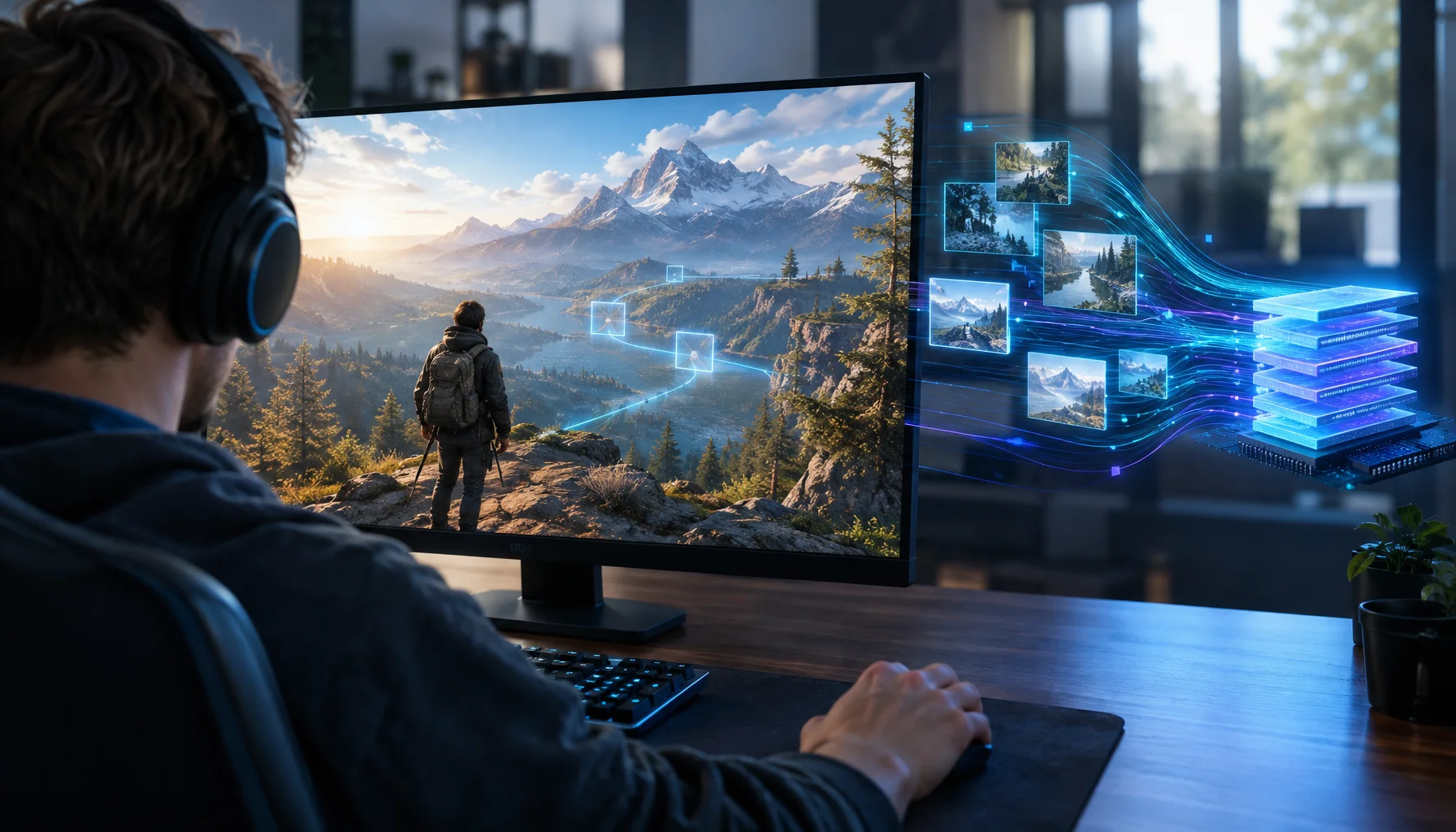
What If a Game Could Predict Its Next Memory Access? AI Prefetching and the Future of Stutter
Game engines already know where the player, camera and world are going. Research shows learned GPU prefetching can predict memory pages. What happens if those ideas are combined?
Spatial Audio Stacking: The Fast Way to Stop Confused Direction
Direction breaks when you stack spatial processing layers (game + system + headset app). Use one layer at a time and your cues become readable again.
Controller Wired vs Wireless: Latency, Stability, and the Real Tradeoff
Wired is not always faster, but it is often more stable. Learn what actually changes with wired vs wireless controllers and how to choose the setup with consistent feel.