
Products: Objects That Improve Gaming Feel
This shop is not a spec race. It’s a curated shelf of objects that improve what matters in play: clarity in motion, responsive control, comfort over long sessions, and stable online timing.
How We Choose Products
- Experience-first: the outcome in real play comes first.
- Stable wins: consistency beats peak numbers.
- Comfort is performance: fatigue kills skill.
- Culture and craft: objects should last and feel right.
Browse by Outcome
- Clarity (displays, settings, motion).
- Responsiveness (controls, latency chain).
- Comfort (ergonomics, long sessions).
- Stability (network, VRR, frame pacing).
If you’re unsure where to start, begin with the playbooks: fix the chain first, then upgrade the right object.
Related Articles
Stutter Fixes That Actually Work: Stop Chasing Random Graphics Tweaks
Most stutter ‘fixes’ fail because they don’t match the stutter type. Use this practical order: triage, reduce spikes, stabilize pacing, then tune settings.
Motion Clarity for Gaming: Blur Sources and the Fix Order That Works
Motion clarity isn’t one setting. Blur comes from multiple sources. Use this fix order to improve readability without adding latency or artifacts.
HDR Calibration Pitfalls: Why HDR Looks Dim or Washed Out
HDR looks bad when the baseline is wrong: mode mismatch, skipped calibration, dynamic processing, or wrong black/white levels. Fix the pitfalls in order.
Frame Cap Recipes: Stable Targets for VRR and Non-VRR Setups
A good cap feels better than unstable peaks. Use these simple cap recipes to stabilize frame pacing for VRR and non-VRR displays.
Shader Stutter: Why First Runs Hitch and How to Reduce It
Shader stutter happens when new effects compile in real time. Learn how to identify it fast and the practical ways to reduce hitches without placebo tweaks.
Console 120Hz Traps: Wrong Port, Wrong Mode, and Hidden Limits
120Hz often fails because of simple mismatches: wrong HDMI port, wrong input mode, or disabled features. Use this quick checklist to get true 120Hz.
BFI and Strobing: Clarity vs Flicker vs Latency (The Honest Tradeoff)
BFI/strobing can boost clarity, but it can also add flicker, reduce brightness, and break VRR. Use this guide to decide if the tradeoff is worth it.
Windows HDR Quick Baseline: A Simple Setup That Prevents Dim and Washed Out HDR
PC HDR often looks wrong because the baseline is wrong. Use this minimal Windows HDR setup to keep highlights readable and avoid dim, washed images.
Console 120Hz Traps: Why 120 Can Feel Worse Than 60
120Hz only feels better if the chain is correct. Wrong mode, wrong refresh handshake, unstable pacing, or broken VRR can make 120Hz feel worse than stable 60Hz.
Streaming Stutter: Storage, Decompression, and the Hitch Pattern
Streaming stutter is asset loading: new areas, new textures, periodic hitches. Learn the pattern, what to change first, and what upgrades actually help.
Spatial Audio Stacking: The Fast Way to Stop Confused Direction
Direction breaks when you stack spatial processing layers (game + system + headset app). Use one layer at a time and your cues become readable again.
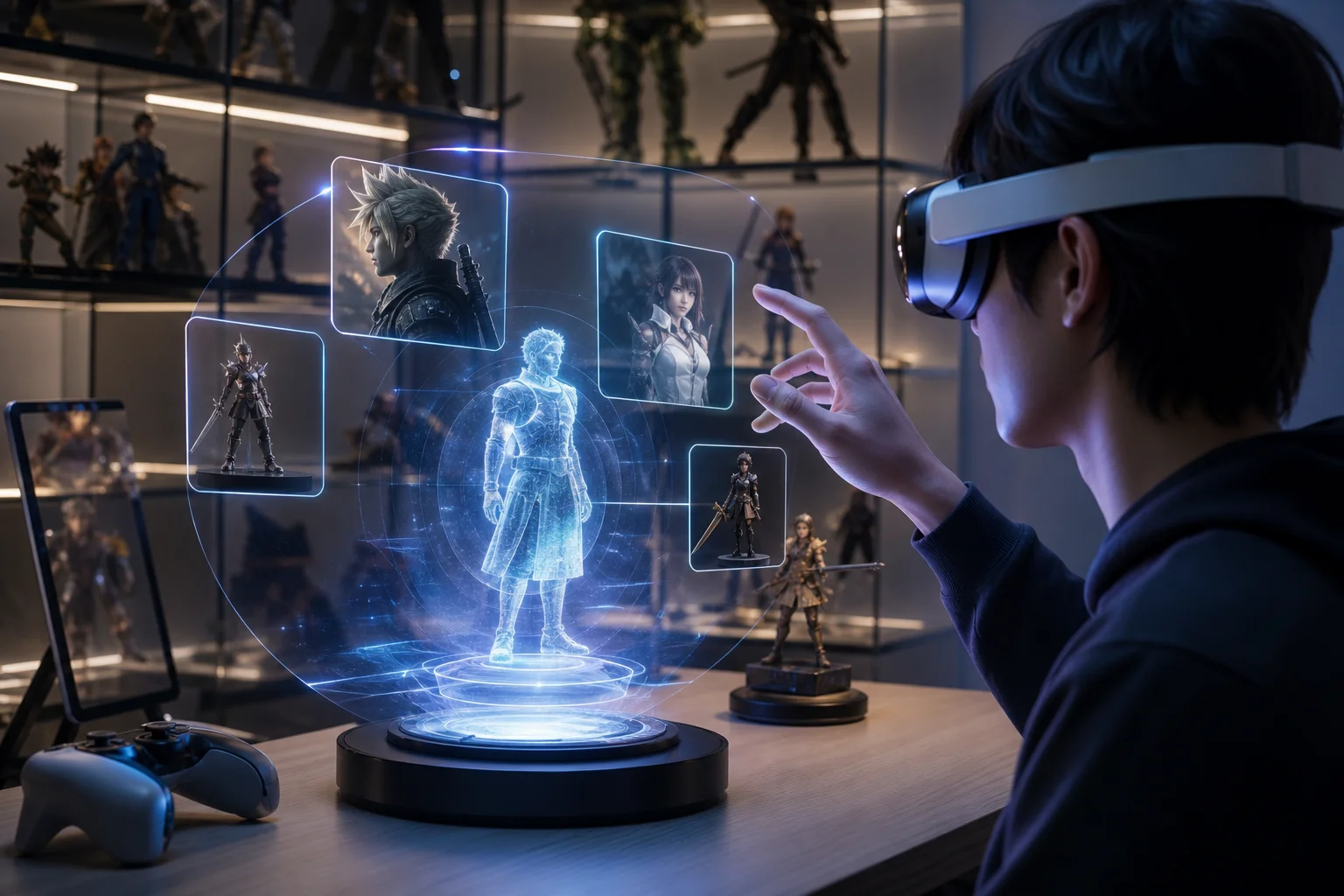
Google I/O 2026 and Gaming: AI, XR, and the Next Wave of Collectibles
Google I/O 2026 was not a classic gaming event, but its AI, XR, Gemini, Google Play, and creative tooling announcements point toward a clear shift in gaming culture. This article explains how AI discovery, XR companion layers, Gemini-powered media, and faster character visibility may shape games, figures, collectibles, and future fan ecosystems.