
Routers for Gaming: What Matters for Stability (Not Marketing Speed)
Most people buy routers for speed. Gamers should buy routers for stability. The biggest enemy is latency spikes under load. If the router handles queues badly, your ping becomes a roller coaster during uploads and downloads.
Three Things That Matter
- Queue behavior under load: stable latency when someone uploads.
- WiFi quality: coverage and interference handling if you use WiFi.
- Reliability: stable firmware behavior and no random resets.
Things That Matter Less Than People Think
- Peak WiFi speed numbers you never reach in real homes.
- Big antennas and aggressive gamer branding.
- Extra features you will never configure correctly.
Practical Baseline
- Test latency while someone streams or uploads.
- If spikes happen only under load, fix queue behavior first.
- Prefer Ethernet for critical sessions.
- If using WiFi, improve placement and channel quality before buying new hardware.
The Rule
The best router is the one that stays boring under load. If it stays boring, your games feel consistent.
Related Articles
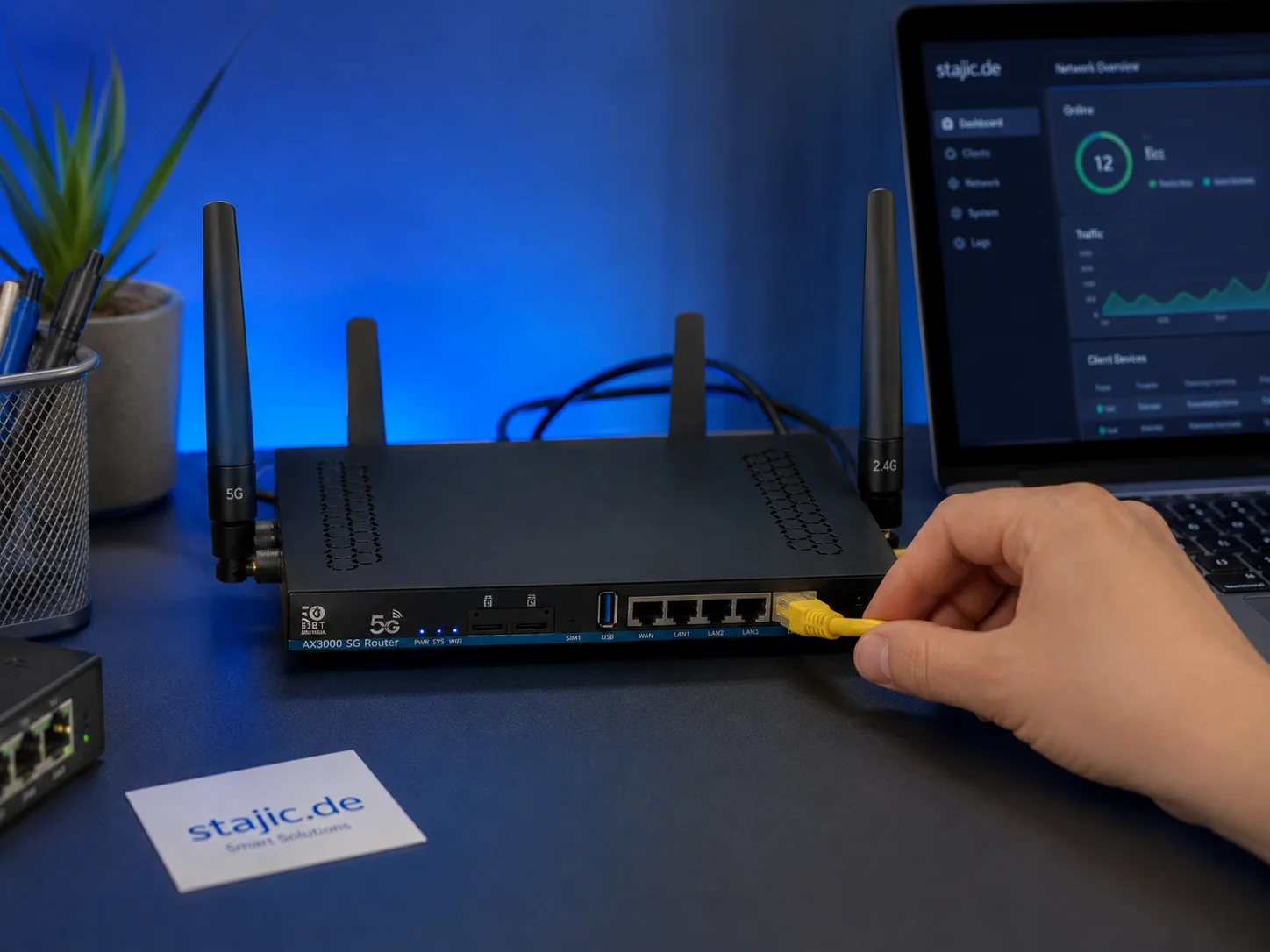
Why a 5G OpenWrt Router Can Be a Smart Upgrade for Gaming, Streaming and Mobile Work
A 5G OpenWrt router like the ZBT Z8102AX is more than a simple internet box. For gaming, streaming, mobile work and backup internet, it can become a flexible network platform with 5G connectivity, external antennas, dual-SIM potential and more control than many closed consumer routers.
QoS Myths for Gaming: What Helps, What Hurts, and the Real Priority
QoS is not a magic ‘gaming’ toggle. Good queue management reduces latency under load. Bad QoS adds jitter or breaks fairness. Here’s the stable way to think about it.
Display Processing Traps: The Settings That Secretly Ruin Clarity and Feel
Many displays ship with processing that looks ‘nice’ in movies but breaks gaming: added latency, artifacts, and instability. Here’s the short list to disable and why.
Comfort to Control: Why Ergonomics Improves Aim More Than You Think
Ergonomics is not optional. Fatigue changes grip, timing, and precision. Use a simple comfort baseline so your control stays consistent for hours.
Stutter Fixes That Stick: The Stability-First Playbook
Most stutter fixes fail because they skip triage. Use this playbook: identify stutter type, stabilize pacing, reduce spikes, then tune visuals last.
Ethernet vs Wi-Fi for Gaming: When Wi-Fi Is Enough and When It Isn’t
Wi-Fi can be fine for casual play, but competitive stability still favors Ethernet. Use a simple decision checklist based on spikes, distance, and load.
Mouse Acceleration vs Raw Input: How to Choose Without Breaking Aim
Acceleration isn’t evil — inconsistency is. Learn what raw input changes, when acceleration makes sense, and how to choose a stable setup without resetting your muscle memory daily.
End-to-End Feel Diagnosis: A Simple Flow That Finds the Real Cause
Stop guessing. Use this end-to-end flow to diagnose bad feel: display mode, timing, input queue, audio chain, and network load — in the right order.
AMD Anti-Lag Basics: The Stability Rules Before You Toggle It
Anti-Lag can reduce certain pipeline delays, but only if your system is already stable. Learn the baseline rules and the common scenarios where it won’t help.
Latency Features Explained: Reflex, Anti-Lag, and When They Actually Help
Latency features help only when the baseline is stable. Learn what Reflex/Anti-Lag type features do, when they reduce queue delay, and when they cause instability.
Console 120Hz Traps: Wrong Port, Wrong Mode, and Hidden Limits
120Hz often fails because of simple mismatches: wrong HDMI port, wrong input mode, or disabled features. Use this quick checklist to get true 120Hz.
Exclusive Mode Myths: When It Helps Audio (Rare) and When It Breaks Games
Exclusive mode can reduce OS mixing, but it often creates conflicts and instability. Use it only when it improves consistency, not because it sounds ‘pro’.