
Wi-Fi vs Ethernet for Gaming: When Wireless Is Fine and When It Is Not
Most arguments about Wi-Fi vs Ethernet miss the point. It is not about average speed. It is about timing stability. Ethernet is predictable. Wi-Fi is shared, noisy, and variable.
What Ethernet Gives You
- Lower jitter under load.
- Fewer random spikes from interference.
- More stable packet timing for competitive play.
Why Wi-Fi Fails (Common Modes)
- Interference from neighbors and devices.
- Distance and obstacles reduce signal quality.
- Busy airtime: many clients share the same medium.
- Router placement and channel selection matter more than brand names.
When Wi-Fi Is Fine
- Single player or casual online play.
- Short distance to router with good signal.
- No heavy uploads while gaming.
- Stable performance verified by repeated testing.
Wi-Fi Baseline Setup
- Move the router to a higher, open position.
- Use a clean channel and avoid crowded bands if possible.
- Keep distance short and reduce obstacles.
- Stop background uploads and cloud sync during play.
- Retest in the same time window on multiple days.
If you care about competitive timing, Ethernet is the default. If you must use Wi-Fi, treat it like a system you stabilize, not a mystery you accept.
Related Articles
Audio Chain for Gaming: One Clean Path from Game to Ears
Audio positioning improves when the chain is clean and stable. Build one path: one device, one mode, minimal processing, consistent levels.
Router Placement for Gaming: Distance and Obstacles That Create Spikes
Before you buy a new router, fix the environment. Placement, obstacles, and interference create spikes that feel like lag and stutter.
End-to-End Feel Diagnosis: A Simple Flow That Finds the Real Cause
Stop guessing. Use this end-to-end flow to diagnose bad feel: display mode, timing, input queue, audio chain, and network load — in the right order.
BFI and Strobing: Clarity vs Flicker vs Latency (The Honest Tradeoff)
BFI/strobing can boost clarity, but it can also add flicker, reduce brightness, and break VRR. Use this guide to decide if the tradeoff is worth it.
Windows HDR Quick Baseline: A Simple Setup That Prevents Dim and Washed Out HDR
PC HDR often looks wrong because the baseline is wrong. Use this minimal Windows HDR setup to keep highlights readable and avoid dim, washed images.
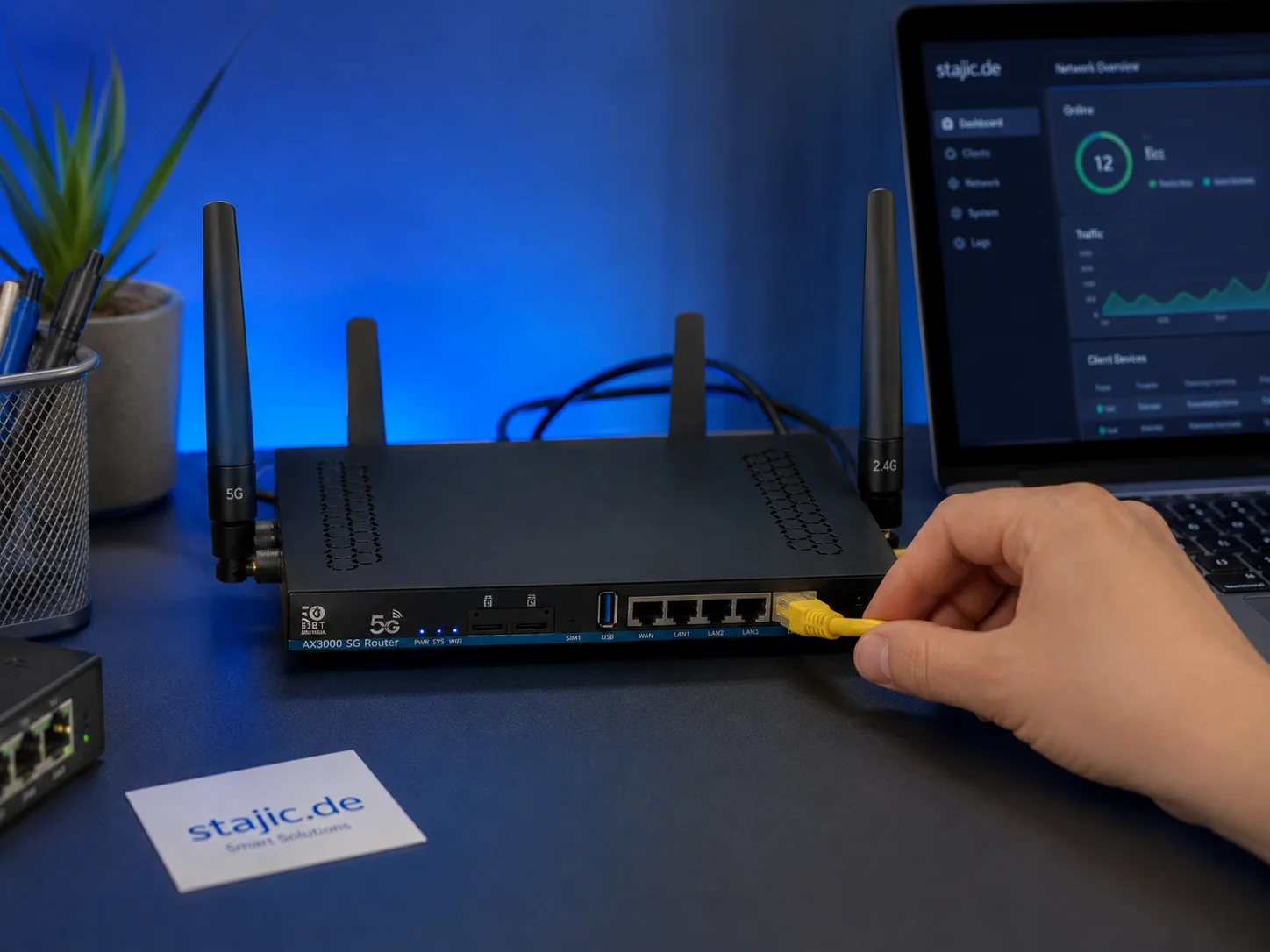
Why a 5G OpenWrt Router Can Be a Smart Upgrade for Gaming, Streaming and Mobile Work
A 5G OpenWrt router like the ZBT Z8102AX is more than a simple internet box. For gaming, streaming, mobile work and backup internet, it can become a flexible network platform with 5G connectivity, external antennas, dual-SIM potential and more control than many closed consumer routers.
HDR Calibration Pitfalls: Why HDR Looks Dim or Washed Out
HDR looks bad when the baseline is wrong: mode mismatch, skipped calibration, dynamic processing, or wrong black/white levels. Fix the pitfalls in order.
Overdrive Tuning: The Clean Way to Reduce Blur Without Ghosting
Overdrive can improve clarity or add ugly halos. Use this simple method to pick the clean middle setting that reduces blur without ghosting artifacts.
Display Processing Traps: The Settings That Secretly Ruin Clarity and Feel
Many displays ship with processing that looks ‘nice’ in movies but breaks gaming: added latency, artifacts, and instability. Here’s the short list to disable and why.
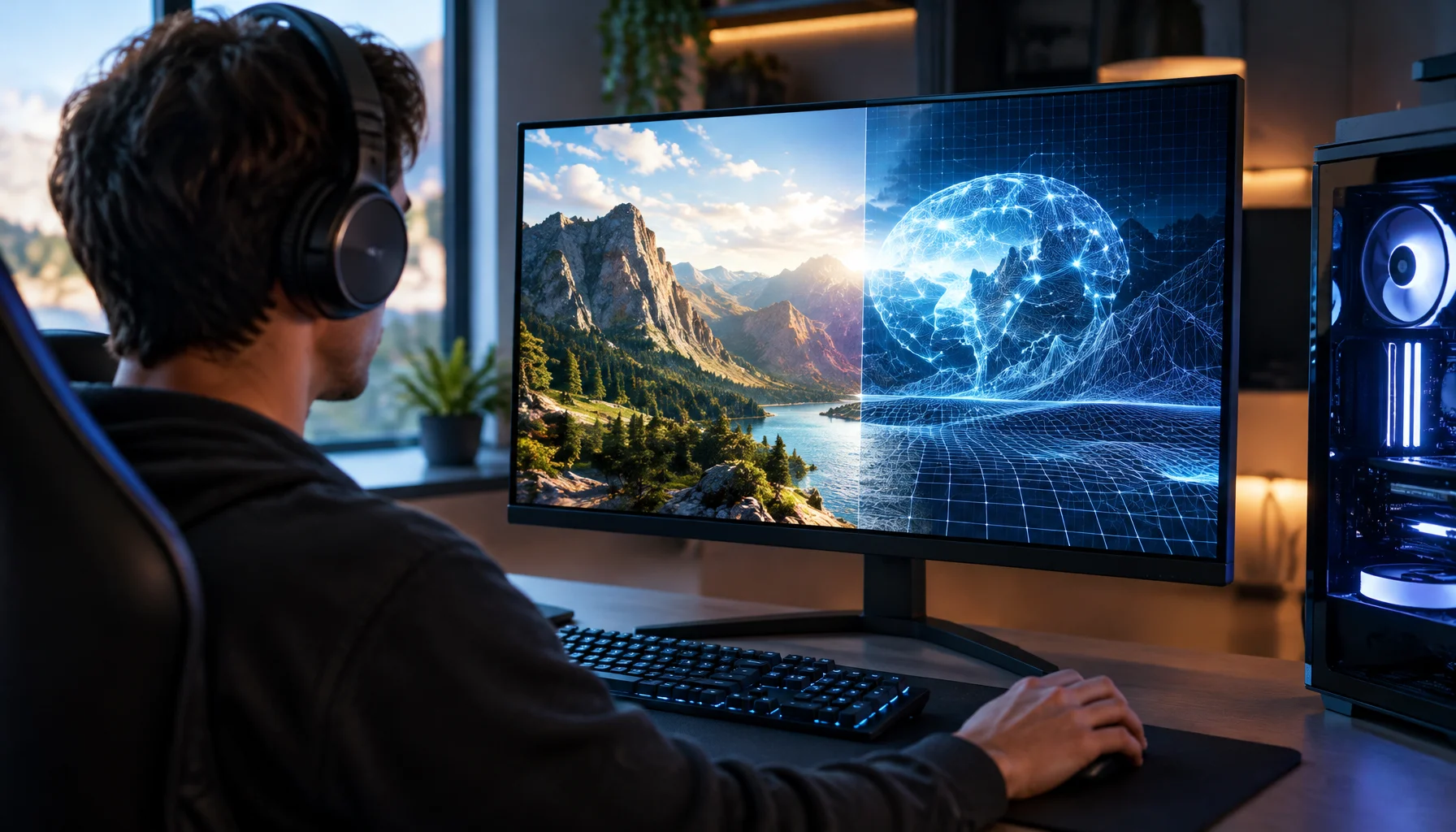
What Does “Future-Proof” Gaming Hardware Mean in the Neural Rendering Era?
Future-proofing used to mean buying more CPU, GPU and VRAM than you needed today. Neural rendering makes that rule less reliable. Here is a better decision framework.
Streaming Stutter: Storage, Decompression, and the Hitch Pattern
Streaming stutter is asset loading: new areas, new textures, periodic hitches. Learn the pattern, what to change first, and what upgrades actually help.
Render Queue Basics: Why the Game Feels Delayed Even at High FPS
High FPS doesn’t guarantee low delay. If frames queue up, you feel input lag. Learn the basics and the practical steps that reduce queueing delay.