
CPU Stutter vs GPU Stutter vs Shader Stutter: How to Tell What You Have
Stutter is a timing problem, but the source can be different. If you treat all stutter the same, you waste time. Diagnose the type first, then apply the right fix order.
Shader Stutter
- Feels like brief hitches when you enter new areas or effects appear.
- Often improves after you have played the same content once.
- Common in new games and new drivers.
CPU Stutter
- Feels like uneven pacing during busy scenes, AI, physics, or streaming.
- Often worse when background tasks are active.
- Can correlate with sudden drops in responsiveness.
GPU Stutter
- Feels like drops during heavy visuals and effects.
- Often improves if you reduce the settings that spike load.
- Can appear as oscillation if you are at the edge of GPU capacity.
Fast Diagnosis (Practical)
- Repeat the same scene twice: if it improves, suspect shaders.
- Reduce background load: if it improves, suspect CPU and scheduling.
- Reduce a heavy visual setting: if it improves, suspect GPU load spikes.
- Change one variable at a time and retest the same scene.
Once you know the stutter type, fixes become obvious. Without that, you are guessing.
Related Articles
HDR vs SDR Decision Matrix: When HDR Helps and When SDR Wins
HDR is not always better. Use this simple decision matrix to pick HDR or SDR per game based on readability, stability, and your display’s real behavior.
Streaming Stutter: Storage, Decompression, and the Hitch Pattern
Streaming stutter is asset loading: new areas, new textures, periodic hitches. Learn the pattern, what to change first, and what upgrades actually help.
Render Queue Basics: Why the Game Feels Delayed Even at High FPS
High FPS doesn’t guarantee low delay. If frames queue up, you feel input lag. Learn the basics and the practical steps that reduce queueing delay.
Comfort to Control: Why Ergonomics Improves Aim More Than You Think
Ergonomics is not optional. Fatigue changes grip, timing, and precision. Use a simple comfort baseline so your control stays consistent for hours.
V-Sync and Tearing: When It Helps, When It Hurts, and the Stable Alternative
Tearing is visible, but the wrong fix can add heavy feel. Learn when V-Sync is worth it, when it hurts, and how VRR + caps reduce tearing with less tradeoff.
Frame Cap Recipes: Stable Targets for VRR and Non-VRR Setups
A good cap feels better than unstable peaks. Use these simple cap recipes to stabilize frame pacing for VRR and non-VRR displays.
Router Placement for Gaming: Distance and Obstacles That Create Spikes
Before you buy a new router, fix the environment. Placement, obstacles, and interference create spikes that feel like lag and stutter.
Input Stability Week: The 7-Day Plan to Lock Consistent Feel
Your setup won’t feel consistent if you change five variables a day. Use this 7-day plan to lock a baseline, isolate issues, and keep control stable.
Audio Chain Baseline: One Clean Path That Fixes Most Footstep Confusion
Footsteps become readable when your audio path is clean and consistent. This baseline removes stacked processing, wrong modes, and unstable levels that destroy direction cues.
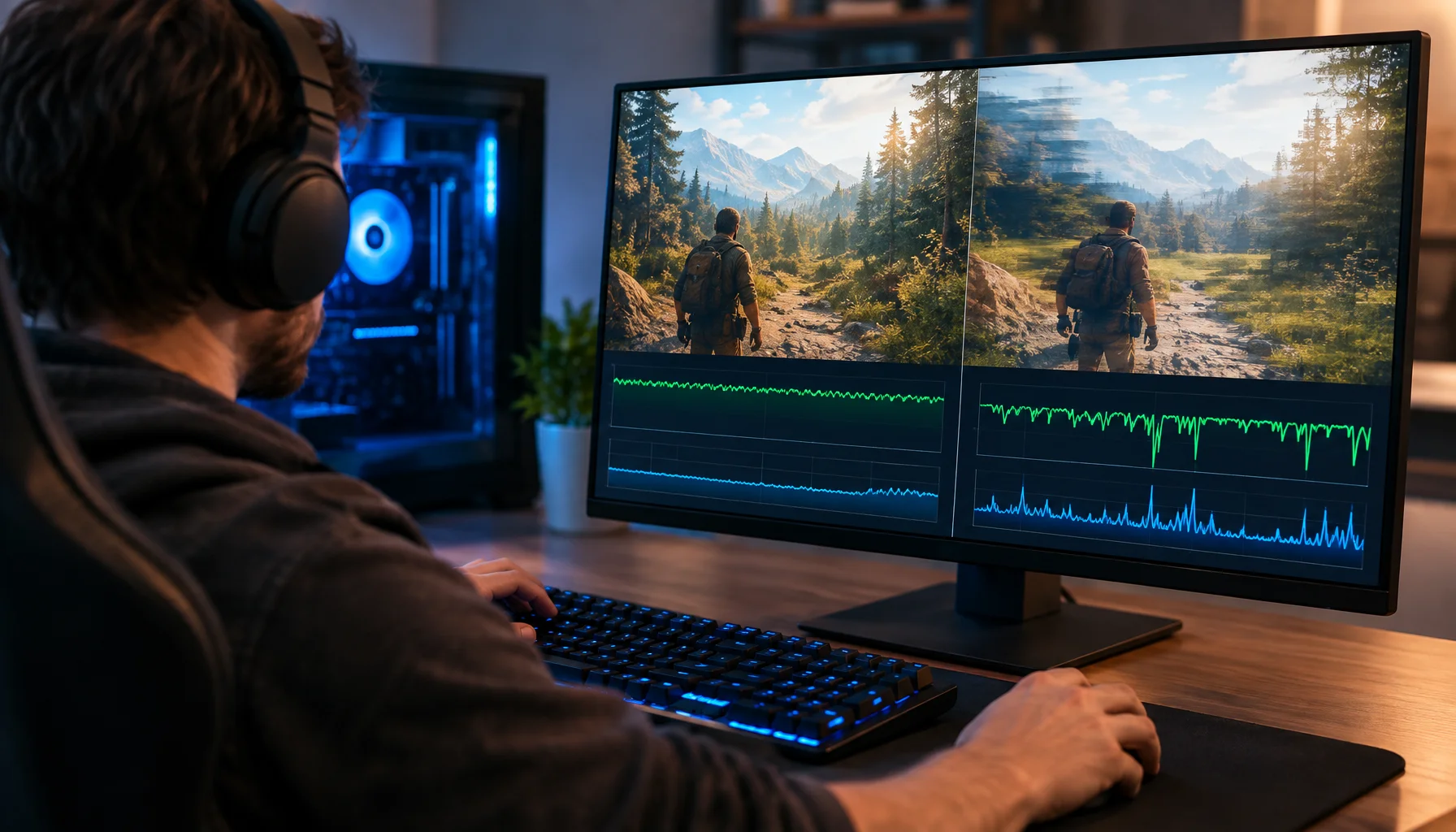
Why 120 FPS Can Still Feel Bad: Frame Time, 1% Lows and Stutter Explained
A game can report 120, 144 or even 200 FPS and still feel rough. This guide explains why average FPS can hide bad frame delivery, how frame time and 1% lows expose stutter, and how to diagnose whether the CPU, GPU or another part of the pipeline is causing the problem.
Exclusive Mode Myths: When It Helps Audio (Rare) and When It Breaks Games
Exclusive mode can reduce OS mixing, but it often creates conflicts and instability. Use it only when it improves consistency, not because it sounds ‘pro’.
Router QoS vs SQM: Which Actually Fixes Lag Spikes Under Load?
Many QoS features are marketing. SQM (queue management) targets latency under load — the real cause of bufferbloat spikes. Here’s the practical difference.