
HDR Tone Mapping Traps: When ‘Dynamic’ Settings Destroy Detail
HDR tone mapping decides how bright content maps to your display’s capabilities. ‘Dynamic’ or enhancement modes can make HDR look impressive in a store — but worse in real gameplay: blown highlights, gray blacks, or unstable brightness.
The Two Classic Failures
- Highlight crush or clipping: bright detail disappears.
- Black lift: dark scenes become gray fog and lose contrast.
Minimal Fix Baseline
- Use Game Mode on the correct input.
- Disable dynamic contrast/enhancement while testing.
- Run platform HDR calibration.
- Judge HDR vs SDR in the same scene and pick readability.
Rule: you’re not optimizing ‘wow’. You’re optimizing readable detail and stable feel.
Related Guides
HDR That MattersReadable highlights, not washed out.
Display CalibrationMinimal settings that improve clarity.
Console HDR PitfallsFast HDR fix order.
Game Mode ExplainedThe baseline for stable picture and feel.
Related Articles
Router Placement for Gaming: Distance and Obstacles That Create Spikes
Before you buy a new router, fix the environment. Placement, obstacles, and interference create spikes that feel like lag and stutter.
Ethernet Facts for Gaming: Cables, Ports, and the Myths That Waste Money
Ethernet improves stability, but you don’t need expensive ‘gaming’ cables. Learn the practical cable/port facts that matter for low-latency consistency.
Mouse Acceleration vs Raw Input: How to Choose Without Breaking Aim
Acceleration isn’t evil — inconsistency is. Learn what raw input changes, when acceleration makes sense, and how to choose a stable setup without resetting your muscle memory daily.
TV Local Dimming Tuning for Games: Keep Detail Without Flicker
Local dimming can improve contrast or ruin stability with pumping and crush. Use this practical tuning order to keep detail and readable highlights without flicker.
Stutter Fixes That Stick: The Stability-First Playbook
Most stutter fixes fail because they skip triage. Use this playbook: identify stutter type, stabilize pacing, reduce spikes, then tune visuals last.
Streaming Stutter: Storage, Decompression, and the Hitch Pattern
Streaming stutter is asset loading: new areas, new textures, periodic hitches. Learn the pattern, what to change first, and what upgrades actually help.
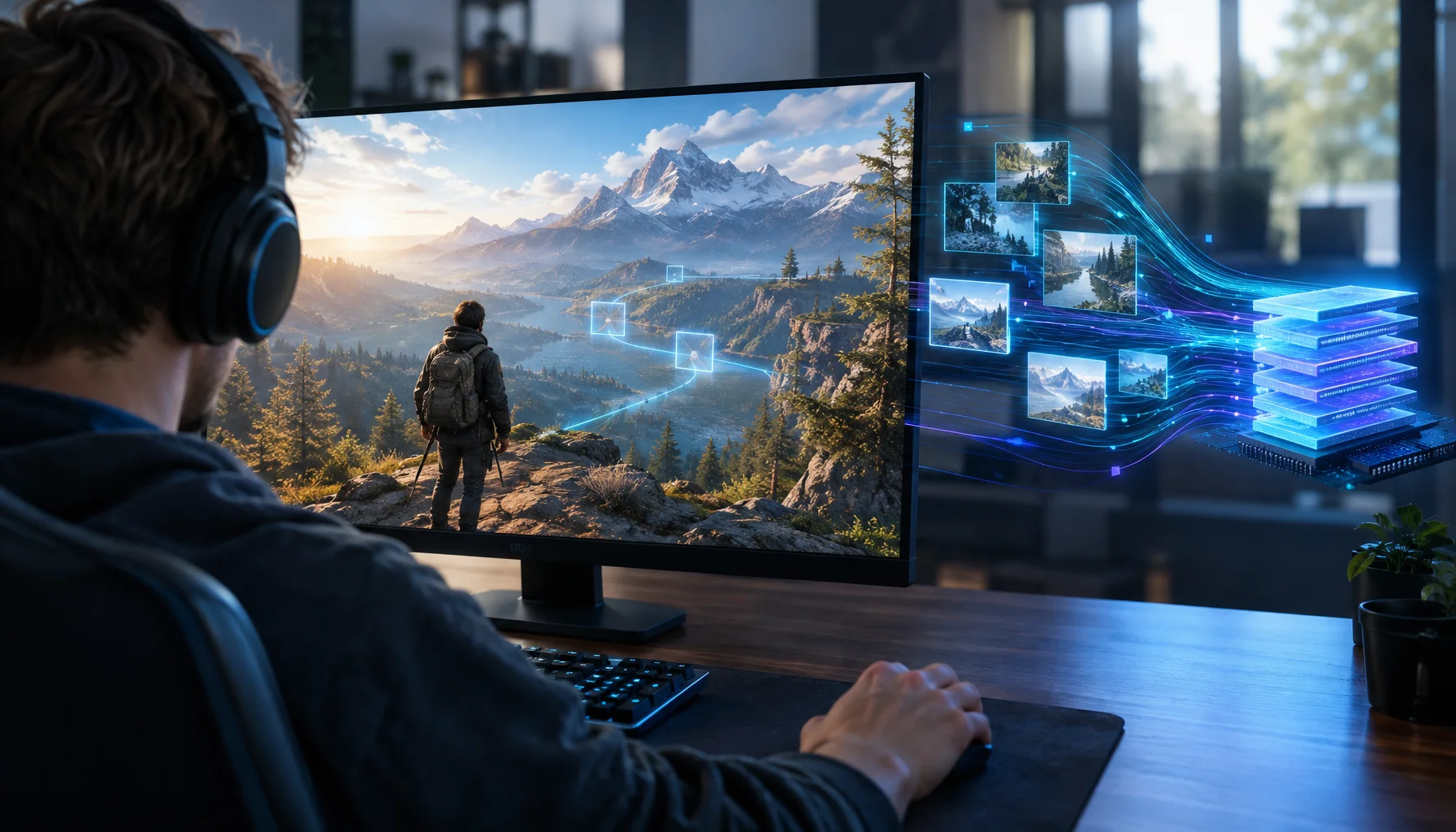
What If a Game Could Predict Its Next Memory Access? AI Prefetching and the Future of Stutter
Game engines already know where the player, camera and world are going. Research shows learned GPU prefetching can predict memory pages. What happens if those ideas are combined?

Pre-Order Alert: Good Smile Company Figma Doom: The Dark Ages – Doom Slayer DX Edition
The new Good Smile Company Figma Doom: The Dark Ages Doom Slayer DX Edition is more than a routine figure drop. It connects collector demand, franchise identity, and the wider appeal of Doom as one of gaming’s most durable icons.
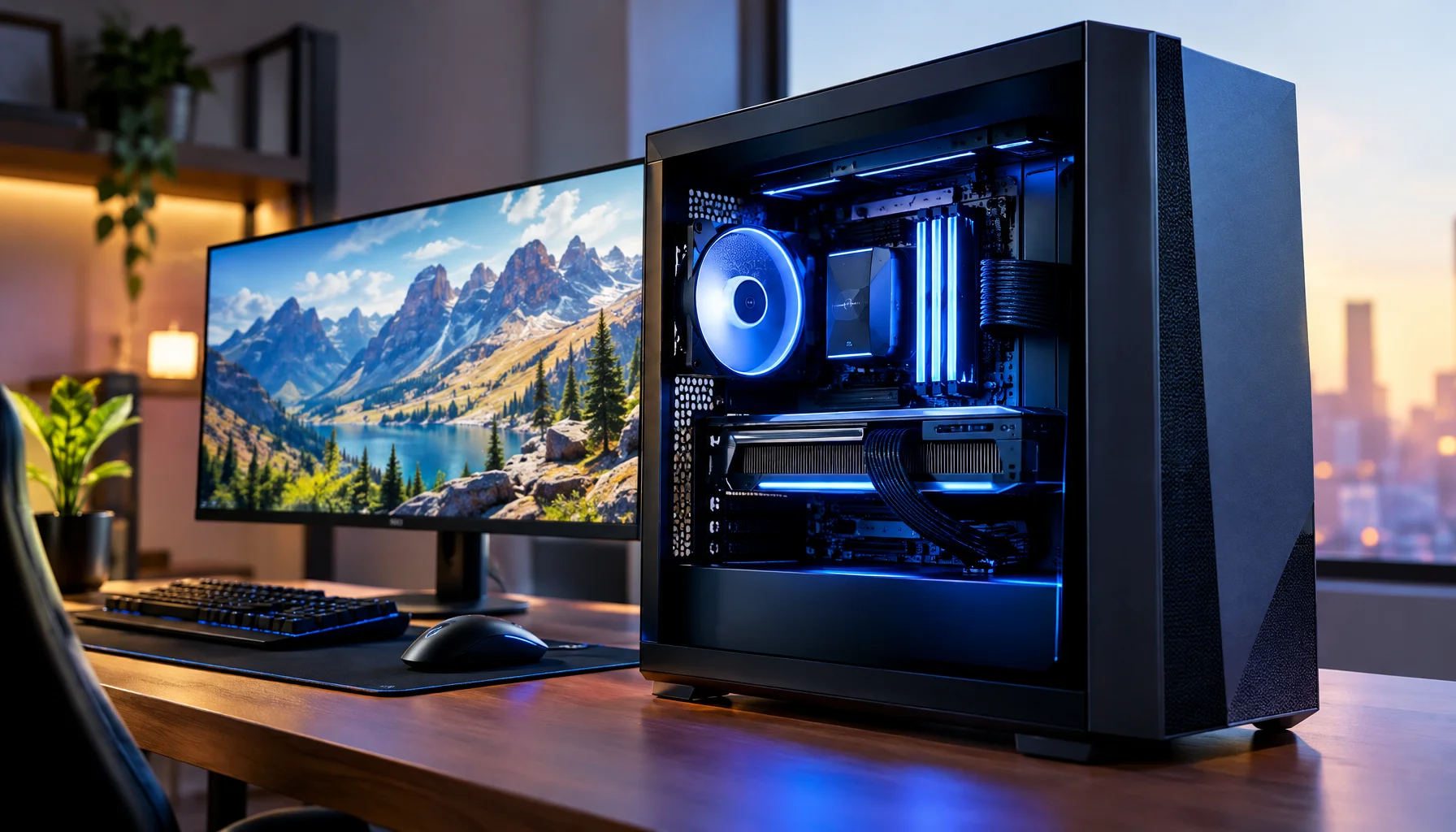
What Would a Spark-Like Gaming PC Actually Change? Unified Memory, AI Compute and the Classic GPU Split
Ethernet vs Wi-Fi for Gaming: When Wi-Fi Is Enough and When It Isn’t
Wi-Fi can be fine for casual play, but competitive stability still favors Ethernet. Use a simple decision checklist based on spikes, distance, and load.
Storage Streaming Stutter Fixes: When Assets Can’t Keep Up
Streaming stutter happens when new areas load: storage, decompression, or asset streaming limits. Use this fix order before you drop every graphics setting.
Windows Audio Mixer Traps: Why PC Audio Feels Inconsistent in Games
PC audio feels random when routing changes silently. Learn the mixer traps (default device switching, enhancements, app routing) and how to lock one stable path.