
Input Lag Measurement Basics: What You Can Test (Without a Lab)
Input Lag Measurement Basics: What You Can Test (Without a Lab)
You don’t need a lab to improve feel. The goal is not perfect measurement — it’s reliable comparison. If a change is real, you can reproduce it under the same conditions.
A Reliable Home Comparison
- Pick one repeatable action (same weapon, same training range).
- Lock your frame cap and settings first.
- Change one variable (Game Mode, VRR, Reflex, etc.).
- Repeat multiple times and look for consistent differences.
What You’re Really Testing
- Stability: does it feel the same every run?
- Latency deltas: does one mode clearly feel slower/faster?
- Side effects: does the change add stutter, flicker, or blur?
Rule: if you can’t reproduce it, don’t build your setup on it.
Related Guides
Reduce Input Lag v2Fast fixes that actually matter.
Latency Chain MapUnderstand the chain.
Game Mode ExplainedThe biggest home ‘measurement’ win.
Frame PacingTiming affects feel more than peak FPS.
Related Articles
Ethernet vs Wi-Fi for Gaming: When Wi-Fi Is Enough and When It Isn’t
Wi-Fi can be fine for casual play, but competitive stability still favors Ethernet. Use a simple decision checklist based on spikes, distance, and load.
Console Audio Modes: Stereo, Surround, and Why Auto Often Fails
Auto audio modes can change your cues mid-session. Learn how console audio modes interact with games and headsets, and how to lock a stable mode for readable direction.
Render Queue Basics: Why the Game Feels Delayed Even at High FPS
High FPS doesn’t guarantee low delay. If frames queue up, you feel input lag. Learn the basics and the practical steps that reduce queueing delay.
HDMI Black Level and RGB Range: The Quick Fix for Washed Out or Crushed Images
Washed out blacks or crushed shadow detail is often a range mismatch, not a bad screen. Use this quick check to fix readability in minutes.
Ethernet Facts for Gaming: Cables, Ports, and the Myths That Waste Money
Ethernet improves stability, but you don’t need expensive ‘gaming’ cables. Learn the practical cable/port facts that matter for low-latency consistency.
Console 120Hz Traps: Wrong Port, Wrong Mode, and Hidden Limits
120Hz often fails because of simple mismatches: wrong HDMI port, wrong input mode, or disabled features. Use this quick checklist to get true 120Hz.
Fix Input Lag Fast (PC & Console): The No-Placebo Checklist
Stop chasing myths. This checklist targets the real causes of heavy feel: display processing, unstable pacing, render queue buffering, and background spikes.
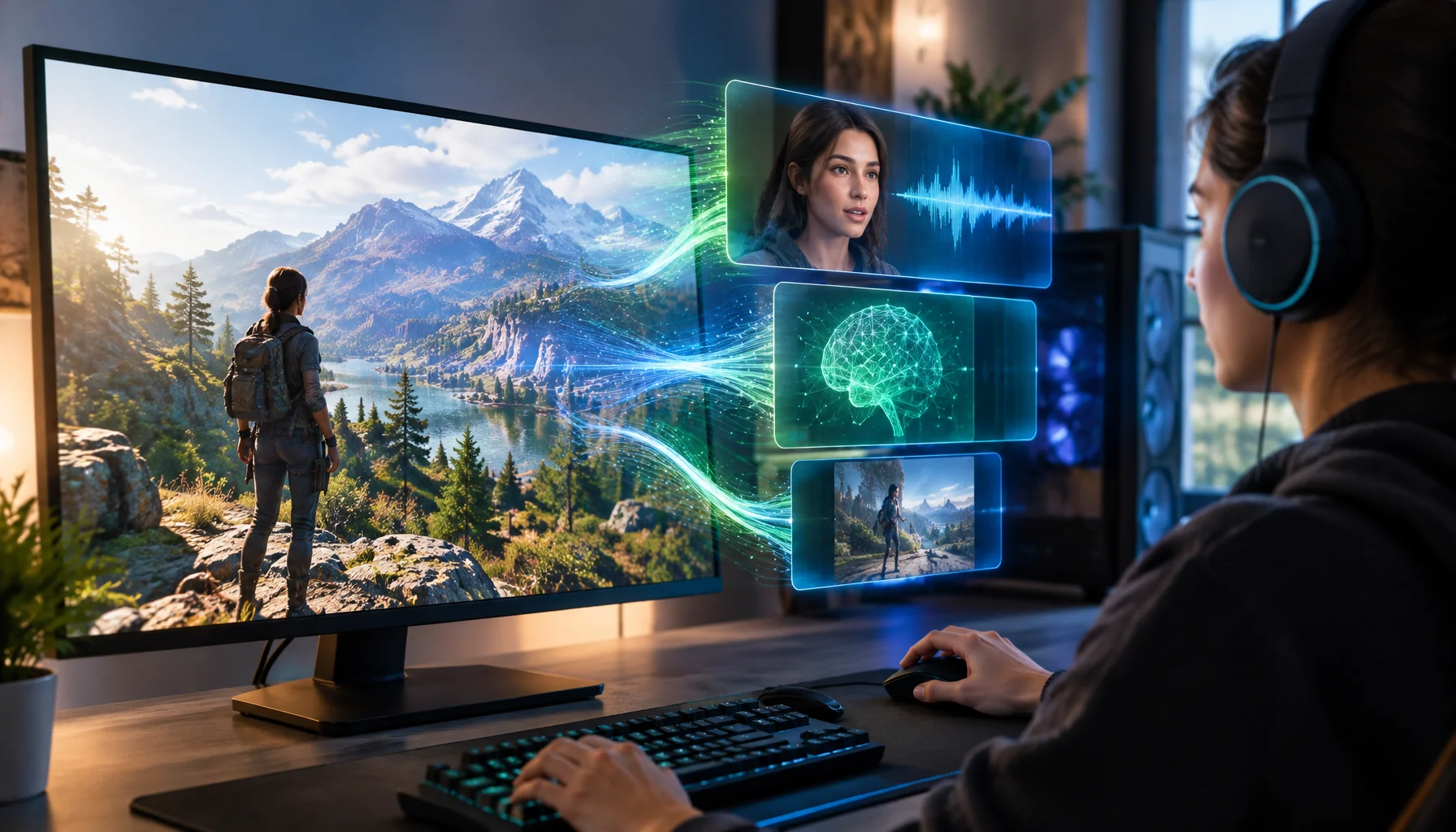
NVIDIA RTX Spark Puts DLSS 5 and Local AI Characters on the Same Gaming Platform
NVIDIA is bringing neural rendering and local AI character reasoning onto the same gaming platform. RTX Spark, DLSS 5 and Nemotron 3.5 Bolt show why the next challenge is not simply running AI in games, but making graphics, speech and agent inference coexist without breaking the experience.
Spatial Audio Stacking: The Fast Way to Stop Confused Direction
Direction breaks when you stack spatial processing layers (game + system + headset app). Use one layer at a time and your cues become readable again.
Frame Cap Recipes: Stable Targets for VRR and Non-VRR Setups
A good cap feels better than unstable peaks. Use these simple cap recipes to stabilize frame pacing for VRR and non-VRR displays.
Borderless vs Exclusive Fullscreen: When It Matters for Feel and Stability
Most of the time, it doesn’t matter. But in some setups, window mode affects timing, overlays, and stability. Here’s when to care and how to decide.
Wireless Controller Latency: Myths, Reality, and the One Baseline That Matters
Wireless isn’t automatically bad. Feel breaks when timing is unstable. Learn the real sources of controller delay and the baseline that makes it consistent.