
Queue Management: The Hidden Router Setting That Stops Lag Spikes
Many connections are fine until someone uploads, streams, or backs up photos. Then latency jumps. That is often queue behavior: data sits in buffers waiting its turn. In games, that feels like sudden heavy input and late reactions.
What Bufferbloat Is (Plain)
- Your router or modem holds too much data in a queue.
- When the queue grows, latency increases sharply.
- Speed may look fine, but timing becomes inconsistent.
What You Want Instead
- Stable latency under load (someone else using the network).
- Short queues that do not grow huge during uploads.
- Predictable feel even when the house is active.
Practical Fix Order
- Test while the network is busy (upload plus gaming).
- If spikes appear, prioritize queue management features on the router.
- Reduce background uploads during competitive play.
- Only then consider upgrading hardware.
The Rule
If gaming feels great until someone else uses the internet, it is usually queue behavior. Fix queues, not your game settings.
Related Guides
ExperienceOutcomes you can feel in play.
PlaybooksStep by step fixes for better feel.
GearHardware that shapes feel.
Network Stability for Gaming: Ping vs Jitter vs Bufferbloat (What Matters)Stability is what you actually feel.
Related Articles
Shader Cache Reality: What It Fixes, What It Doesn’t, and Why Stutter Returns
Shader cache can reduce repeated compilation stutter, but it won’t fix CPU spikes or streaming hitches. Learn what it really does and how to test properly.
BFI and Strobing: Clarity vs Flicker vs Latency (The Honest Tradeoff)
BFI/strobing can boost clarity, but it can also add flicker, reduce brightness, and break VRR. Use this guide to decide if the tradeoff is worth it.
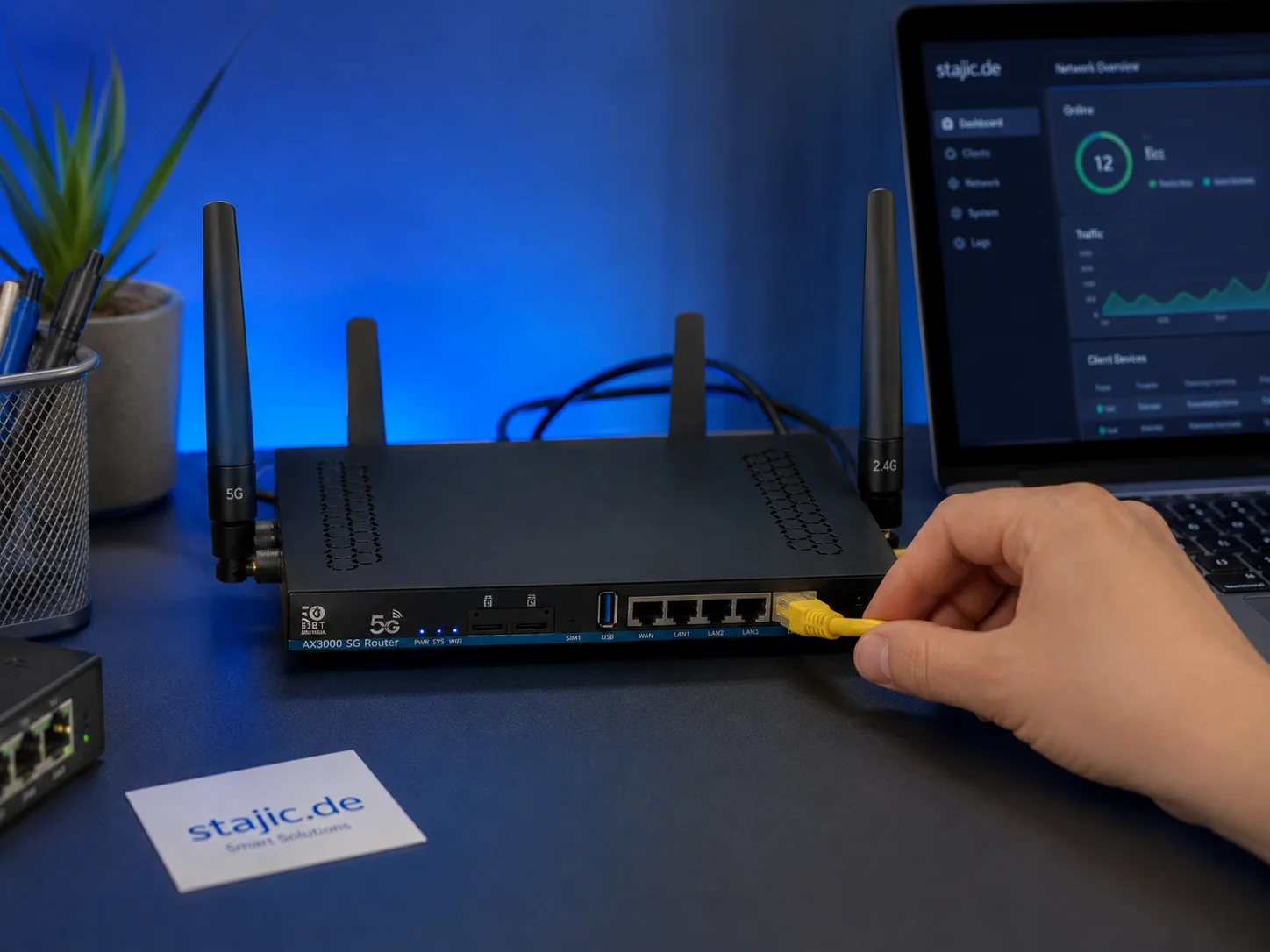
Why a 5G OpenWrt Router Can Be a Smart Upgrade for Gaming, Streaming and Mobile Work
A 5G OpenWrt router like the ZBT Z8102AX is more than a simple internet box. For gaming, streaming, mobile work and backup internet, it can become a flexible network platform with 5G connectivity, external antennas, dual-SIM potential and more control than many closed consumer routers.
Capture and Overlays: When Recording Tools Add Delay and Spikes
Recording and overlays can change timing and feel. Use this checklist to isolate capture overhead and keep frametimes stable while streaming or clipping.
Wireless Controller Latency: Myths, Reality, and the One Baseline That Matters
Wireless isn’t automatically bad. Feel breaks when timing is unstable. Learn the real sources of controller delay and the baseline that makes it consistent.
Router QoS vs SQM: Which Actually Fixes Lag Spikes Under Load?
Many QoS features are marketing. SQM (queue management) targets latency under load — the real cause of bufferbloat spikes. Here’s the practical difference.
Exclusive Mode Myths: When It Helps Audio (Rare) and When It Breaks Games
Exclusive mode can reduce OS mixing, but it often creates conflicts and instability. Use it only when it improves consistency, not because it sounds ‘pro’.
QoS Myths for Gaming: What Helps, What Hurts, and the Real Priority
QoS is not a magic ‘gaming’ toggle. Good queue management reduces latency under load. Bad QoS adds jitter or breaks fairness. Here’s the stable way to think about it.
Windows HDR Quick Baseline: A Simple Setup That Prevents Dim and Washed Out HDR
PC HDR often looks wrong because the baseline is wrong. Use this minimal Windows HDR setup to keep highlights readable and avoid dim, washed images.
Ethernet Facts for Gaming: Cables, Ports, and the Myths That Waste Money
Ethernet improves stability, but you don’t need expensive ‘gaming’ cables. Learn the practical cable/port facts that matter for low-latency consistency.
Render Queue Basics: Why the Game Feels Delayed Even at High FPS
High FPS doesn’t guarantee low delay. If frames queue up, you feel input lag. Learn the basics and the practical steps that reduce queueing delay.
Storage Streaming Stutter Fixes: When Assets Can’t Keep Up
Streaming stutter happens when new areas load: storage, decompression, or asset streaming limits. Use this fix order before you drop every graphics setting.