
Router QoS Myths: What Helps Gaming (And What’s Just Marketing)
Gaming QoS is often sold as a magic switch. In reality, the important problem is latency under load (bufferbloat). If your router cannot control queues well, labels won’t help.
What Actually Helps
- Latency-under-load control (queue management).
- Avoiding saturation (uploads are the usual killer).
- Stable Wi-Fi environment or Ethernet.
Common Myths
- ‘Gaming mode’ automatically fixes spikes.
- Higher internet speed alone fixes bufferbloat.
- Prioritizing packets solves poor Wi-Fi interference.
Rule: measure under real load. If spikes appear when uploads happen, you need better queue control, not marketing toggles.
Related Guides
Queue ManagementFix bufferbloat and spikes under load.
Network Spikes FlowIsolate the real culprit fast.
Wi-Fi Stability RulesDistance, channels, interference.
Ethernet vs Wi-FiWhy wired usually wins.
Related Articles
Router Checklist for Gaming: The 10 Settings That Prevent Spikes
Most routers can game well if you remove the spike generators. Use this simple checklist: queue management, sane Wi-Fi, and stable load behavior.
Motion Clarity for Gaming: Blur Sources and the Fix Order That Works
Motion clarity isn’t one setting. Blur comes from multiple sources. Use this fix order to improve readability without adding latency or artifacts.
Controller Wired vs Wireless: Latency, Stability, and the Real Tradeoff
Wired is not always faster, but it is often more stable. Learn what actually changes with wired vs wireless controllers and how to choose the setup with consistent feel.
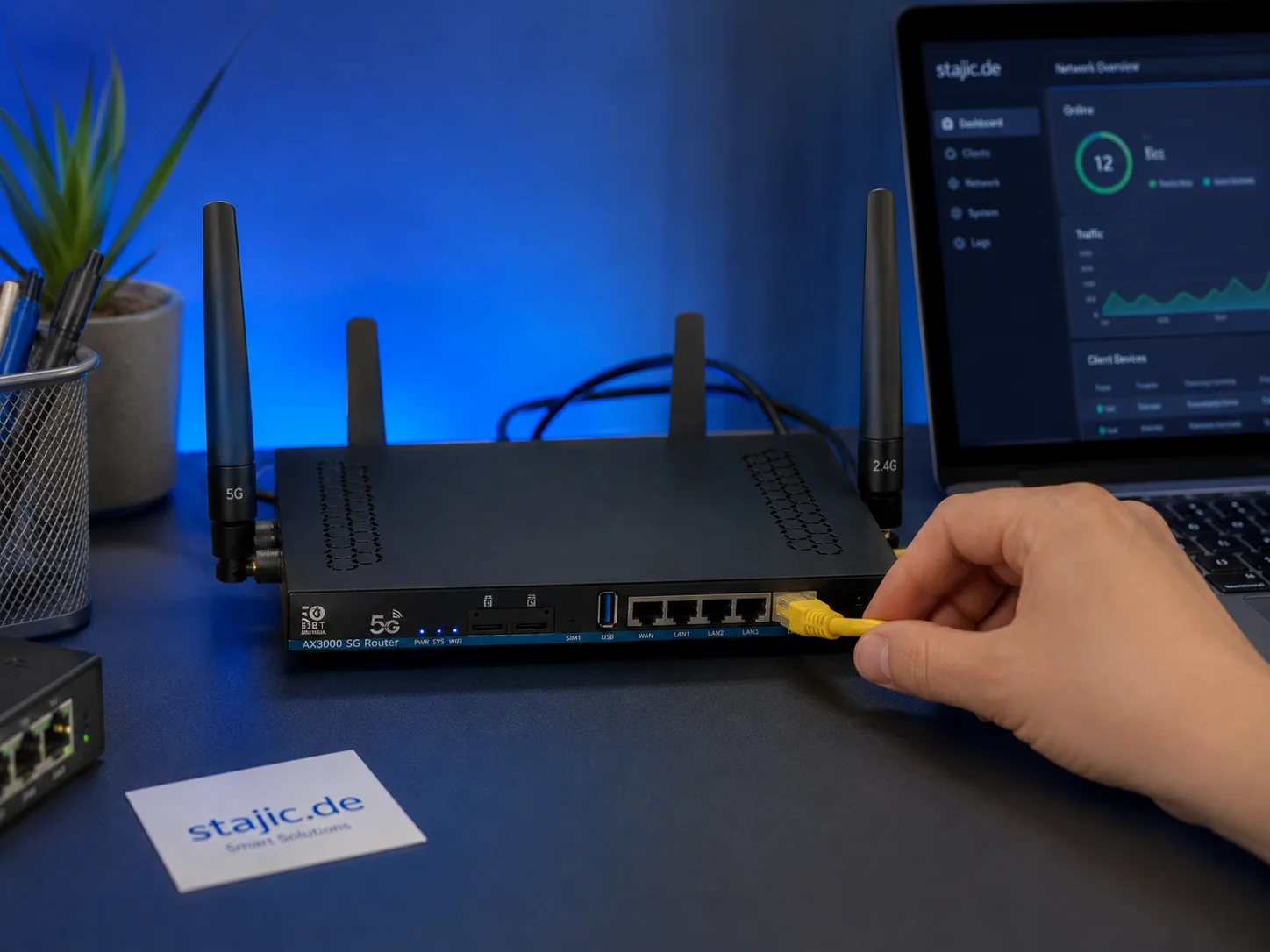
Why a 5G OpenWrt Router Can Be a Smart Upgrade for Gaming, Streaming and Mobile Work
A 5G OpenWrt router like the ZBT Z8102AX is more than a simple internet box. For gaming, streaming, mobile work and backup internet, it can become a flexible network platform with 5G connectivity, external antennas, dual-SIM potential and more control than many closed consumer routers.
Shader Stutter: Why First Runs Hitch and How to Reduce It
Shader stutter happens when new effects compile in real time. Learn how to identify it fast and the practical ways to reduce hitches without placebo tweaks.
Console 120Hz Traps: Why 120 Can Feel Worse Than 60
120Hz only feels better if the chain is correct. Wrong mode, wrong refresh handshake, unstable pacing, or broken VRR can make 120Hz feel worse than stable 60Hz.
Streaming Stutter: Storage, Decompression, and the Hitch Pattern
Streaming stutter is asset loading: new areas, new textures, periodic hitches. Learn the pattern, what to change first, and what upgrades actually help.
Console Audio Modes: Stereo, Surround, and Why Auto Often Fails
Auto audio modes can change your cues mid-session. Learn how console audio modes interact with games and headsets, and how to lock a stable mode for readable direction.
HDR Calibration Pitfalls: Why HDR Looks Dim or Washed Out
HDR looks bad when the baseline is wrong: mode mismatch, skipped calibration, dynamic processing, or wrong black/white levels. Fix the pitfalls in order.
Render Queue Basics: Why the Game Feels Delayed Even at High FPS
High FPS doesn’t guarantee low delay. If frames queue up, you feel input lag. Learn the basics and the practical steps that reduce queueing delay.
BFI and Strobing: Clarity vs Flicker vs Latency (The Honest Tradeoff)
BFI/strobing can boost clarity, but it can also add flicker, reduce brightness, and break VRR. Use this guide to decide if the tradeoff is worth it.
End-to-End Feel Diagnosis: A Simple Flow That Finds the Real Cause
Stop guessing. Use this end-to-end flow to diagnose bad feel: display mode, timing, input queue, audio chain, and network load — in the right order.