
Fix Stutter: How to Restore Stable Frame Delivery in Games
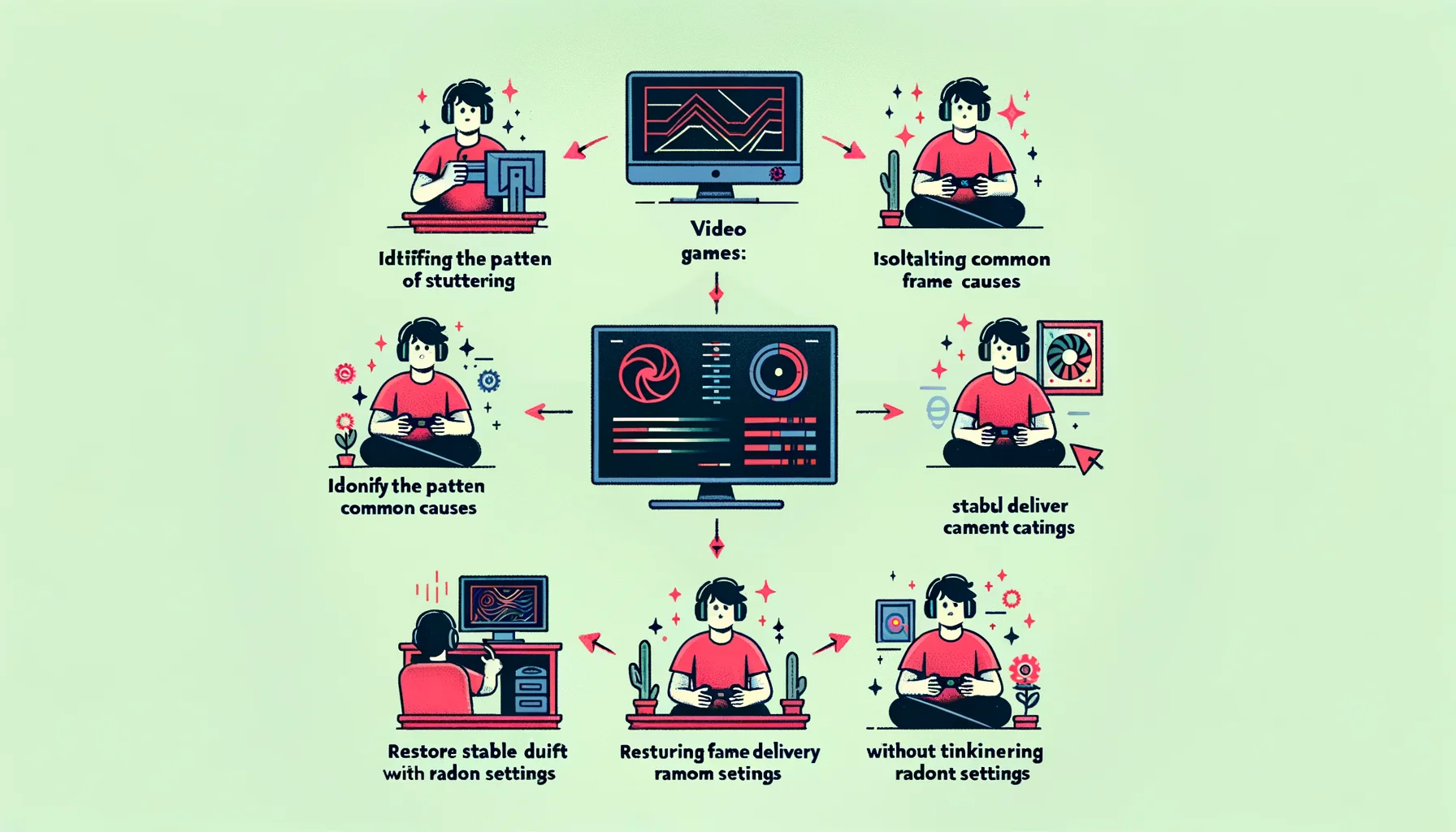
Stutter is one of the most common gaming problems and one of the easiest to misread. Players often use the same word for very different failures: a small hitch when entering a new area, rough camera motion during pans, a sudden spike in combat, or a setup that feels unstable every time background activity changes. All of those can be called stutter, but they do not come from one cause and they do not respond to one fix.
That is why a useful stutter page has to begin with triage rather than folklore. The right mental model is the one behind Fix Playbooks: identify the type, stabilize the system, remove spikes, and only then tune settings. Most failed stutter fixes happen because players skip diagnosis and change ten variables at once.
Why stutter feels so destructive
Stutter damages feel more than average numbers suggest because it breaks continuity. The problem is not only that a frame arrives late. The problem is that the player loses trust in motion, timing, and control. That is why stutter belongs directly inside Smoothness. Smoothness is not high FPS in theory. It is even delivery in practice.
This is also why good stutter diagnosis overlaps with Responsiveness. When timing collapses, the game can feel rough and late at the same time. Players often think they have input lag when the real problem is unstable frametime delivery. In other cases they think the game is GPU-limited when the real issue is background load, asset streaming, or bad scene-to-scene pacing.
Stutter is not one thing
A serious fix starts by naming the pattern correctly. That is exactly why this page should connect readers into Stutter Types. If you do not know whether the problem is shader-related, CPU-related, streaming-related, or caused by random background spikes, you will almost certainly apply the wrong fix and misjudge the result.
- Shader stutter: hitches when new effects or materials appear.
- Streaming stutter: hitches when moving into new areas or loading new assets.
- CPU or scheduling spikes: uneven frametimes during combat, simulation, or background contention.
- Configuration instability: VRR, fullscreen mode, overlays, or mismatched settings creating roughness that looks random.
These patterns can overlap, which is why random tweaking wastes so much time. A setup can have weak streaming behavior and also be overspending its timing budget through overlays or unstable caps. That is why Figure Rocks works best when the page acts as a routing layer into the deeper structure, not as a pile of disconnected tips.
The fix order that actually works
The first mistake many players make is chasing peak FPS. The more useful goal is stable frametime delivery. That is why this page should naturally reinforce Frame Pacing: Why 120 FPS Can Still Feel Bad. A high number can still feel rough if timing is uneven. You do not feel averages. You feel delivery.
- Identify the stutter pattern before changing anything major.
- Use a frame cap you can actually hold instead of unstable peaks.
- Remove background load and overlays for clean testing.
- Reduce settings that cause spikes, not just average FPS drops.
- Check scene-to-scene behavior so you do not judge one lucky run.
- Only after stability returns, tune extras such as VRR or visual polish.
This order matters because stutter is usually a spike problem before it is a beauty-settings problem. If the system cannot deliver frames evenly, more aggressive settings or uncapped swings will only make the result harder to read. The simplest supporting model for this is Stability Budget. Every setup has a limited ability to stay consistent under load. Overspend that budget and feel collapses.
Common sources of stutter that players underestimate
One common source is background activity. Sync tools, updates, scans, recording hooks, browser GPU activity, and overlays can all create intermittent spikes that look like game instability. Another common source is storage and asset delivery, especially when new areas, effects, or textures arrive under pressure. A third source is configuration mismatch: fullscreen mode behavior, VRR edge cases, or unstable caps that make timing worse instead of better.
That is why this page should send readers deeper where needed. If the hitch appears mainly when moving through new areas, Storage Streaming Stutter Fixes is the more exact next step. If the problem changes from day to day, Background Load Kill Switch is often more useful than touching graphics settings. If stability seems to change with display mode or overlays, Borderless vs Exclusive Fullscreen becomes relevant.
Why stutter often gets confused with other problems
Stutter rarely arrives alone. It often overlaps with input heaviness, reduced clarity during motion, and scene-to-scene inconsistency that players cannot name cleanly. That is why a good Fix Stutter page should also reinforce the broader timing model, including The Timing Triangle. When timing is unstable, several feel problems appear at once. Fixing stability often improves more than one symptom.
This is also where bad advice spreads fastest. People copy settings that worked on one machine and assume the cause was the same everywhere. In reality, some systems are limited by shader compilation behavior, some by asset streaming, some by background load, and some by unrealistic expectations created by unstable uncapped settings. Diagnosis beats imitation every time.
When gear matters and when it does not
Gear can matter, but it is rarely the first answer. A better display with cleaner VRR behavior can help. Faster storage can help in streaming-heavy cases. A cleaner system layout can help. But hardware should be judged only after the baseline is stable. Otherwise players spend money to hide a fixable configuration problem. That is why this page should naturally feed into Gear only after timing has been stabilized through method, not hope.
The larger portal logic is what makes this useful. Experience explains what the player is feeling. Fix provides the repair order. Gear helps strengthen the setup once the real bottleneck is known. A strong stutter article should sit exactly in that flow.
The practical takeaway
To fix stutter, stop asking for one perfect setting and start classifying the pattern. Then stabilize frame pacing, remove spikes, and test with discipline. Once the type is clear, the repair path gets shorter, cheaper, and much more reliable.
A real Fix Stutter page should not promise magic. It should teach readers how to identify the problem, connect them to the right supporting guides, and restore stable feel without guessing. That is what makes it useful for ranking, useful for players, and structurally strong inside Figure Rocks.
Related Articles
Stutter Fixes: The Order That Actually Reduces Frametime Spikes
Stutter fixes work when you match the stutter type. Use the correct order: identify, stabilize, then optimize — not the other way around.
Fix Network: How to Restore Stable Online Play in Games
Network problems in games are often misread as generic lag. This guide explains how to separate real online instability from local timing issues, diagnose what is actually wrong, and fix the network in the right order.
Fix Input Lag: What Actually Improves Feel in Games
Input lag is rarely one setting and almost never one simple cause. This guide explains where delay actually builds up, how it affects feel, and the practical fix order that improves responsiveness without placebo.
Fix Input Lag Fast: The No-Placebo Checklist (Display, Timing, Background Load)
Stop guessing. This checklist isolates the real causes of input lag: display processing, unstable timing, and background load — in the right order.
Stutter Fix Order: What to Change First (So You Don’t Waste Time)
Stutter is a symptom. The fix order matters: triage, stabilize pacing, then tune VRR and graphics. Here’s the practical sequence that works.
Stutter Fixes That Stick: The Stability-First Playbook
Most stutter fixes fail because they skip triage. Use this playbook: identify stutter type, stabilize pacing, reduce spikes, then tune visuals last.
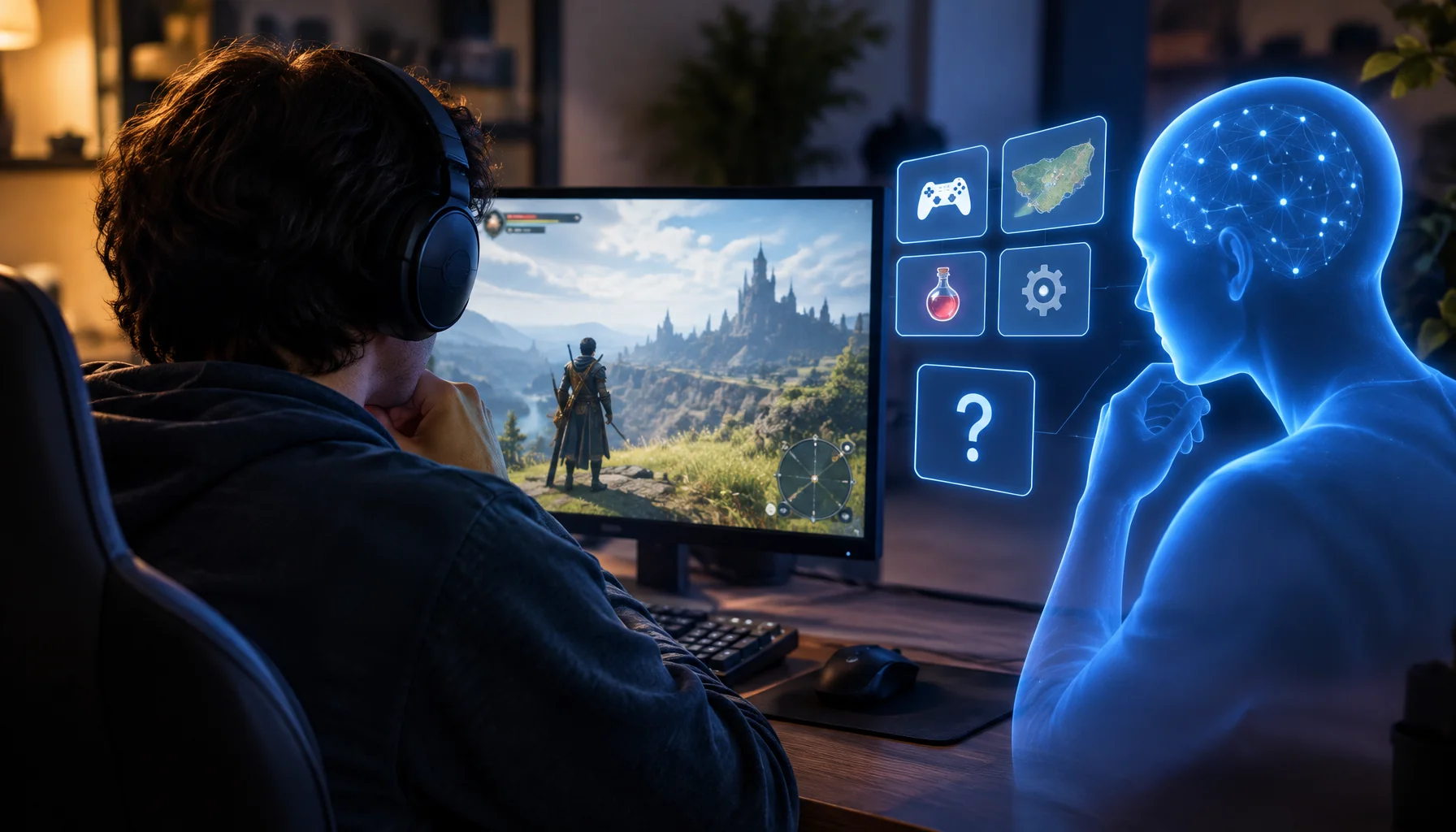
Your Game Assistant Knows the Game — But Does It Know Your Game State?
A gaming AI can understand the mechanics, know the current patch and still give bad advice because it does not know what is true in your actual run. This guide explains decision-critical game state, hidden variables, freshness and how to tell whether an assistant has enough context to make a valid recommendation.
Shader Stutter: Why First Runs Hitch and How to Reduce It
Shader stutter happens when new effects compile in real time. Learn how to identify it fast and the practical ways to reduce hitches without placebo tweaks.
Fix Stutter: A Simple Diagnosis Map (Shader, CPU, Streaming)
Not all stutter is the same. Use this quick diagnosis map to identify shader hitches, CPU spikes, or streaming issues and fix in the right order.