
ISP Routing Evidence Checklist: How to Prove a Bad Path
Routing issues are real, but support won’t act on feelings. You need evidence: consistent times, reproducible tests, and proof that the problem persists on Ethernet with minimal background load.
Evidence Checklist
- Wired test results (remove Wi-Fi).
- Time-of-day pattern notes (3+ days).
- Under-load vs idle comparison (bufferbloat ruled out).
- Multiple targets/regions (not one server only).
- Screenshots/logs of spikes and loss symptoms.
What to Say to Support
- Issue is reproducible on Ethernet, minimal load.
- Not a Wi-Fi/interference problem.
- Time windows and patterns documented.
- Request line quality and routing escalation.
Rule: don’t escalate until you’ve isolated your local path. Evidence turns ‘maybe’ into action.
Related Guides
Jitter Spikes ChecklistFind the trigger before escalation.
Packet Loss TriageLoss evidence and isolation.
Modem/ONT IssuesRule out the physical/link layer.
Matchmaking Lag MythsRouting can vary per match.
Related Articles
Stutter Fixes That Actually Work: Stop Chasing Random Graphics Tweaks
Most stutter ‘fixes’ fail because they don’t match the stutter type. Use this practical order: triage, reduce spikes, stabilize pacing, then tune settings.
Storage Streaming Stutter Fixes: When Assets Can’t Keep Up
Streaming stutter happens when new areas load: storage, decompression, or asset streaming limits. Use this fix order before you drop every graphics setting.
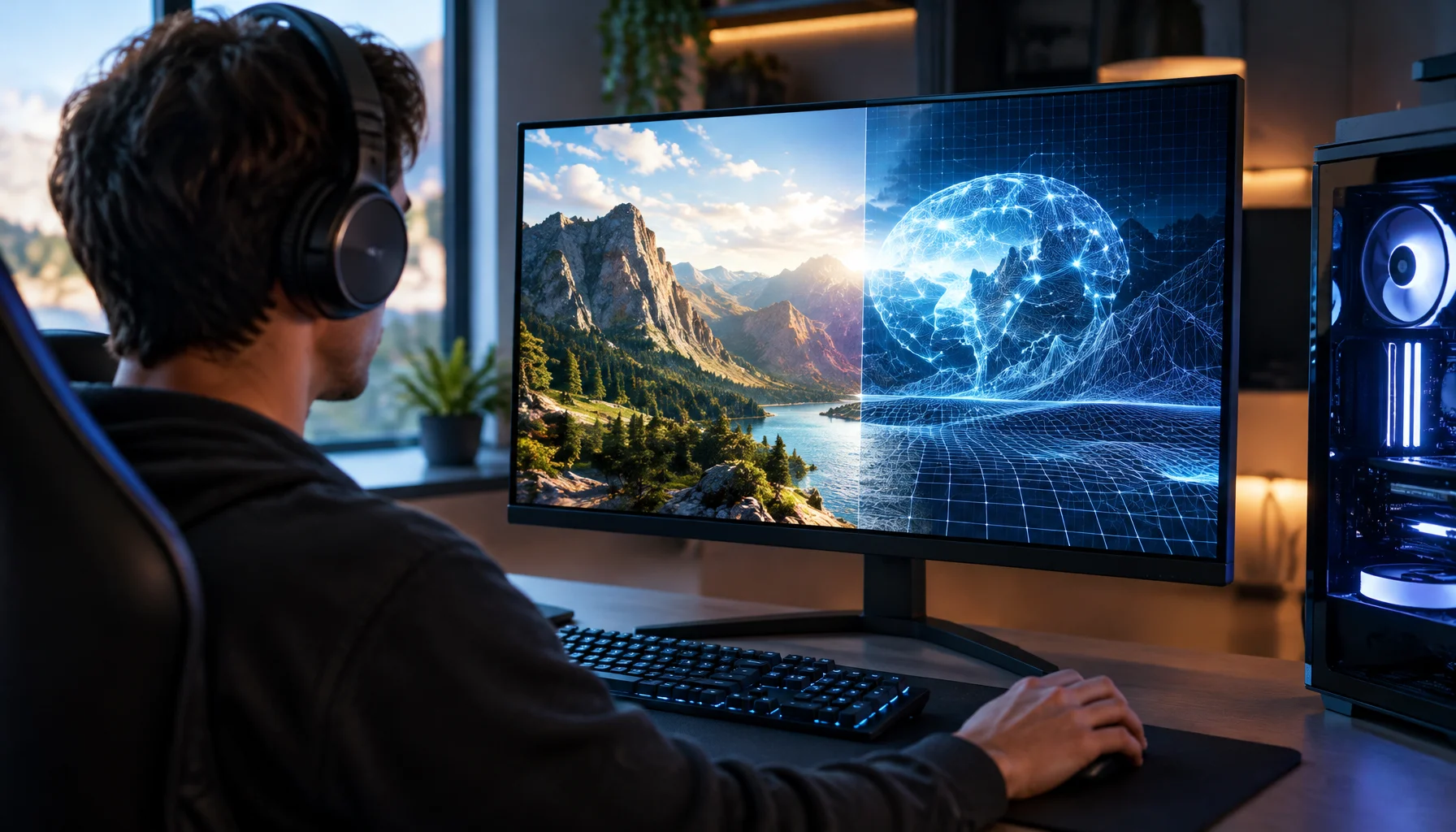
What Does “Future-Proof” Gaming Hardware Mean in the Neural Rendering Era?
Future-proofing used to mean buying more CPU, GPU and VRAM than you needed today. Neural rendering makes that rule less reliable. Here is a better decision framework.
BFI and Strobing: Clarity vs Flicker vs Latency (The Honest Tradeoff)
BFI/strobing can boost clarity, but it can also add flicker, reduce brightness, and break VRR. Use this guide to decide if the tradeoff is worth it.
Latency Features Explained: Reflex, Anti-Lag, and When They Actually Help
Latency features help only when the baseline is stable. Learn what Reflex/Anti-Lag type features do, when they reduce queue delay, and when they cause instability.
Motion Clarity for Gaming: Blur Sources and the Fix Order That Works
Motion clarity isn’t one setting. Blur comes from multiple sources. Use this fix order to improve readability without adding latency or artifacts.
Background Load Killers: The PC Checklist That Stops Random Heavy Feel
If the same game feels great one day and heavy the next, suspect background load. This checklist removes the common culprits: overlays, sync, scans, and scheduling spikes.
Comfort to Control: Why Ergonomics Improves Aim More Than You Think
Ergonomics is not optional. Fatigue changes grip, timing, and precision. Use a simple comfort baseline so your control stays consistent for hours.
Input Lag Chain Deep: Where Delay Builds Up (Click to Photon)
Input lag is a chain, not one number. Learn where delay accumulates from device to display, and the practical fix order that improves feel without placebo.
Router Placement for Gaming: Distance and Obstacles That Create Spikes
Before you buy a new router, fix the environment. Placement, obstacles, and interference create spikes that feel like lag and stutter.
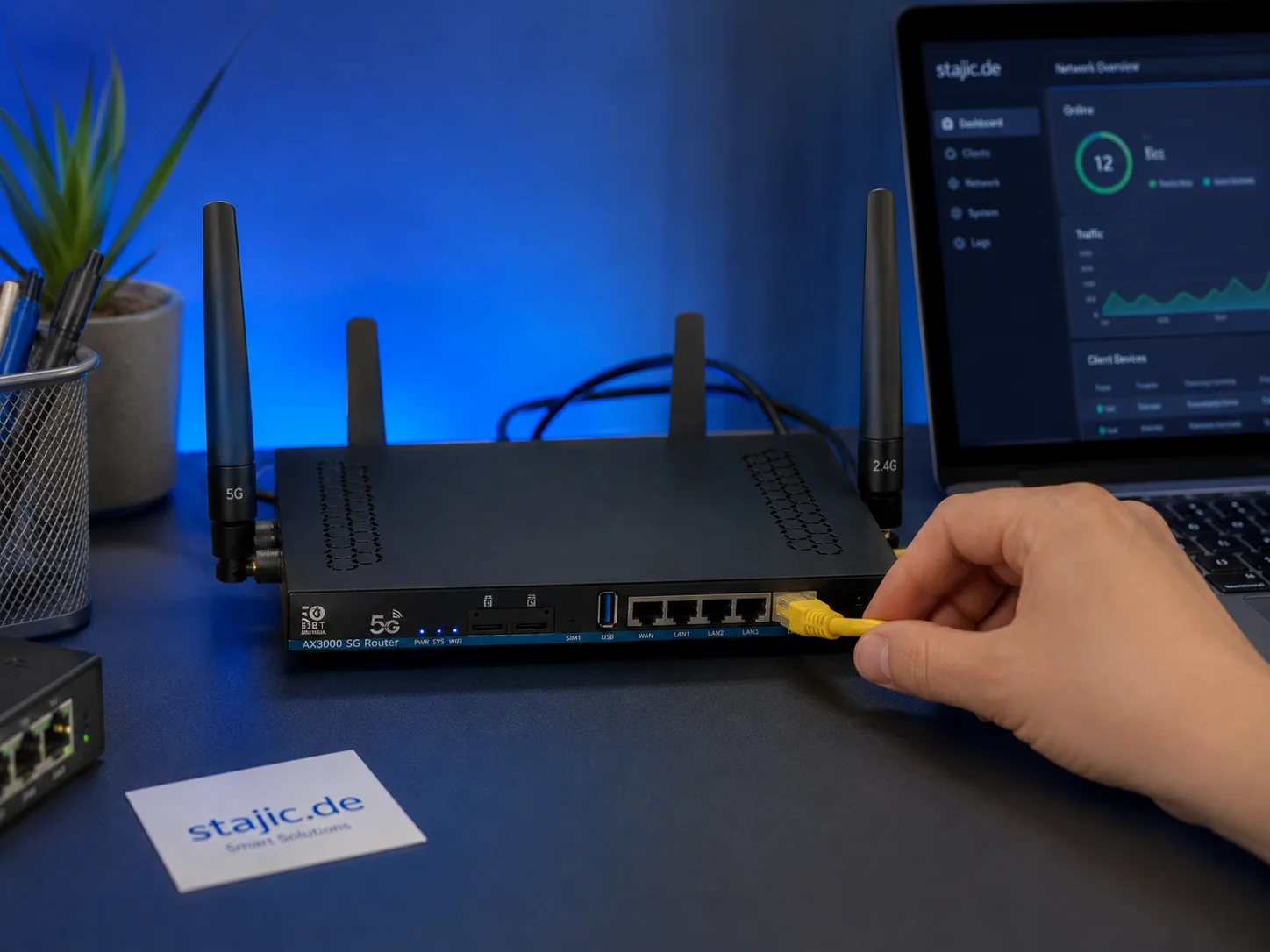
Why a 5G OpenWrt Router Can Be a Smart Upgrade for Gaming, Streaming and Mobile Work
A 5G OpenWrt router like the ZBT Z8102AX is more than a simple internet box. For gaming, streaming, mobile work and backup internet, it can become a flexible network platform with 5G connectivity, external antennas, dual-SIM potential and more control than many closed consumer routers.
Audio Chain for Gaming: One Clean Path from Game to Ears
Audio positioning improves when the chain is clean and stable. Build one path: one device, one mode, minimal processing, consistent levels.