
Why PC Games Stutter When Compiling Shaders — and How Advanced Shader Delivery Changes It
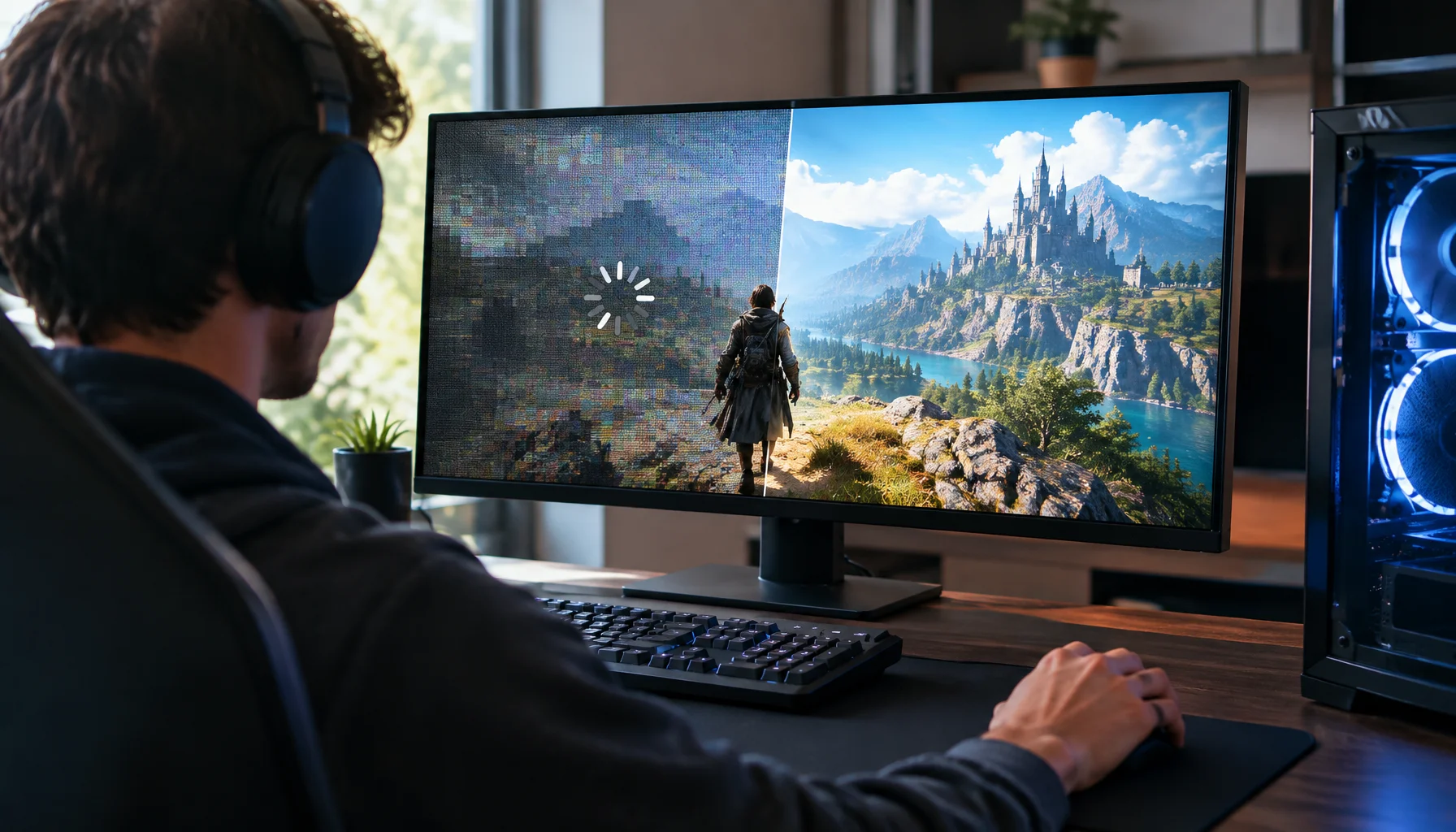
PC shader stutter exists because a game often cannot use a shader until that shader has been compiled for the exact GPU and driver environment running the game. Microsoft Advanced Shader Delivery changes where that compilation happens: instead of waiting for the player's PC, the work can be done ahead of time and the compiled shader data can arrive with the game.
Why PC games compile shaders in the first place
A shader is a small GPU program used for rendering tasks such as lighting, materials, shadows, post-processing and other graphics work.
The game usually ships shader code in an intermediate form. Before the GPU can execute it efficiently, the graphics driver compiles that code into a hardware-specific form.
On a console, the target hardware and driver environment are much more predictable. On a Windows PC, the game may run on many GPU models, driver versions and system configurations.
That hardware matrix is the reason PC shader compilation is harder to prepare completely in advance.
Where shader stutter comes from
If the game encounters a shader that is not already compiled, the driver may have to compile it while the game is running.
That work can interrupt the normal frame pipeline. The result can be a short hitch even when average FPS is high.
Once the compiled shader has been cached, the same hitch may not happen again until the cache is invalidated or new shader combinations are needed.
The normal shader-compilation path
Without Advanced Shader Delivery
What Advanced Shader Delivery changes
Advanced Shader Delivery moves the expensive compilation step into a distribution pipeline.
The game provides a standardized description of the shader state objects it can need. Microsoft calls that collection a State Object Database, or SODB.
The platform combines that game data with a separated shader compiler for the relevant hardware and driver environment to produce a Precompiled Shader Database, or PSDB.
The PSDB can then be distributed through the storefront alongside the game.
The SODB → PSDB pipeline
How Advanced Shader Delivery works
Why this is harder on PC than on console
Console vs PC shader preparation
| Console | Windows PC | |
|---|---|---|
| Hardware target | ||
| Driver environment | ||
| Precompilation | ||
| Cache stability |
Why a driver update can matter
Compiled shaders are not completely independent of the graphics driver.
A driver update can change the compiler or invalidate previously compiled cache data.
Microsoft's Advanced Shader Delivery architecture is designed to detect that environment change and refresh the precompiled shader data instead of leaving the player to rebuild everything manually.
Does this mean shader compilation screens disappear?
Potentially many of them can become much shorter or unnecessary, but Advanced Shader Delivery does not guarantee that every shader-related wait disappears.
The quality of the SODB matters. If the game fails to describe shader combinations that are later needed, those missing cases may still require local work.
Game updates can also introduce new shader states that need new precompiled data.
The Shader Availability Boundary
What decides whether the game can avoid local compilation?
| Covered by ASD | Outside the delivered database | |
|---|---|---|
| Shader state | ||
| Hardware target | ||
| Game version | ||
| Distribution |
What Microsoft's 90% and 95% numbers actually mean
Microsoft says Advanced Shader Delivery can reduce shader-related loading time by up to 90% in supported scenarios.
For Forza Horizon 6, Microsoft reported a specific internal example where loading dropped from almost 1.5 minutes to about 4 seconds on a Ryzen 7 5800 system with a Radeon RX 7600, which it described as roughly a 95% time saving.
Those figures should not be interpreted as a universal guarantee for every game, GPU or loading screen.
The Shader-Stutter Diagnosis Test
How to tell whether a hitch is really shader compilation
Shader stutter is not the same as asset-streaming stutter
Both problems can create a hitch when entering a new area, which makes them easy to confuse.
Shader compilation is about creating executable GPU programs. Asset streaming is about moving textures, geometry and other content into usable memory.
Advanced Shader Delivery targets the first problem. DirectStorage targets the second pipeline.
Why the storefront matters
Advanced Shader Delivery is not only a Direct3D API feature.
The system depends on a distribution service that knows which game version, GPU environment and compiled database belong together.
That is why Microsoft's current implementation is tied to Xbox PC app distribution rather than being something an individual player simply switches on globally.
Why this is not just another shader cache
A normal local shader cache is built after your own machine has already paid the compilation cost.
Advanced Shader Delivery attempts to deliver that useful compiled state before the cost reaches your machine.
Local shader cache vs Advanced Shader Delivery
| Local shader cache | Advanced Shader Delivery | |
|---|---|---|
| When compilation happens | ||
| Who pays the initial compile cost | ||
| First-run behavior | ||
| JIT shader stutter |
What developers actually have to do
The game still has to expose enough information for the platform to build a useful database.
Microsoft's current workflow asks developers to collect or programmatically generate an SODB, test it by compiling a PSDB locally, and submit the SODB through the storefront pipeline.
Agility SDK 1.619 also introduced application identity and statistics APIs so developers can identify the title consistently and measure how effectively a PSDB is being used.
What hardware works today?
Microsoft's June 2026 update lists Windows 11 version 24H2 or newer, the required Xbox Gaming Services version, AMD Radeon hardware based on RDNA 1 through RDNA 4, and AMD Adrenalin 26.6.1 or newer for the currently documented Xbox PC app path.
Microsoft has also said it is working with Intel and other hardware vendors, and that support will expand to more devices.
That means Advanced Shader Delivery should be treated as an expanding platform feature rather than a universal Windows capability on every GPU today.
Why this matters more than another FPS feature
Upscaling and frame generation improve the output of the rendering pipeline after the game is already running.
Advanced Shader Delivery attacks a different quality problem: a frame-time spike caused by preparing GPU programs at the wrong moment.
That is why the benefit can be visible even when average FPS does not change at all.
What would change this answer?
The biggest moving boundary is ecosystem support.
Microsoft is still expanding Advanced Shader Delivery across GPUs, storefront workflows and game-engine integrations. Hardware requirements and supported distribution paths can therefore change quickly.
A future implementation integrated broadly across major PC storefronts could make precompiled shader delivery much more transparent to players than it is today.
Limitations
This article describes Microsoft's documented Advanced Shader Delivery architecture and current Windows/Xbox PC app support as of September 2026.
Microsoft's reported load-time savings are vendor measurements from specific supported scenarios. They should not be treated as universal performance guarantees.
Conclusion
Advanced Shader Delivery solves a simple problem with a platform-level answer.
A PC game needs GPU-specific compiled shaders. Building them on the player's machine can cause long first launches and just-in-time stutter. ASD captures what the game needs, compiles it ahead of time for the target environment and delivers the result through the storefront.
The shader still exists. The compilation still happens. The important change is that it happens before the player needs it.
FAQ
Advanced Shader Delivery in plain English
What is Advanced Shader Delivery?
What is an SODB?
What is a PSDB?
Does ASD eliminate all shader stutter?
Is ASD the same as a local shader cache?
Does Advanced Shader Delivery increase FPS?
Glossary
Key shader-delivery terms
- Shader
- A GPU program used for graphics or compute work such as lighting, materials and post-processing.
- Shader compilation
- Turning shader code into a GPU-specific executable form that the driver and hardware can run.
- SODB
- State Object Database containing shader-state information collected from or generated for a game.
- PSDB
- Precompiled Shader Database containing shader data compiled ahead of time for a target environment.
- JIT compilation
- Just-in-time compilation performed when a shader is first needed during startup or gameplay.
- Shader Availability Boundary
- A Figure Rocks model describing when a shader can be served from delivered precompiled data and when local compilation is still required.
- Shader-Stutter Diagnosis Test
- A Figure Rocks workflow for separating shader-compilation hitches from other causes of frame-time spikes.
Primary sources
Microsoft Learn — Advanced Shader DeliveryOfficial Windows documentation covering the SODB-to-PSDB workflow, benefits and current platform model.
Microsoft DirectX — Introducing Advanced Shader DeliveryOfficial architecture explanation covering local shader compilation, SODB, PSDB and storefront distribution.
Microsoft DirectX — Advanced Shader Delivery at GDC 2026Official 2026 developer update covering SODB integration, application identity, statistics and Xbox Partner Center workflow.
Microsoft DirectX — Advanced Shader Delivery expands with AMDOfficial 2026 availability update covering Windows 11, AMD RDNA support, Xbox PC app distribution and Forza Horizon 6 measurements.
Related Articles
Shader Stutter: Why First Runs Hitch and How to Reduce It
Shader stutter happens when new effects compile in real time. Learn how to identify it fast and the practical ways to reduce hitches without placebo tweaks.
VRAM Usage Is Not VRAM Requirement: Why a Full Memory Meter Does Not Tell the Whole Story
Seeing 7.8 GB used on an 8 GB graphics card can look like proof that a game has run out of VRAM. It is not that simple. This guide explains VRAM capacity, residency budgets, working sets, shared memory and how to tell whether memory pressure is actually causing stutter.

Windows Auto SR Is Not DLSS: How NPU Upscaling Works Without Game Integration
Windows Auto SR can upscale supported games without DLSS, FSR or XeSS integration. Instead of running the reconstruction model inside the game on the GPU, Windows uses the NPU to rebuild a higher-resolution image from a lower-resolution render.
PUBG Ally Shows Why AI Teammates Need Two Brains: Fast Reflexes and Slow Reasoning
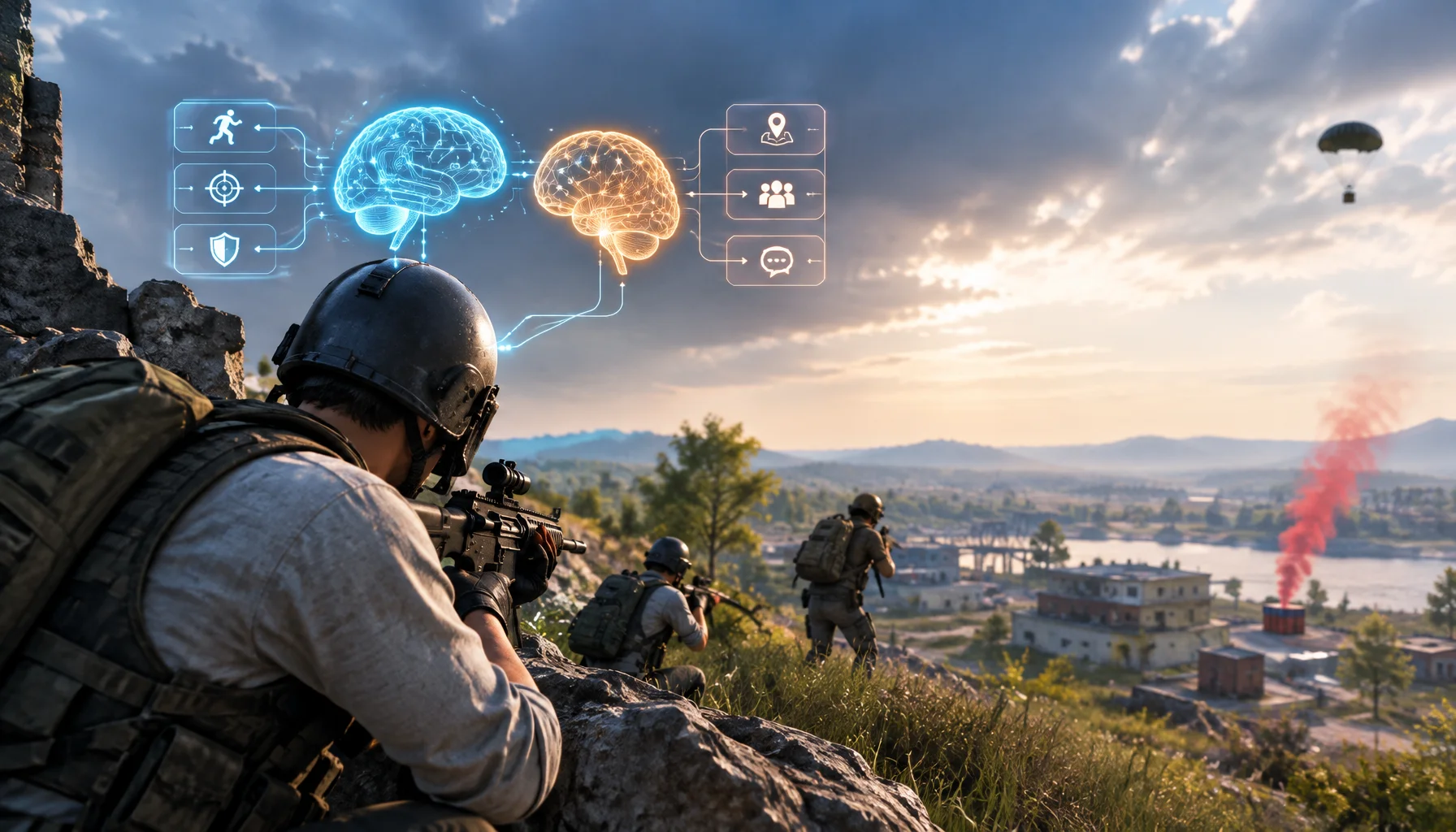
A language model can understand tactics and player intent, but it should not control every movement and combat reaction directly. PUBG Ally shows a more practical architecture: fast behavior-tree control for reflex actions, combined with a small language model for planning, coordination and natural conversation.
HDR vs SDR Decision Matrix: When HDR Helps and When SDR Wins
HDR is not always better. Use this simple decision matrix to pick HDR or SDR per game based on readability, stability, and your display’s real behavior.
120Hz Feels Worse? Diagnosis Checklist (Wrong Mode, VRR Range, Caps)
Higher refresh can expose instability. Use this checklist to diagnose why 120Hz feels worse: wrong mode, wrong refresh path, VRR range issues, or missing caps.
Shader Cache Basics: Reduce First-Run Hitches Without Fake Tweaks
Many first-run stutters are shader compilation. Learn what shader cache is, how to identify shader stutter, and what helps without placebo settings.
Motion Clarity: Why Blur Happens and the Fixes That Actually Work
Motion blur is not just a setting — it’s timing plus persistence. Learn the practical order: correct mode, correct refresh, then the few clarity fixes that matter.
Overdrive Tuning: The Clean Way to Reduce Blur Without Ghosting
Overdrive can improve clarity or add ugly halos. Use this simple method to pick the clean middle setting that reduces blur without ghosting artifacts.
Router Checklist for Gaming: The Settings That Actually Matter
Most router tweaks don’t help. These settings do: queue management under load, stable Wi-Fi behavior, and avoiding features that add latency or instability.
Lowered Graphics Settings but FPS Didn't Improve? You're Probably Tuning the Wrong Bottleneck
You lower shadows, effects and resolution, but the FPS barely changes. This guide explains why graphics settings only help when they reduce the workload that is actually limiting the frame—and how to identify CPU, GPU, memory, streaming and frame-cap bottlenecks.

AMD FSR Redstone Is Not Just FSR 4: Upscaling, Frame Generation, Ray Regeneration and Radiance Caching Explained
AMD’s FSR naming changed because FSR is no longer one feature. Redstone is now a neural-rendering suite with separate technologies for upscaling, frame generation, ray-traced reconstruction and learned global illumination.